Product Description
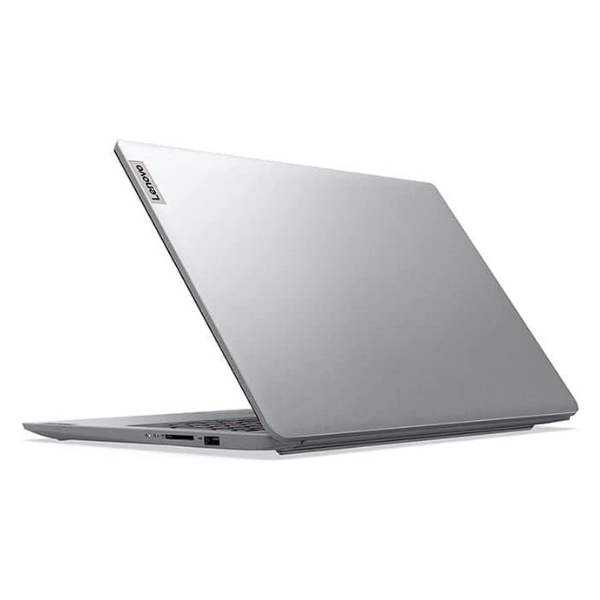
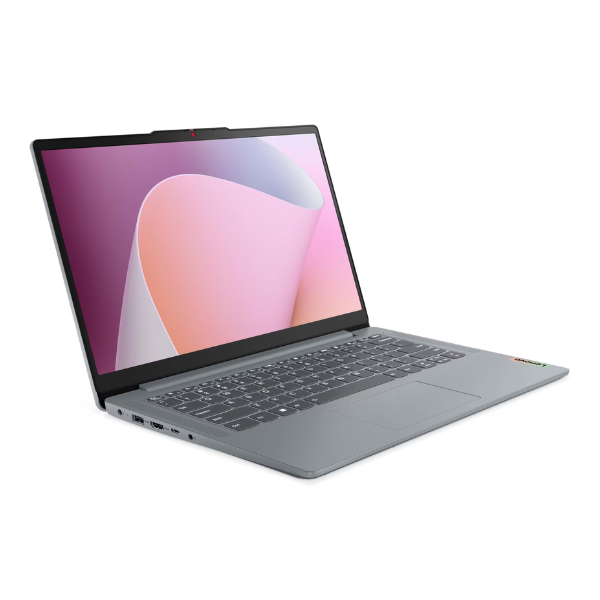
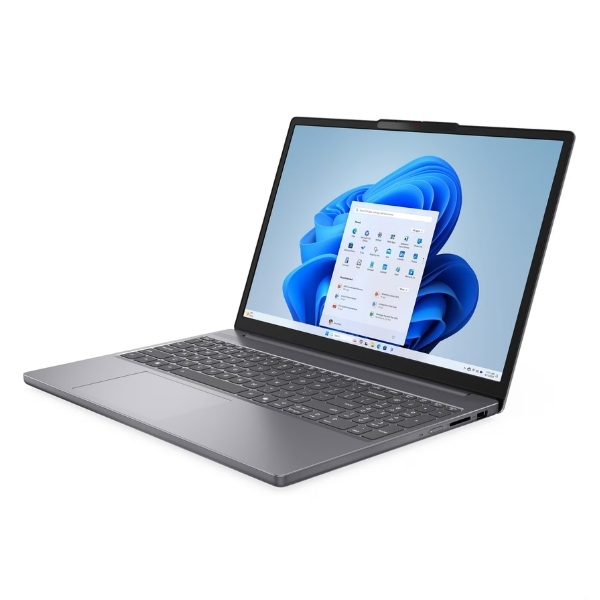
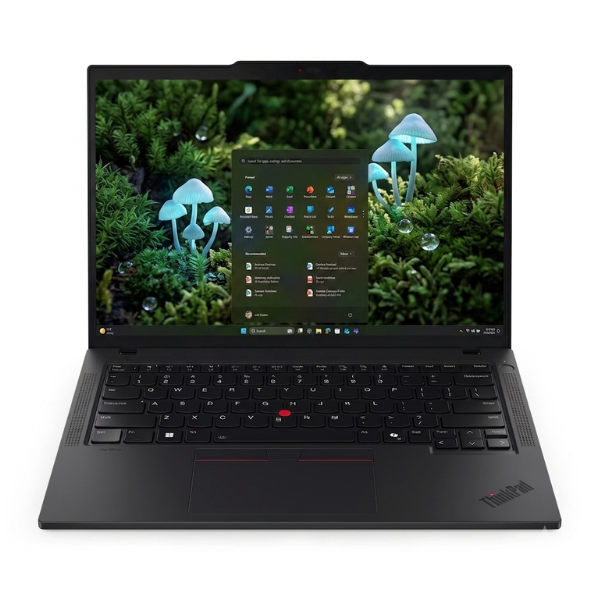
Unleash powerful, AI-driven performance with the BRAND NEW Lenovo ThinkPad T14 Gen 6. This laptop is engineered for the modern professional in Uganda who demands reliability, speed, and intelligence. Powered by the cutting-edge Intel® Core™ Ultra 7 processor, it's designed to handle demanding applications, complex spreadsheets, and heavy multitasking with incredible efficiency, helping you work smarter, not harder.
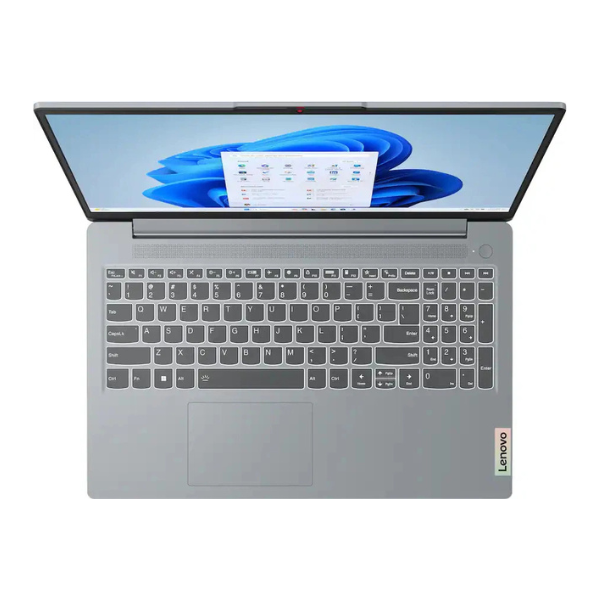
Built on the legendary ThinkPad platform, this machine is more than just powerful—it's tough. It features the award-winning backlit keyboard for comfortable typing in any lighting, and its durable chassis is built to withstand the rigours of daily commutes and business travel. Security is paramount, with features like a fingerprint reader and a webcam privacy shutter (ThinkShutter) to protect your sensitive data. This isn't just a tool; it's a reliable partner for your business success.
With 16GB of the latest DDR5 RAM and a super-fast 512GB NVMe SSD, you'll experience instant boot-ups and lightning-fast access to your files and programs. The vibrant 14-inch WUXGA display provides crisp, clear visuals, perfect for presentations or relaxing with a movie after a long day. Whether you're in the office in Kampala, studying at university, or working remotely, this brand new, sealed ThinkPad T14 Gen 6 is the ultimate device for productivity and peace of mind.
📖 HOW TO USE
1. Carefully unbox your brand new ThinkPad and all its accessories from the sealed packaging.
2. Connect the included 65W USB-C power adapter and plug it into a wall socket to fully charge the battery before first use.
3. Press the power button located near the keyboard to turn on the laptop.
4. Follow the on-screen instructions to complete the Windows 11 Pro setup, connect to your Wi-Fi network, and sign in.
5. Install your essential software like Microsoft Office and start enjoying your powerful new business laptop.
💡 TIPS & CARE
• Regularly check for updates through the Lenovo Vantage app to ensure your drivers and system are optimized.
• Invest in a ThinkPad docking station to easily connect to monitors, keyboards, and other peripherals at your desk.
• Use a protective laptop sleeve or bag to safeguard your device during transport.
• Take advantage of the Thunderbolt 4 ports for high-speed data transfers and connecting to 4K displays.