Product Description
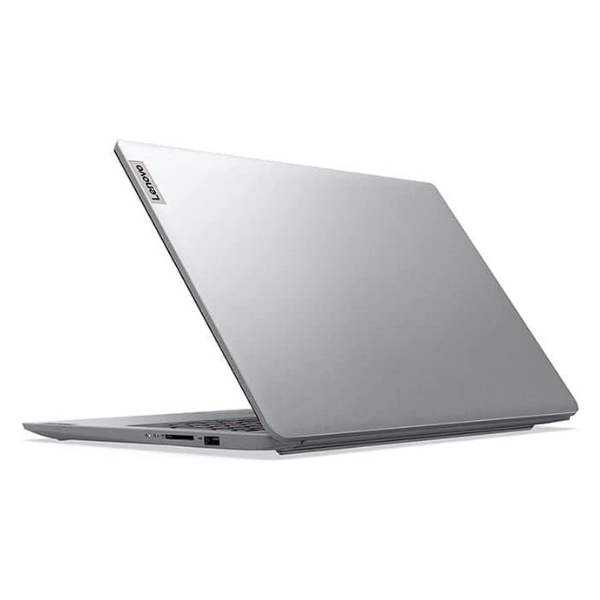
Unlock new levels of productivity with the BRAND NEW Lenovo ThinkPad E16 Gen 3. This laptop is engineered for the modern professional in Uganda who demands reliability, power, and security. Powered by the latest Intel Core Ultra 7 processor and 16GB of high-speed DDR5 RAM, it handles demanding applications, complex spreadsheets, and heavy multitasking without breaking a sweat. The spacious 512GB NVMe SSD ensures lightning-fast boot times and instant access to your important files, so you can get to work faster.
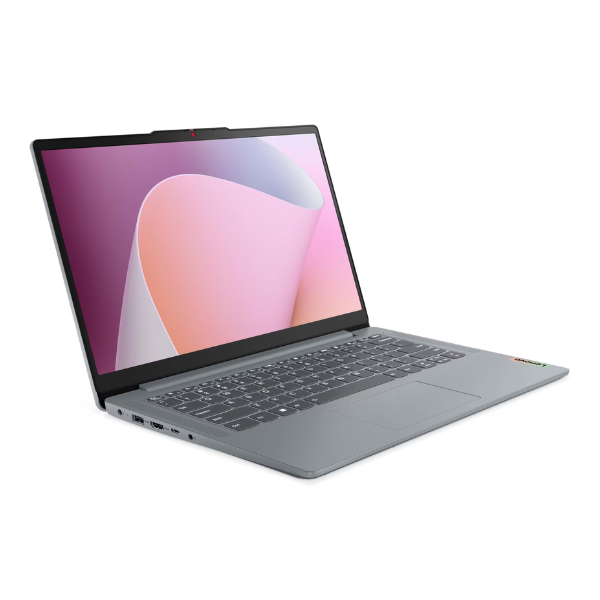
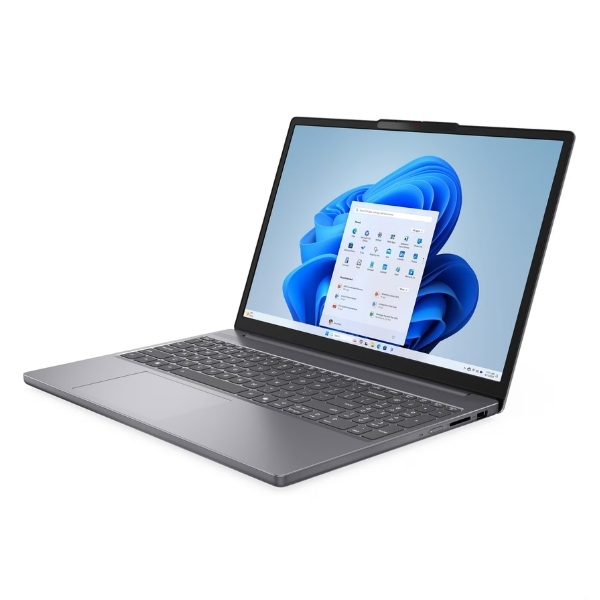
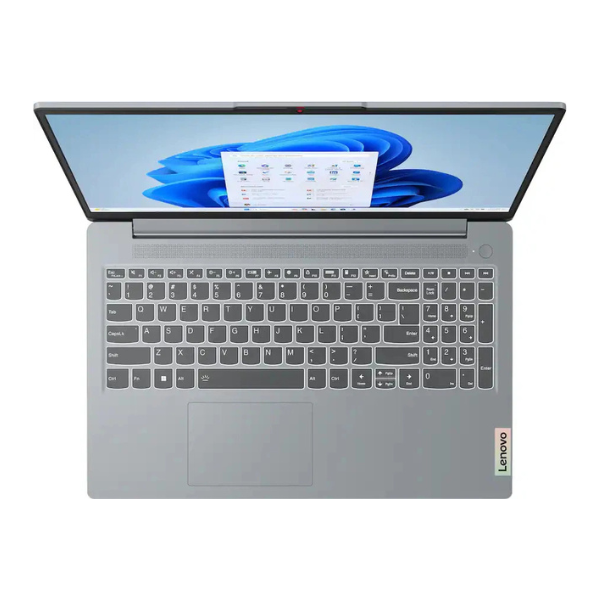
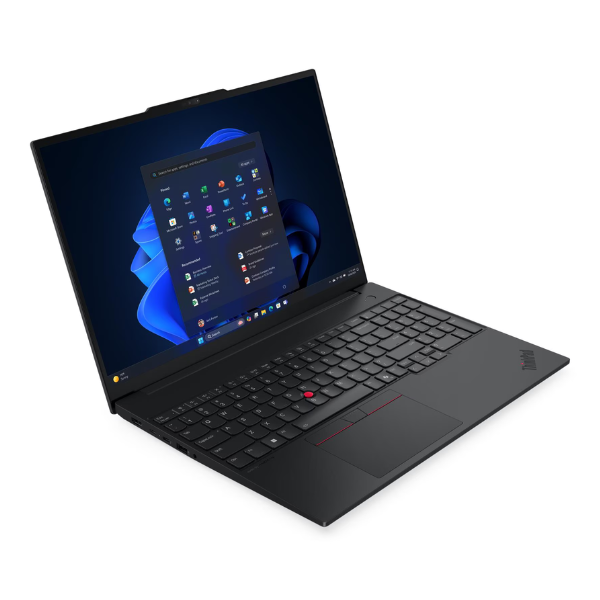
Built to the legendary ThinkPad standard, the E16 boasts a durable chassis that can withstand the rigors of daily use, whether you're in the office or on the move. The large 16-inch WUXGA display provides ample screen real estate with crisp, clear visuals, making it perfect for everything from detailed reports to video conferencing. The award-winning ThinkPad keyboard offers a comfortable and precise typing experience, reducing fatigue during long work sessions. This is a brand new, sealed unit, ready to be your trusted business partner from day one.
This laptop is the ideal choice for business owners, accountants, software developers, and university students who need a machine that just works. With a full range of ports including USB-C, HDMI, and USB-A, connecting to peripherals and external displays is simple. Enjoy enhanced security features like a webcam privacy shutter and a fingerprint reader, all running on the secure and efficient Windows 11 Pro operating system. Invest in a tool that will elevate your work and provide dependable performance for years to come.
📖 HOW TO USE
1. Carefully unbox the laptop and all included accessories.
2. Connect the included power adapter to the laptop and plug it into a wall socket to begin charging.
3. Press the power button to turn on the laptop for the first time.
4. Follow the on-screen prompts to complete the initial Windows 11 Pro setup.
5. Connect to your local Wi-Fi network to access the internet and install necessary software.
💡 TIPS & CARE
• Install a reputable antivirus software to protect against malware.
• Use a surge protector to safeguard the laptop from power fluctuations.
• Regularly back up your important data to an external drive or cloud service.
• Keep the keyboard and vents clean from dust to ensure optimal performance and cooling.