Product Description
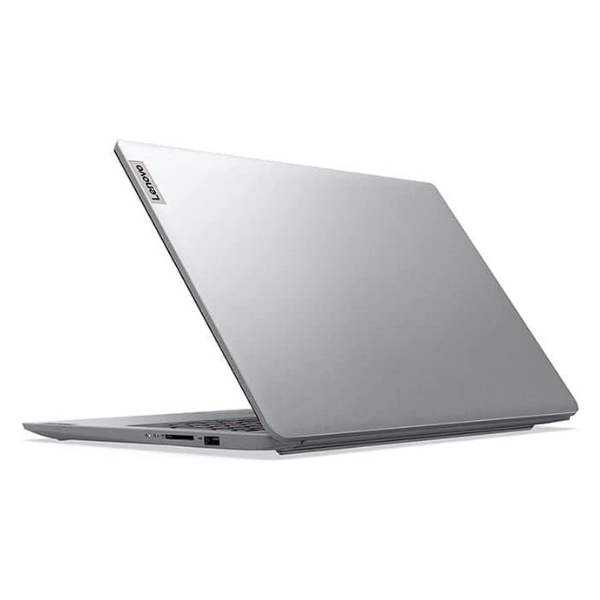
Unleash your full potential with the BRAND NEW Lenovo ThinkPad E16 Gen 2, a powerhouse laptop designed for the modern professional in Uganda. Engineered for performance and reliability, this machine is equipped with the revolutionary Intel® Core™ Ultra 7 processor, making demanding tasks like data analysis, graphic design, and video conferencing feel effortless. Whether you're in the office in Kampala or working remotely, the ThinkPad E16 is your trusted partner for productivity.
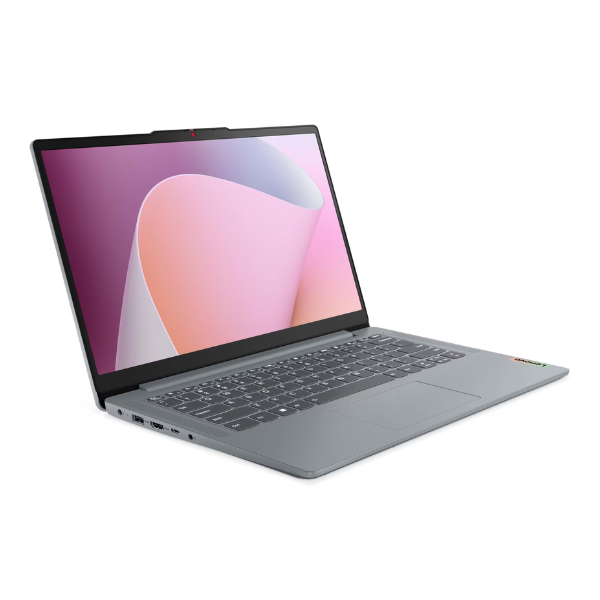
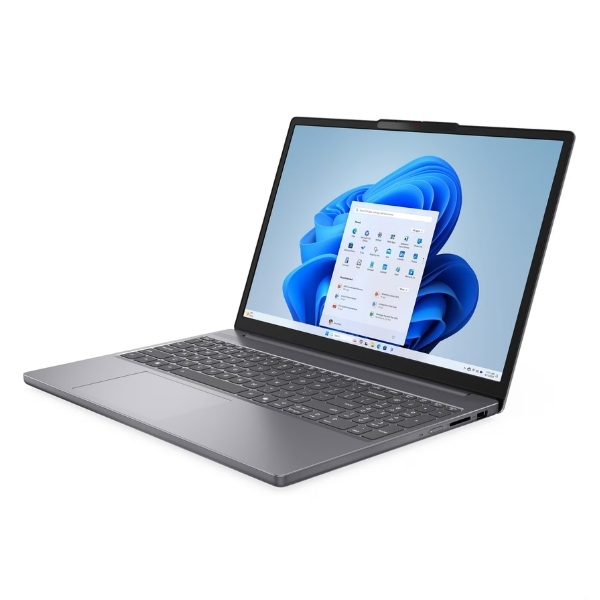
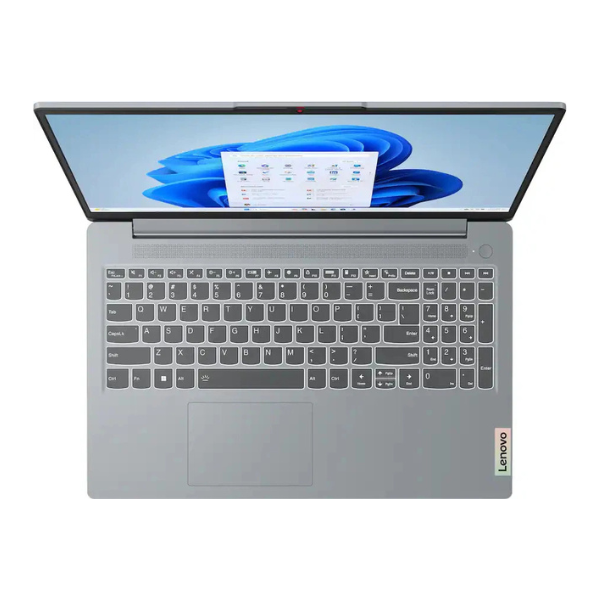
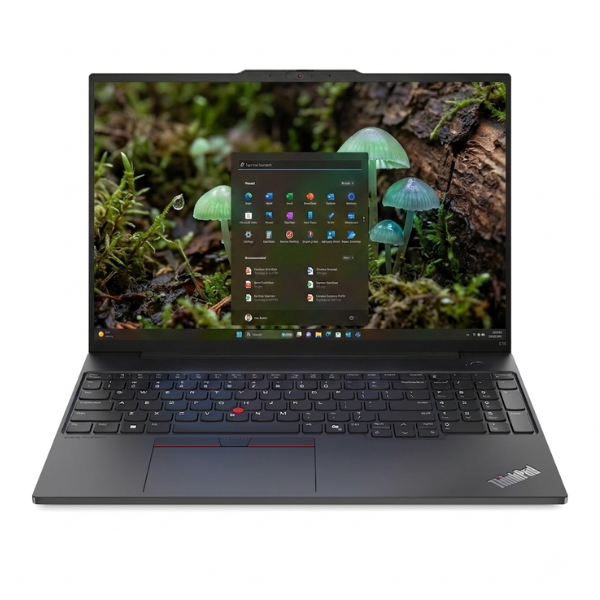
This brand new, sealed laptop combines raw power with smart features. With 16GB of the latest DDR5 RAM and a super-fast 512GB NVMe SSD, you can switch between applications instantly and boot up in seconds. The large 16-inch WUXGA display with a 16:10 aspect ratio gives you more vertical space to work, reducing scrolling and improving your workflow. The legendary ThinkPad keyboard, complete with a numeric keypad, offers an unmatched typing experience for all-day comfort and accuracy.
Built to withstand the rigors of daily use, the ThinkPad E16 is not just powerful but also durable. Its robust construction ensures it can handle your daily commute and workload. Enjoy crystal-clear video calls with the FHD webcam and keep your privacy secure with the built-in shutter. With a comprehensive selection of ports, including Thunderbolt 4, connecting to all your peripherals is simple. This is the perfect brand new machine for business owners, students, and power users who demand performance and reliability without compromise.
📖 HOW TO USE
1. Carefully unbox the laptop and all included accessories from the sealed package.
2. Connect the provided AC adapter to the laptop and a power source, and allow it to charge fully before first use.
3. Press the power button located on the top right of the keyboard deck to turn on the laptop.
4. Follow the on-screen prompts to complete the initial Windows 11 Pro setup.
5. Connect to your Wi-Fi network, sign in with your Microsoft account, and begin installing your essential software.
💡 TIPS & CARE
• Install a reliable antivirus software to protect your data from online threats.
• Use the pre-installed Lenovo Vantage software to keep your system drivers and BIOS updated for optimal performance.
• Invest in a quality laptop bag or sleeve to protect your ThinkPad from scratches and bumps during travel.
• Utilize the Thunderbolt 4 port for high-speed data transfer and connecting to external displays.