Product Description
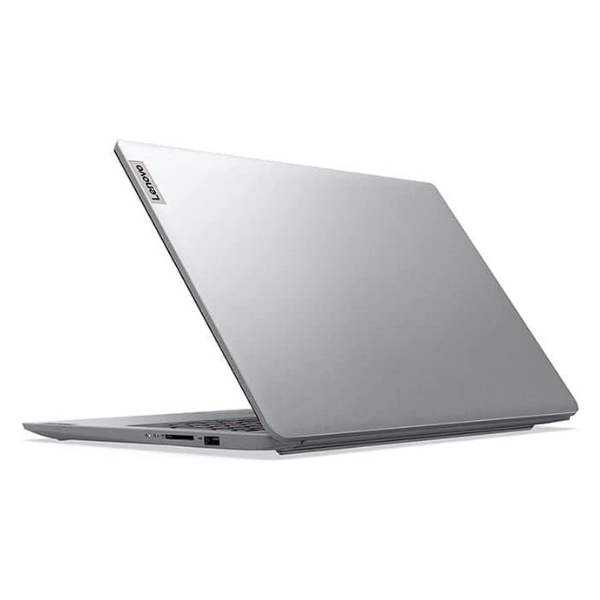
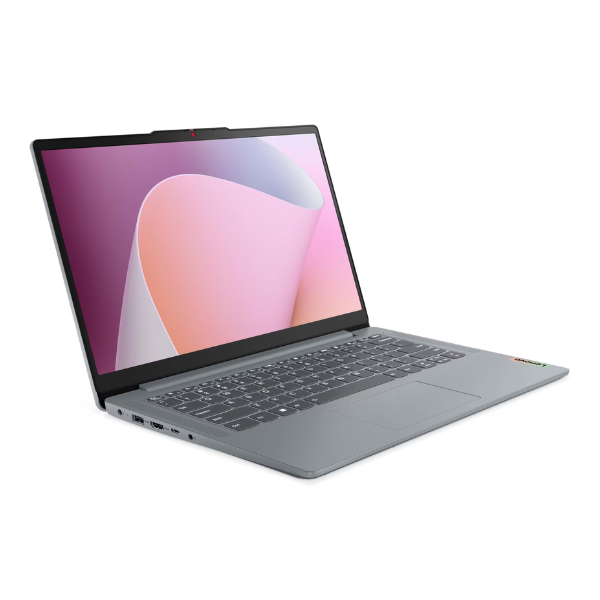
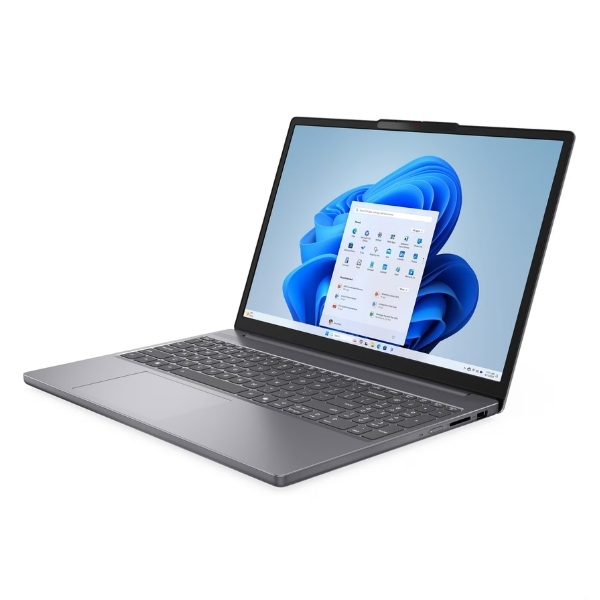
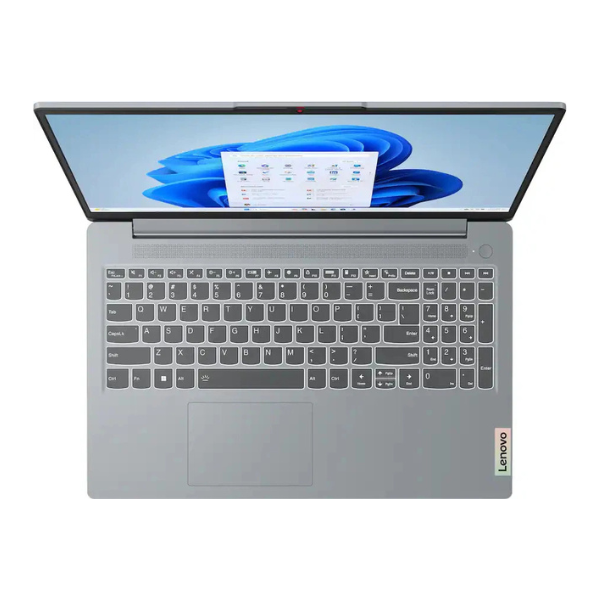
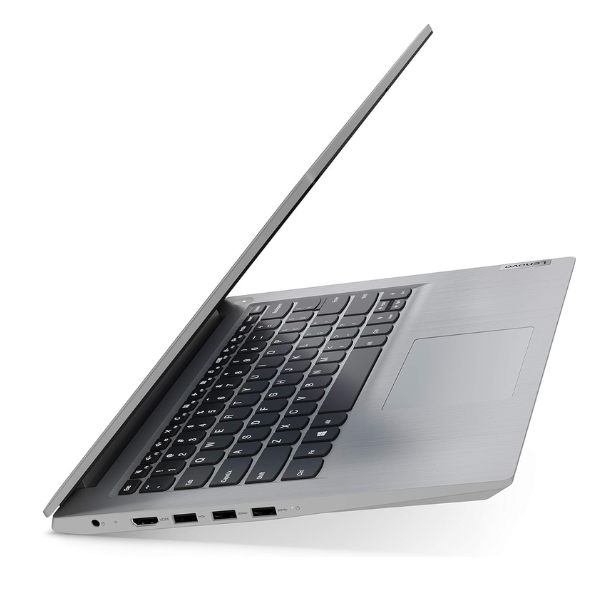
Unlock new levels of productivity with the BRAND NEW Lenovo ThinkPad E14 Gen 7. This laptop is engineered for the modern professional in Uganda who demands power, reliability, and portability. At its heart is the cutting-edge Intel Core Ultra 7 155H processor, designed to handle demanding applications, complex spreadsheets, and heavy multitasking with incredible speed and AI-powered efficiency. Paired with 16GB of the latest DDR5 RAM, you can switch between programs seamlessly without any lag, ensuring your workflow is never interrupted.
The user experience is exceptional. Interact with your work directly on the vibrant 14-inch WUXGA IPS touchscreen, offering crisp details and wide viewing angles. The legendary ThinkPad keyboard provides a comfortable and accurate typing experience, perfect for long work sessions. With a massive 1TB NVMe SSD, you get lightning-fast boot times, instant application launches, and ample space for all your important files, projects, and media. Built to withstand the rigors of daily use, this ThinkPad has been tested for durability, giving you peace of mind whether you're in the office or on the move.
This brand new, sealed laptop comes ready to perform right out of the box. Key features include:
- Powerful Performance: Intel Core Ultra 7 processor for top-tier computing.
- Effortless Multitasking: 16GB of high-speed DDR5 RAM.
- Vast & Fast Storage: 1TB NVMe Solid State Drive for quick data access.
- Intuitive Touchscreen: A responsive 14-inch display for enhanced interaction.
- Legendary Durability: Built to last and handle everyday challenges.
Ideal for business owners, IT professionals, and ambitious students, the ThinkPad E14 Gen 7 is a smart investment in your productivity.
📖 HOW TO USE
1. Carefully unbox the laptop and all included accessories.
2. Connect the included power adapter to the laptop and plug it into a power outlet to charge fully before first use.
3. Press the power button to turn on the device.
4. Follow the on-screen instructions to complete the initial Windows 11 Pro setup.
5. Connect to your Wi-Fi network to access the internet and download updates.
💡 TIPS & CARE
• Install a reliable antivirus software to protect your data.
• Use the pre-installed Lenovo Vantage software to keep your system drivers and BIOS updated.
• Invest in a quality laptop bag or sleeve to protect your device during transport.
• Regularly back up your important files to an external drive or cloud service.