Product Description
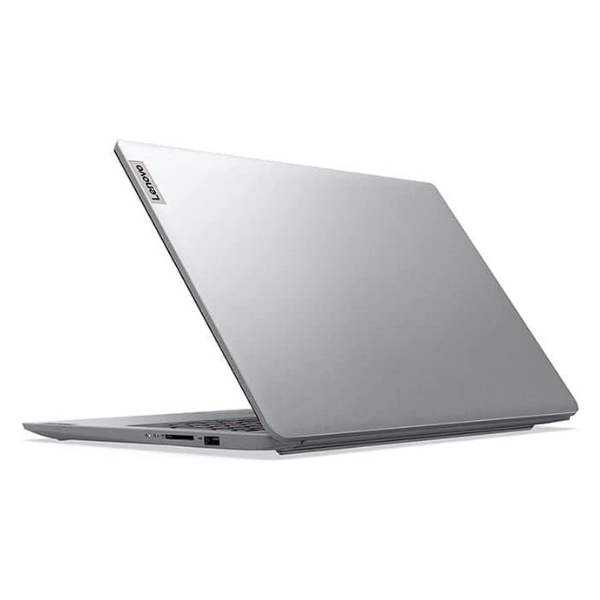
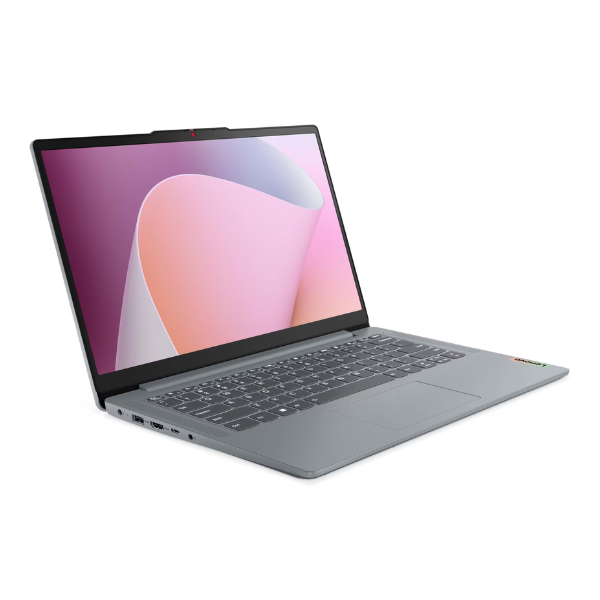
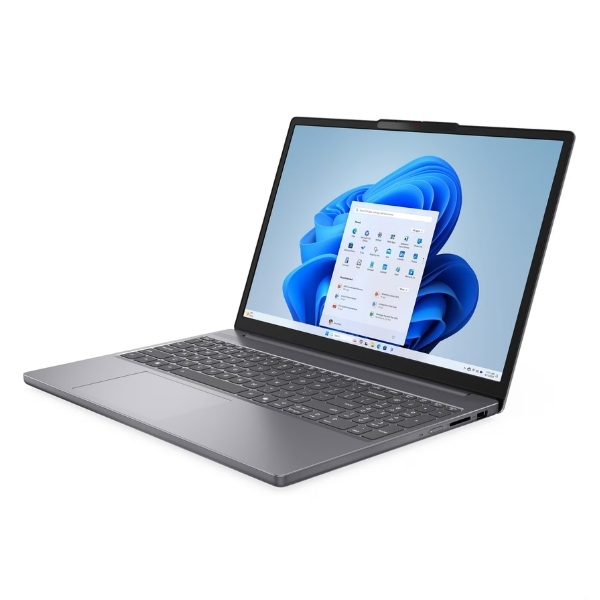
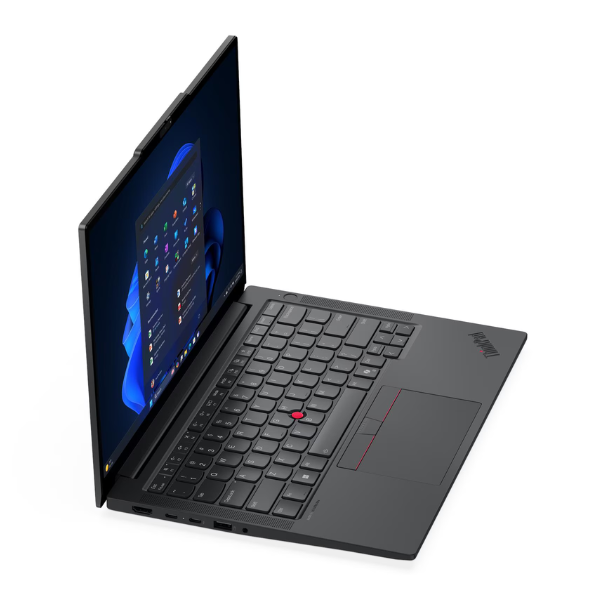
Meet the future of business productivity with the BRAND NEW Lenovo ThinkPad E14 Gen 7. This laptop is engineered for the modern professional in Uganda who demands performance, durability, and security. Powered by the groundbreaking Intel Core Ultra 7 processor, it handles demanding applications, complex spreadsheets, and heavy multitasking without breaking a sweat. With 16GB of high-speed DDR5 RAM and a lightning-fast 512GB NVMe SSD, you'll experience instant boot times and rapid file access, keeping your workflow smooth and efficient.
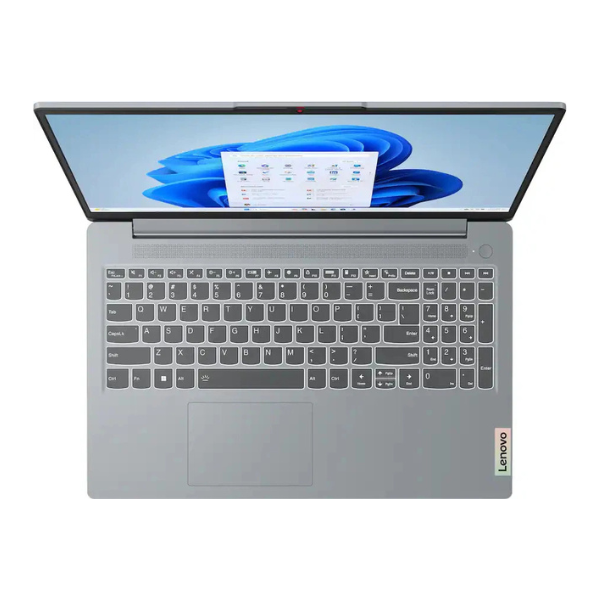
Built to withstand the rigors of daily use, the ThinkPad E14 Gen 7 carries the legendary ThinkPad durability and reliability. The award-winning keyboard provides a comfortable and precise typing experience, perfect for long work sessions. Its stunning 14-inch WUXGA display with a 16:10 aspect ratio offers more vertical screen space, reducing scrolling and improving productivity. The anti-glare finish ensures comfortable viewing even in bright environments, making it ideal for working from the office, home, or on the go.
This laptop is your perfect partner for success. Whether you're a business owner managing operations, a student tackling complex projects, or a professional navigating a hybrid work environment, the ThinkPad E14 G7 delivers. Its comprehensive port selection, including Thunderbolt 4, ensures you can connect to all your essential peripherals. Get your hands on this brand new, sealed powerhouse and elevate your productivity to new heights.
📖 HOW TO USE
1. Carefully unbox the laptop and all included accessories, including the AC power adapter.
2. Connect the power adapter to the laptop and a wall outlet, and let it charge fully for the first time.
3. Press the power button to turn on the laptop.
4. Follow the on-screen instructions to complete the initial Windows 11 Pro setup.
5. Connect to your Wi-Fi network and install any critical updates through Windows Update and Lenovo Vantage software.
💡 TIPS & CARE
• Regularly check for driver and BIOS updates using the pre-installed Lenovo Vantage app to ensure optimal performance.
• Invest in a quality laptop sleeve or bag to protect your new ThinkPad from scratches and bumps during travel.
• Take advantage of the Thunderbolt 4 port to connect to a docking station for a powerful single-cable desk setup.
• Customize the TrackPoint and touchpad settings to fit your personal workflow for maximum efficiency.