Product Description
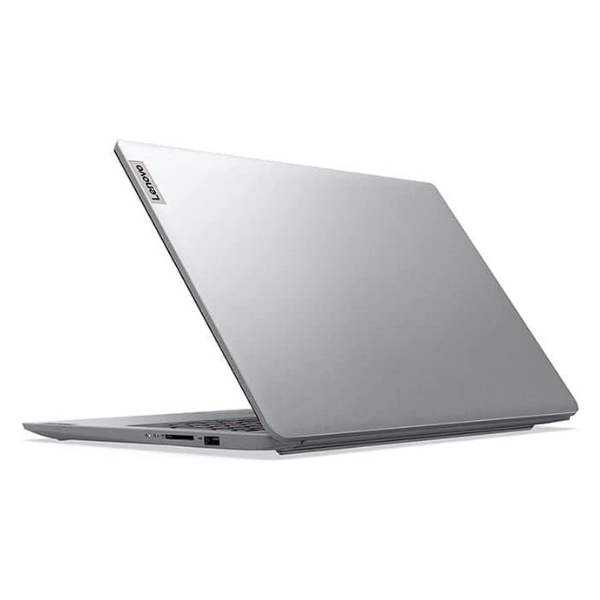
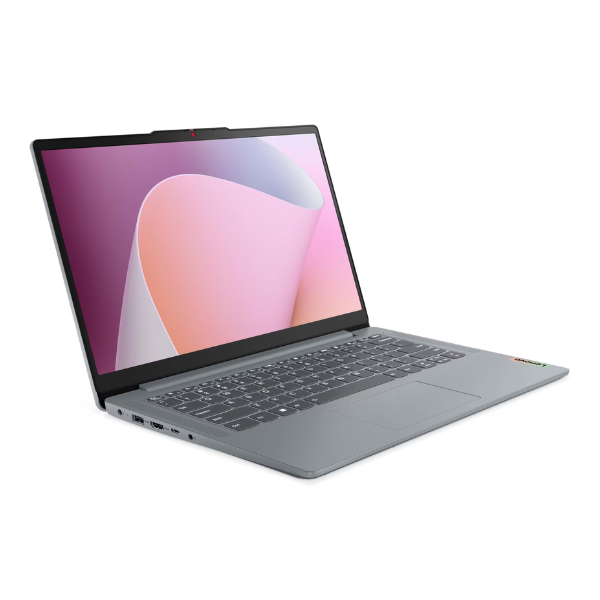
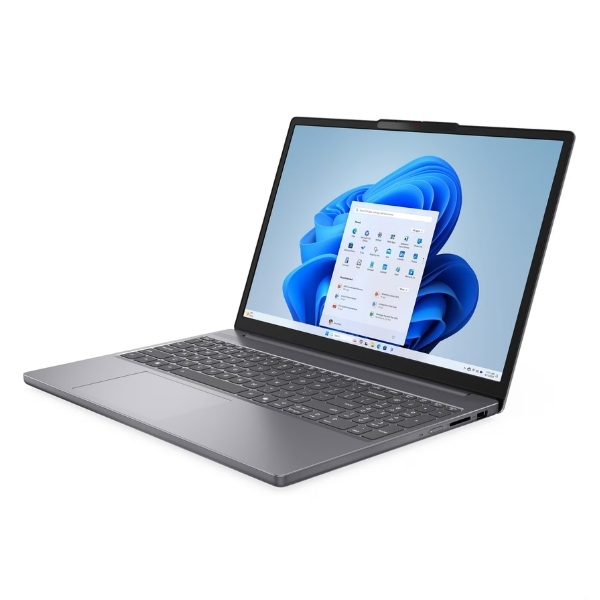
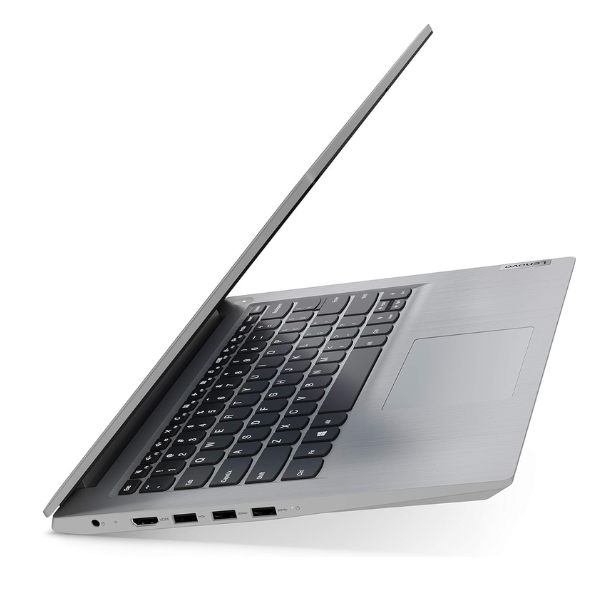
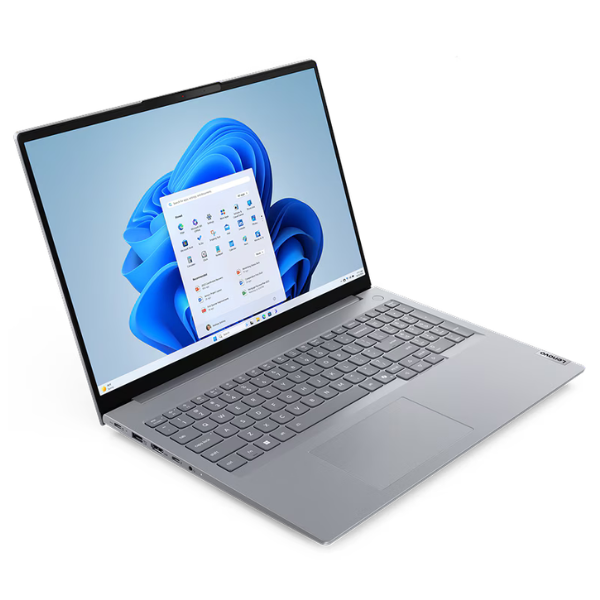
Meet your new business partner, the BRAND NEW Lenovo ThinkBook 16 Gen 8. This laptop is engineered for modern professionals in Uganda who demand performance, security, and style. Straight out of the box, you'll feel its premium build quality and appreciate the sleek, professional Arctic Grey finish that stands out in any office or meeting room.
Powered by a robust Intel® Core™ i5 processor and a massive 16GB of DDR5 RAM, this machine handles multitasking with ease. Switch between spreadsheets, video calls, and demanding applications without any slowdown. The super-fast 512GB NVMe SSD ensures your laptop boots up in seconds and loads files instantly, saving you valuable time. The large 16-inch WUXGA display provides more screen space with sharp, vibrant colours, making it perfect for detailed work and after-hours entertainment.
- Peak Performance: Tackle any task with the powerful combination of an Intel Core i5 CPU and 16GB of next-generation DDR5 memory.
- Speedy Storage: The 512GB SSD offers lightning-fast boot times and quick access to all your important files and programs.
- Stunning Visuals: The expansive 16" WUXGA (1920x1200) IPS anti-glare display offers crisp details and a comfortable viewing experience for long work sessions.
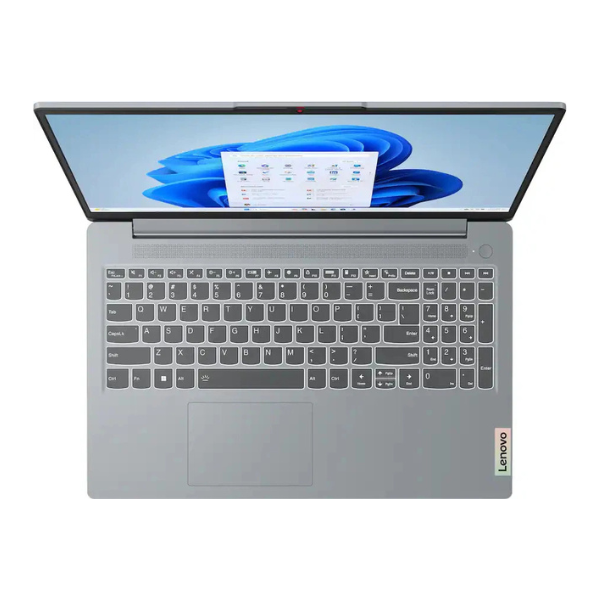
- Built for Business: Comes with Windows 11 Pro and includes essential security features like a webcam privacy shutter and a fingerprint reader for secure, easy login.
Whether you're working from an office in Kampala or a remote location up-country, the Lenovo ThinkBook 16 is your reliable companion for success. It's a brand new, powerful tool designed to boost your productivity from day one.
📖 HOW TO USE
1. Carefully unbox the laptop and all its accessories from the sealed package.
2. Connect the included AC power adapter to the laptop and plug it into a power outlet to begin charging.
3. Press the power button to turn on your new ThinkBook.
4. Follow the on-screen prompts to complete the initial Windows 11 Pro setup.
5. Connect to your Wi-Fi network, sign in with your Microsoft account, and start installing your essential software.
💡 TIPS & CARE
• Install a reliable antivirus program to protect your data from threats.
• Regularly check for and install Windows updates to ensure you have the latest features and security patches.
• Use a protective laptop sleeve or bag when travelling to prevent scratches and damage.
• For enhanced productivity, consider pairing it with a wireless mouse and an external monitor for a desktop-like setup.