Product Description
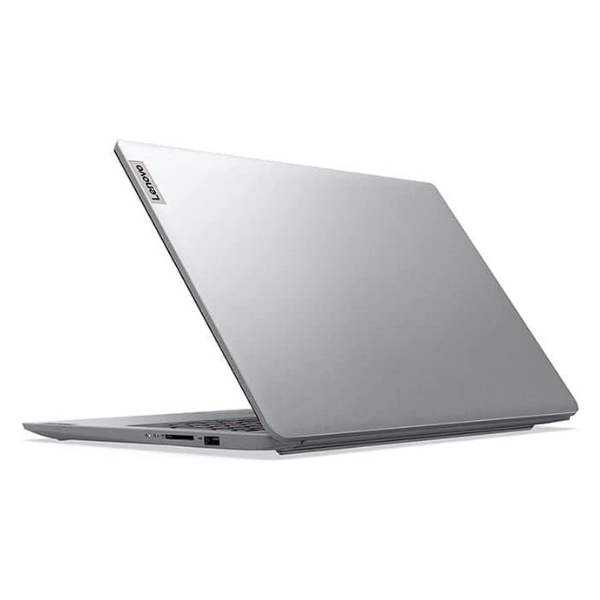
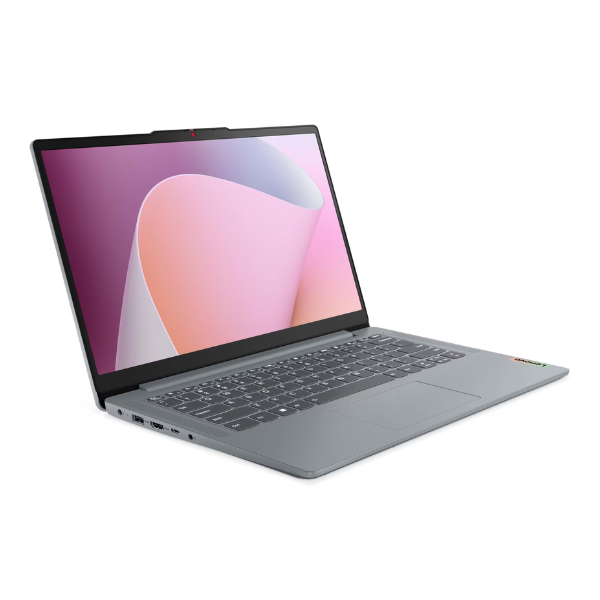
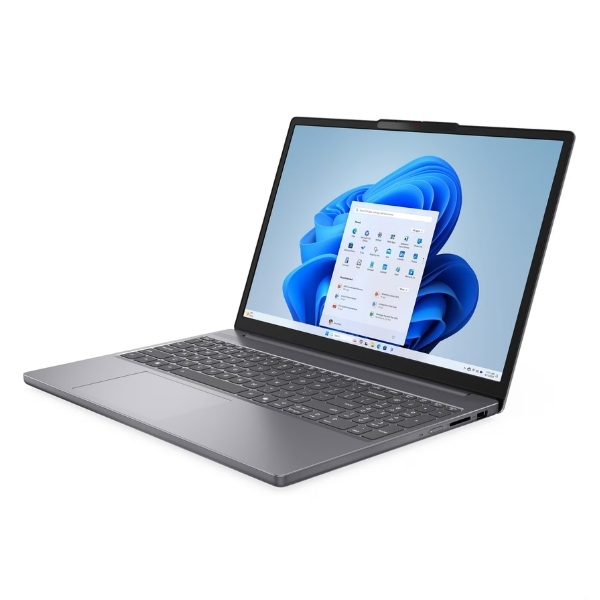
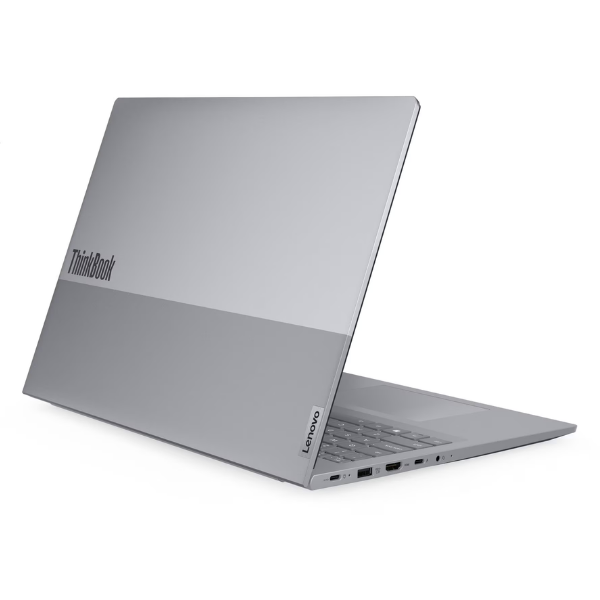
Unleash your productivity with the BRAND NEW Lenovo ThinkBook 16 G8, a powerful and stylish laptop designed for the modern professional in Uganda. Its sleek Arctic Grey finish and durable build make it the perfect companion for both office work and business travel. This machine is built to handle demanding tasks with ease, offering a perfect blend of performance, security, and portability.
At its heart is the revolutionary Intel Core Ultra 5 processor, engineered with built-in AI capabilities to accelerate your workflow like never before. Paired with a massive 16GB of high-speed DDR5 RAM, you can run multiple applications, from complex spreadsheets to creative software, without any lag. The super-fast 512GB NVMe SSD ensures your laptop boots up in seconds and applications load instantly, giving you more time to focus on what matters. The large 16-inch WUXGA display provides ample screen space with crisp, clear visuals, making it ideal for presentations, design work, or simply enjoying media.
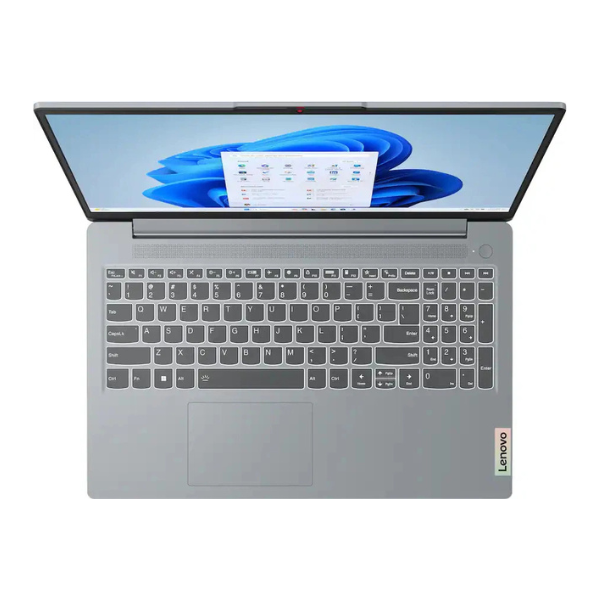
For the Ugandan professional, student, or entrepreneur, the ThinkBook 16 G8 is a reliable tool for success. Its robust connectivity options, including Wi-Fi 6E and Thunderbolt 4, keep you connected at the fastest speeds. The comfortable keyboard and long battery life mean you can work productively from anywhere, whether it's at a client's office in Kampala or a remote worksite. Invest in a brand new, reliable machine that will power your ambitions for years to come.
📖 HOW TO USE
1. Carefully unbox the laptop and all included accessories (power adapter, documentation).
2. Connect the power adapter to the laptop and a power outlet, and allow it to charge fully before first use.
3. Press the power button to turn on the laptop.
4. Follow the on-screen prompts to complete the initial Windows 11 Pro setup, including connecting to Wi-Fi.
5. Once setup is complete, install your essential software and transfer your personal files.
💡 TIPS & CARE
• Install a reputable antivirus software to protect your data from online threats.
• Use the pre-installed Lenovo Vantage software to keep your system drivers and BIOS updated for optimal performance.
• Purchase a padded laptop bag or sleeve to protect your new investment during transport.
• Consider an external mouse and keyboard for a more ergonomic desktop setup when working for long hours.