Product Description
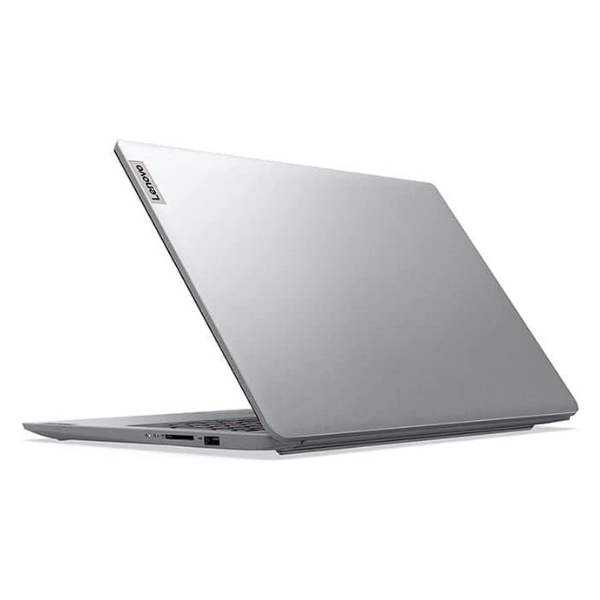
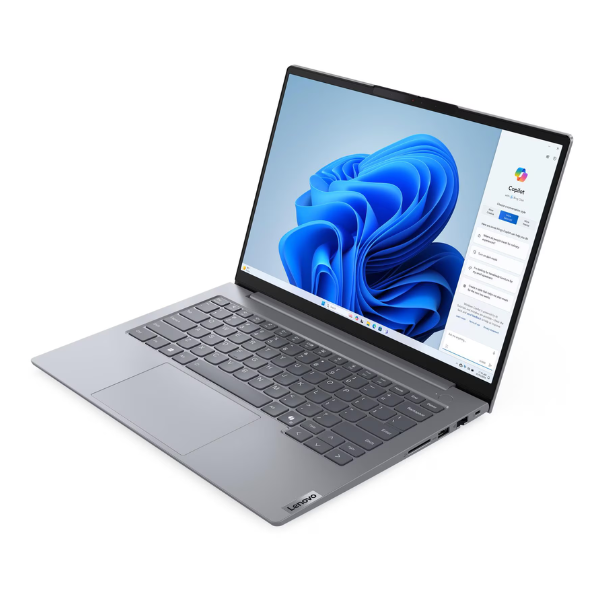
Unleash your potential with the BRAND NEW Lenovo ThinkBook 14, a laptop engineered for the modern professional and ambitious student in Uganda. This sleek and powerful machine combines high-end performance with a durable, stylish design, making it the perfect companion for your work, study, and entertainment needs. Straight from the box and sealed for your peace of mind, this is the upgrade you've been waiting for.
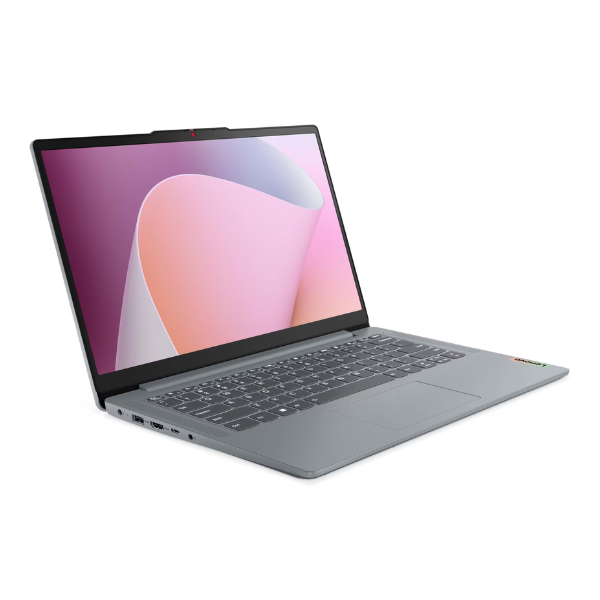
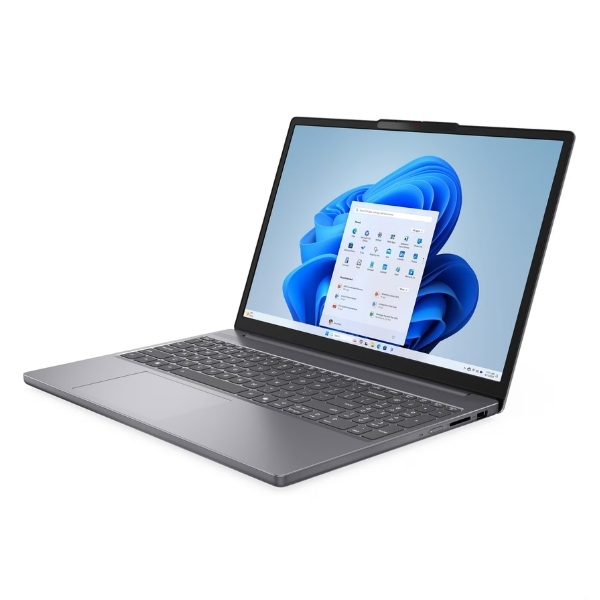
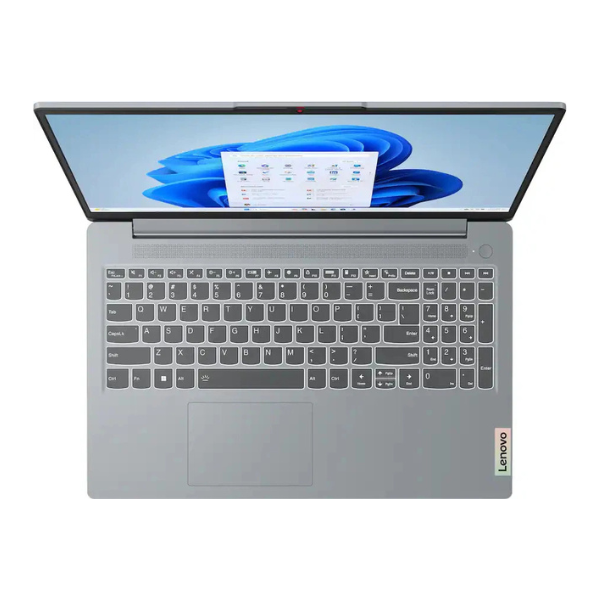
At its heart is the formidable Intel Core 7 155H processor, ready to tackle demanding applications, complex spreadsheets, and creative software with ease. Paired with a massive 16GB of DDR5 RAM, multitasking becomes a breeze. Switch between multiple apps, browser tabs, and video calls without any lag. The lightning-fast 512GB NVMe SSD ensures your laptop boots up in seconds, applications load instantly, and file transfers are completed in a flash. The vibrant 14-inch WUXGA display provides crisp, clear visuals, perfect for long work sessions and watching movies.
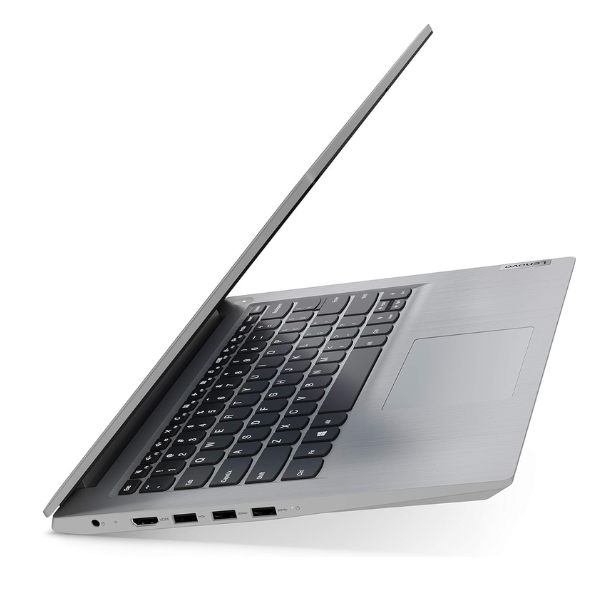
Built for life on the move, the ThinkBook 14 is both lightweight and robust. Its professional Arctic Grey finish will make a great impression in any business meeting. Whether you're working from an office in Kampala, a café, or your home, this laptop provides the reliability and power you need to succeed. It comes packed with all the essential ports to connect your devices and is ready to boost your productivity from day one.
📖 HOW TO USE
1. Unbox the laptop and all included accessories (charger, documentation).
2. Connect the power adapter and plug it into a power source to charge the battery fully before first use.
3. Press the power button to turn on the laptop.
4. Follow the on-screen Windows 11 setup instructions to configure your language, region, Wi-Fi network, and user account.
5. Once setup is complete, install any necessary software and transfer your personal files.
💡 TIPS & CARE
• Install a reliable antivirus software to protect your data.
• Regularly check for and install Windows updates to ensure security and performance.
• Use a laptop bag or sleeve for protection when travelling.
• Avoid eating or drinking near the laptop to prevent accidental spills and damage.