Lenovo Laptops
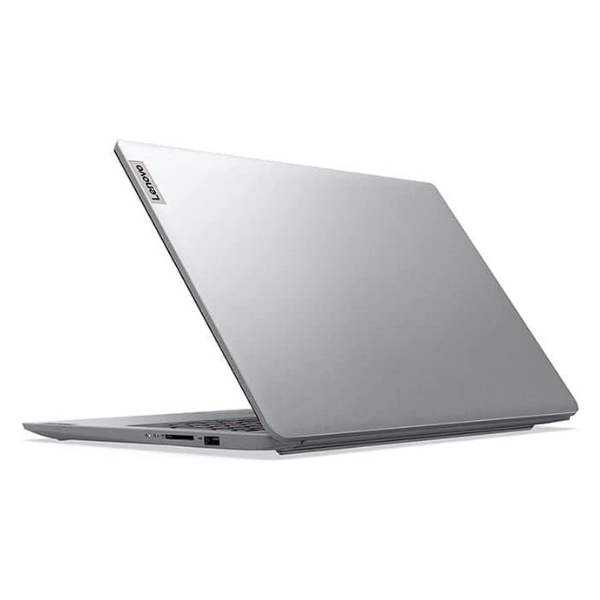
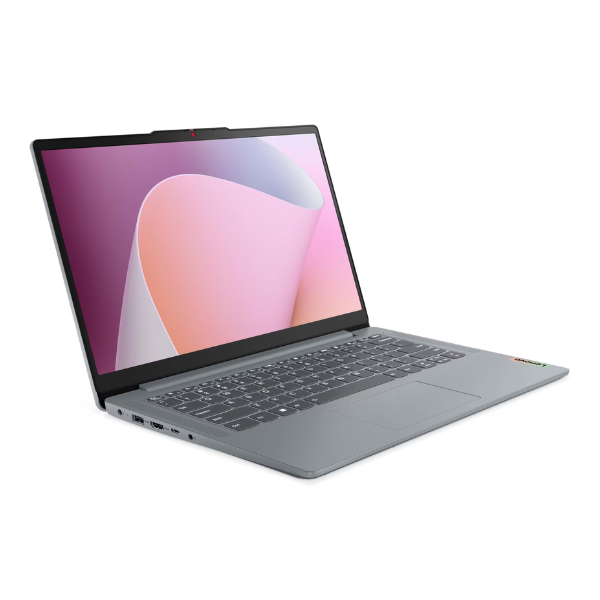
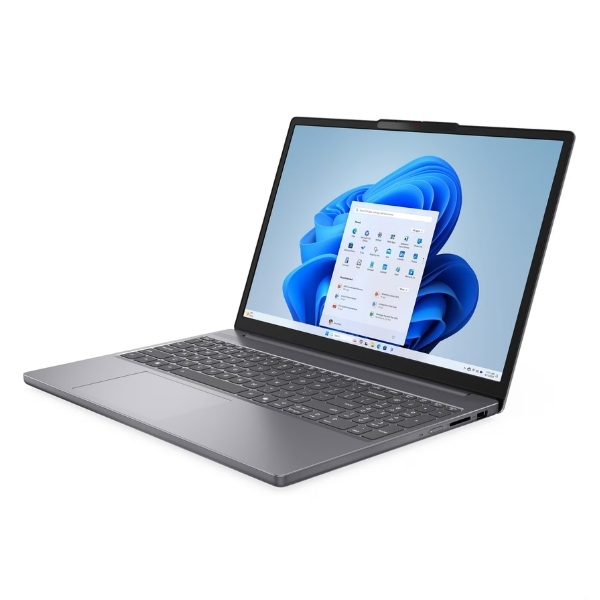
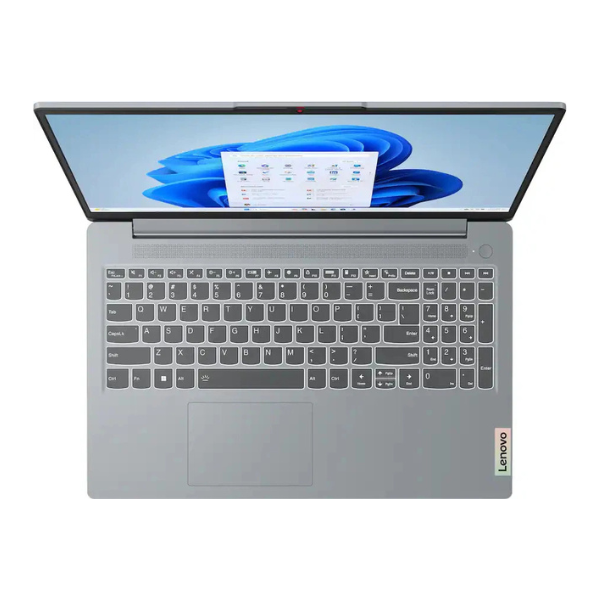
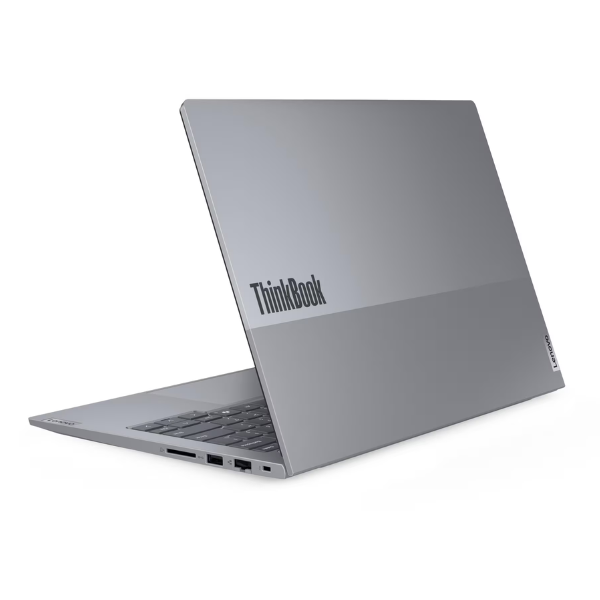
Lenovo ThinkBook 14 Gen 7 Laptop Intel Core 7 8GB RAM 512GB SSD Arctic Grey
Processor: Intel Core 7 240H | Memory: 8GB DDR5 RAM | Storage: 512GB NVMe SSD | Display: 14-inch WUXGA (1920x1200) IPS Anti-Glare | Features: Backlit Keyboard, Fingerprint Reader, FHD Webcam
No reviews yet
USh 3,841,000
1
Only 10 items left, hurry up!| Specification | Details | More Info | Remarks |
|---|---|---|---|
| Security | Touch Style Fingerprint Reader on Power Button | ||
| Webcam | FHD 1080p with Privacy Shutter | ||
| Storage | 512GB PCIe NVMe SSD | ||
| Keyboard | Backlit, English | ||
| Operating System | Windows 11 Pro | ||
| Product Name | Lenovo ThinkBook 14 Gen 7 Laptop | ||
| Audio | Stereo speakers, 2W x2, Dolby Audio | ||
| Connectivity | Wi-Fi 6, Bluetooth 5.2 | ||
| Color | Arctic Grey | ||
| Condition | Brand New, Sealed | ||
| Display | 14-inch WUXGA (1920x1200) IPS, 300 nits, Anti-glare | ||
| Graphics | Integrated Intel Graphics | ||
| Memory (RAM) | 8GB DDR5 | ||
| Processor | Intel Core 7 240H | ||
| Warranty | 1 Year | ||
| Ports | 1x USB-C (Thunderbolt 4), 2x USB 3.2 Gen 1, 1x HDMI 2.1, 1x Ethernet (RJ-45), 1x Headphone/microphone combo jack |