Product Description
Unleash your full potential with the BRAND NEW Lenovo ThinkBook 14 G8, a laptop engineered for the modern Ugandan professional. At its heart is the revolutionary Intel Core Ultra 7 processor, designed to handle demanding tasks and AI workloads with incredible speed and efficiency. Whether you're compiling reports, editing videos, or multitasking between several applications, this laptop delivers a smooth, responsive experience every time.
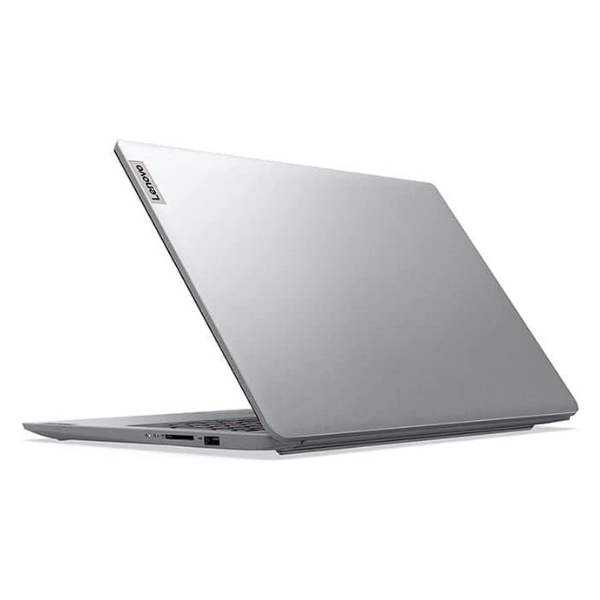
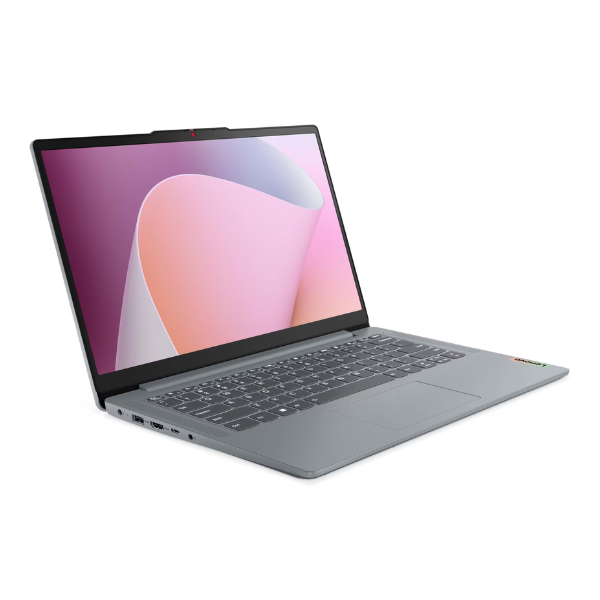
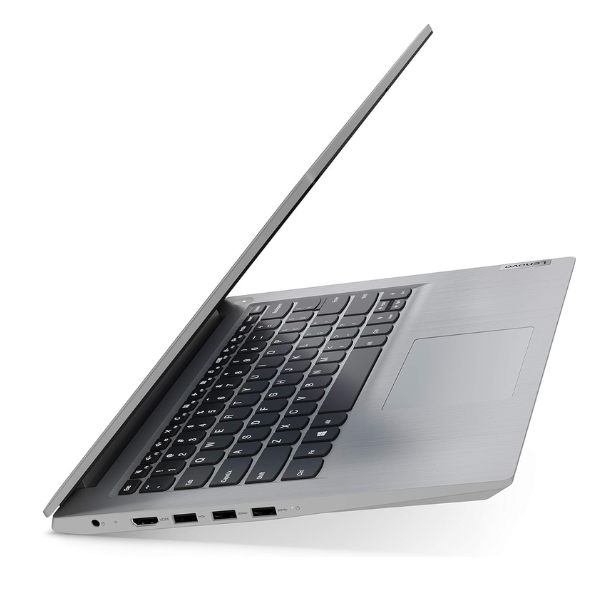
Built for productivity on the move, the ThinkBook 14 G8 features a sleek, durable, and lightweight chassis in a professional Arctic Grey finish. The vibrant 14-inch WUXGA display provides crisp, clear visuals, while 16GB of high-speed DDR5 RAM and a super-fast 512GB NVMe SSD ensure that your applications load in an instant and files transfer in seconds. This isn't just a tool; it's a powerhouse designed to keep up with your ambition.
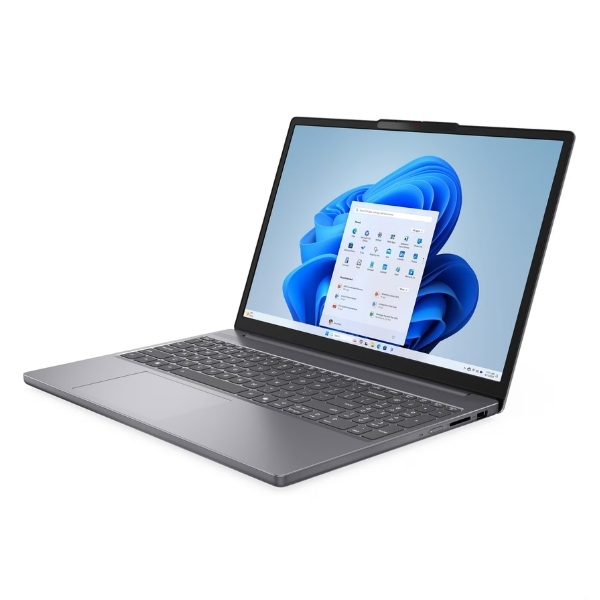
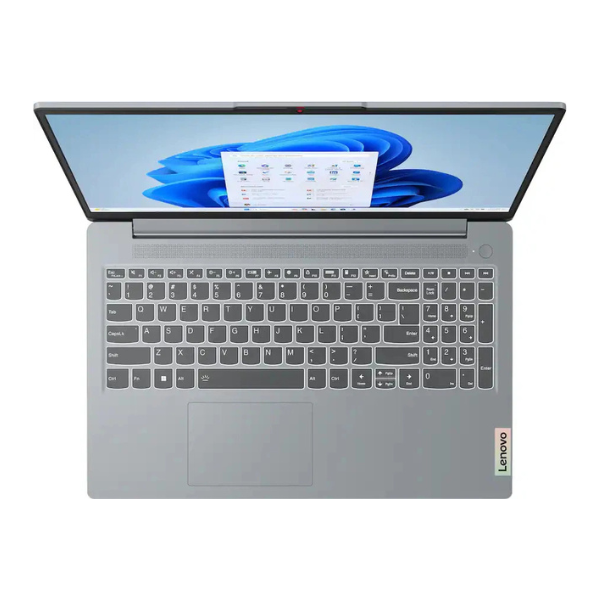
From the office in Kampala to client meetings across the country, this brand new laptop is your reliable partner. It comes equipped with a full range of ports for easy connectivity, an FHD webcam with a privacy shutter for secure video calls, and a comfortable keyboard for long typing sessions. Step into the future of computing and elevate your work with the performance and reliability of the Lenovo ThinkBook 14 G8.
📖 HOW TO USE
1. Carefully unbox your brand new laptop and all accessories from the sealed packaging.
2. Connect the included power adapter to the laptop and a power outlet, and allow it to charge fully before first use.
3. Press the power button to turn on the device.
4. Follow the on-screen prompts to complete the initial Windows 11 Pro setup, including connecting to your Wi-Fi network.
5. Once setup is complete, install your essential software and enjoy your new high-performance laptop.
💡 TIPS & CARE
• Use the pre-installed Lenovo Vantage software to keep your system drivers and BIOS updated for optimal performance.
• Invest in a quality laptop sleeve or bag to protect your device from scratches and bumps during travel.
• For enhanced productivity, connect an external monitor using the HDMI or Thunderbolt 4 port to create a dual-screen workstation.
• Always use the physical webcam privacy shutter when your camera is not in use for added security and peace of mind.