Product Description
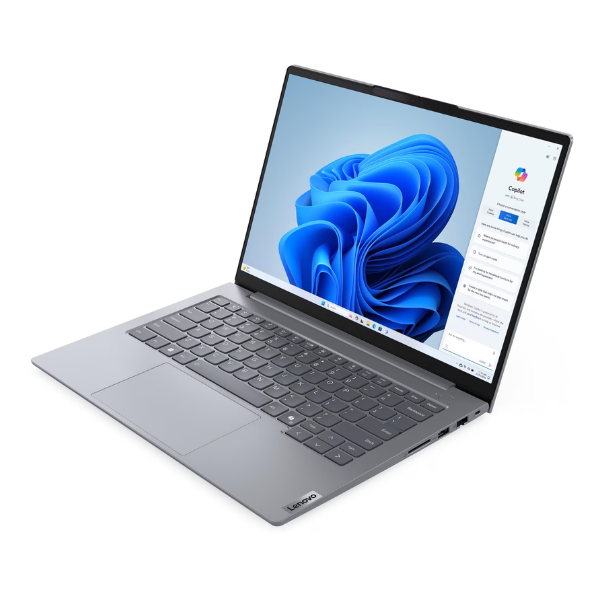
Unlock your business potential with the sleek and powerful Lenovo ThinkBook 14 G7. This brand new laptop is engineered for the modern professional in Uganda who demands performance, reliability, and style. Whether you're running a business in Kampala, managing projects remotely, or studying at university, the ThinkBook 14 G7 is your perfect partner for success.
At its heart is the cutting-edge Intel Core Ultra 7 processor, designed for advanced AI tasks and incredible power efficiency. Paired with a massive 16GB of DDR5 RAM, you can multitask with ease – run demanding applications, keep dozens of browser tabs open, and switch between tasks without any lag. The super-fast 512GB NVMe SSD ensures your laptop boots up in seconds, applications load instantly, and file transfers are lightning quick, saving you valuable time every day.
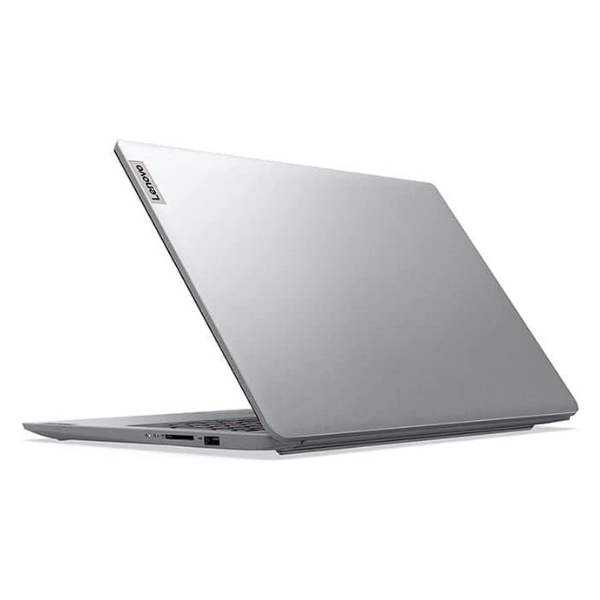
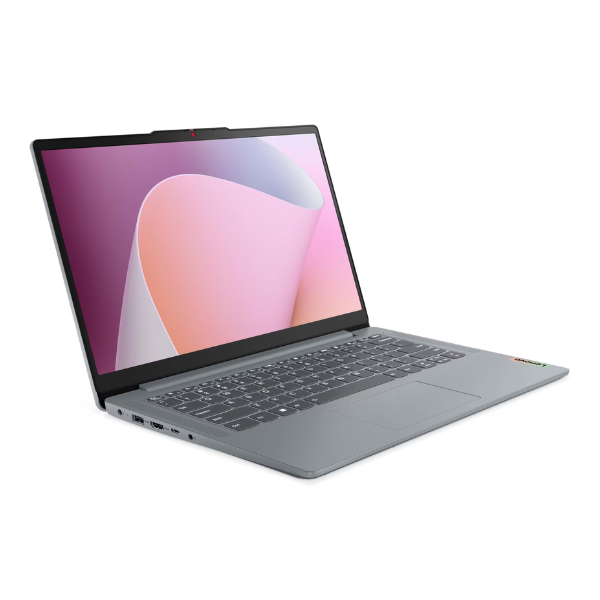
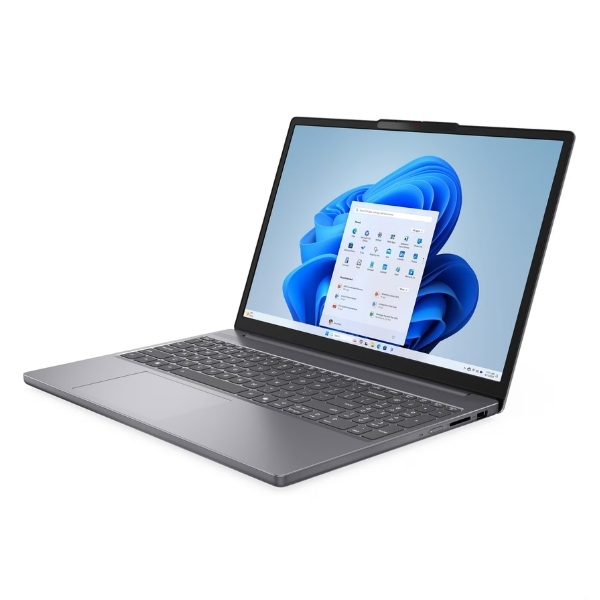
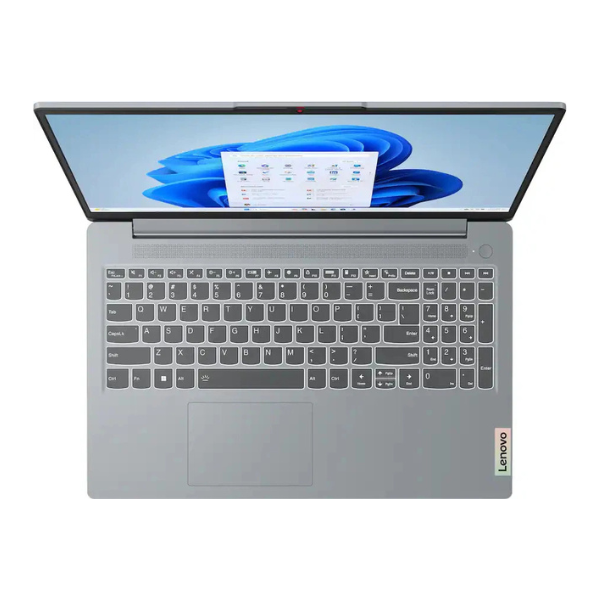
Built with Lenovo's legendary durability, the ThinkBook 14 G7 features a sturdy aluminum chassis in a professional Arctic Grey finish. Its brilliant 14-inch WUXGA display offers crisp, clear visuals for everything from spreadsheets to presentations. With a full range of ports including Thunderbolt 4, Wi-Fi 6 connectivity, and enhanced security features like a fingerprint reader and webcam privacy shutter, this BRAND NEW laptop is ready for any challenge your workday throws at it.
📖 HOW TO USE
1. Carefully unbox your brand new laptop and connect the included 65W USB-C power adapter.
2. Press the power button, which also functions as a fingerprint reader, to turn on the device.
3. Follow the on-screen Windows 11 Pro setup guide to connect to your Wi-Fi network and personalize your settings.
4. Once at the desktop, install your essential business software like Microsoft Office, accounting packages, and communication tools.
5. Use the Lenovo Vantage app to check for any system updates to ensure optimal performance and security.
💡 TIPS & CARE
• Purchase a laptop sleeve or bag to protect the aluminum chassis from scratches during your daily commute.
• Use a reliable surge protector to shield the laptop from inconsistent power supply, common in some areas.
• Consider a USB-C hub or docking station to easily connect multiple peripherals like an external monitor, keyboard, and mouse at your desk.
• Regularly clean the screen and keyboard with appropriate materials to keep your device looking professional and new.