Product Description
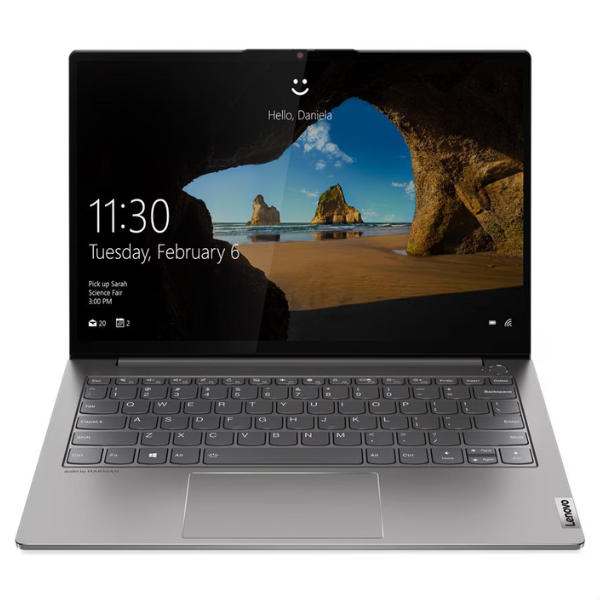
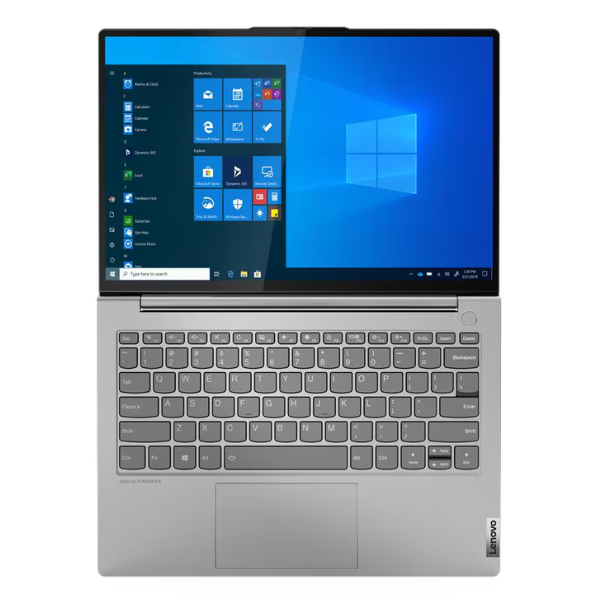
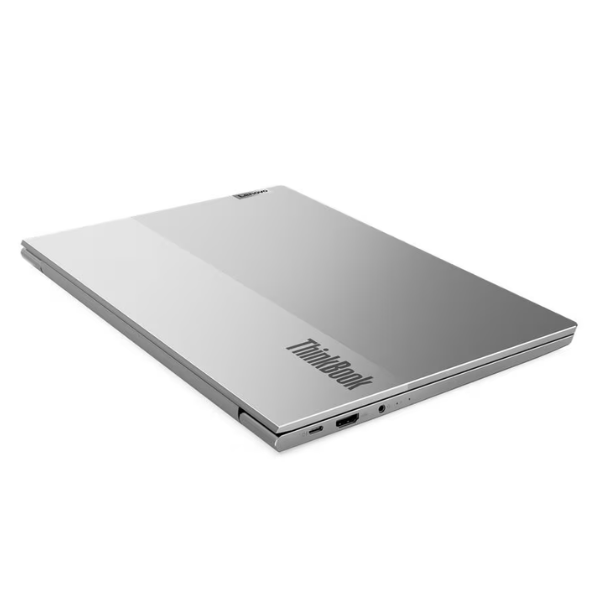
Unleash your productivity with the BRAND NEW Lenovo ThinkBook 13s G2 ITL, a sophisticated and powerful laptop designed for modern professionals and students. This elegant device combines a premium build with cutting-edge performance, ensuring you stay productive whether you're working from the office, home, or on the move across Uganda. Its sleek, lightweight design makes it an ideal companion for daily tasks, presentations, and creative projects.
Powered by an 11th Generation Intel Core i5-1135G7 processor, the ThinkBook 13s G2 delivers exceptional speed and responsiveness for seamless multitasking and demanding applications. Coupled with 8GB of high-speed DDR4 RAM, you can effortlessly switch between programs, browse the web, and run complex software without a hitch. The lightning-fast 512GB PCIe NVMe SSD ensures rapid boot times, quick application loading, and ample storage for all your important documents, media, and software. Enjoy stunning visuals on the vibrant 13.3-inch Full HD display, perfect for detailed work and immersive entertainment.
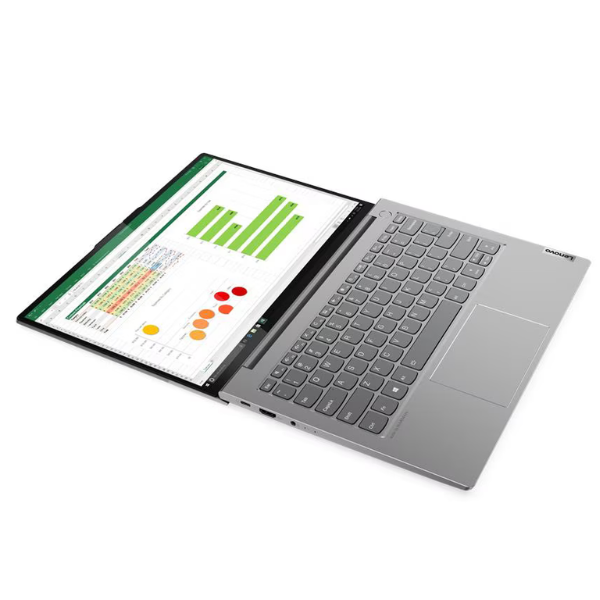
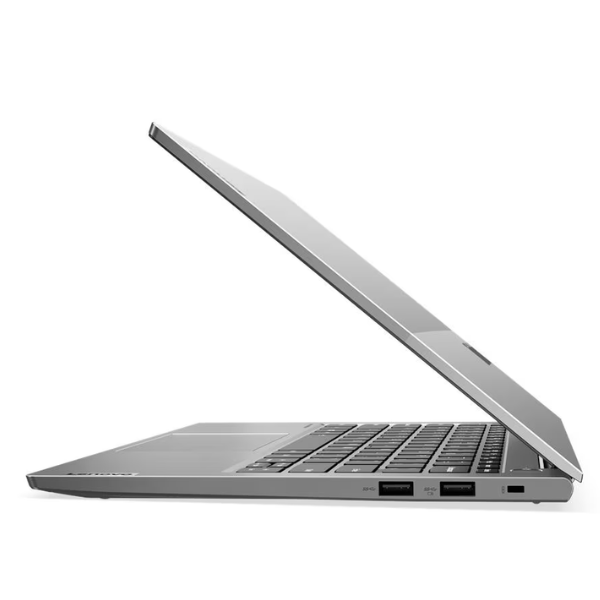
Crafted with a durable aluminum chassis, the ThinkBook 13s G2 is built to withstand the rigors of daily use while maintaining a professional aesthetic. It boasts essential connectivity options including USB-C and USB-A ports, ensuring compatibility with all your peripherals. With its robust security features, including a fingerprint reader (if applicable to specific configuration) and reliable performance, this laptop is engineered to enhance your efficiency and provide a secure computing experience, making it a smart investment for anyone seeking a dependable and stylish workhorse.
📖 HOW TO USE
1. Charge the laptop fully before first use.
2. Press the power button to turn on and follow on-screen setup for Windows.
3. Connect to your Wi-Fi network for internet access.
4. Install necessary software and applications for your work or study.
5. Regularly update Windows and drivers for optimal performance and security.
💡 TIPS & CARE
• Keep your operating system and software updated to the latest versions for security and performance.
• Use a laptop sleeve or bag to protect the device from physical damage during transport.
• Regularly back up important data to an external drive or cloud storage.
• Clean the screen with a microfiber cloth and avoid harsh chemicals.
• Optimize battery settings to extend battery life during long work sessions.