Product Description
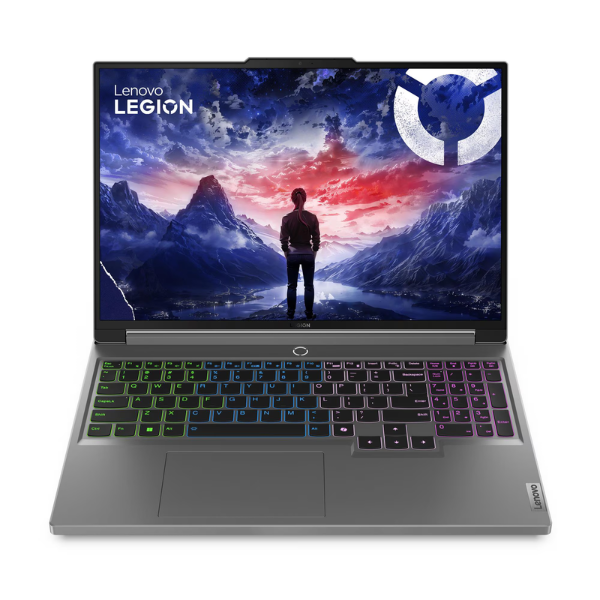
Experience the next level of gaming and productivity with the brand new Lenovo Legion 5 16IRX9, a machine built to dominate. Right here in Uganda, get your hands on this powerhouse featuring the latest 14th Generation Intel Core i7-14650Hx processor and the formidable NVIDIA GeForce RTX 4060 graphics card. This combination delivers breathtaking performance, allowing you to play the latest AAA titles at high settings with smooth frame rates and stunning visuals, including ray tracing.
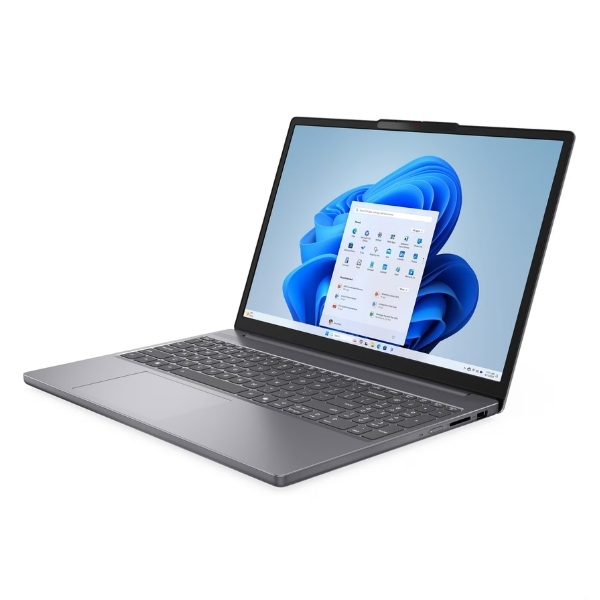
This isn't just about raw power; it's about a complete gaming experience. The stunning 16-inch WQXGA display boasts a blistering 165Hz refresh rate, ensuring you never miss a frame in fast-paced action. The super-fast 16GB DDR5 RAM and a massive 1TB NVMe SSD mean your games and applications load in an instant, and multitasking is a breeze. The advanced Legion Coldfront cooling system keeps the laptop cool and quiet even during intense gaming sessions, so you can focus on winning.
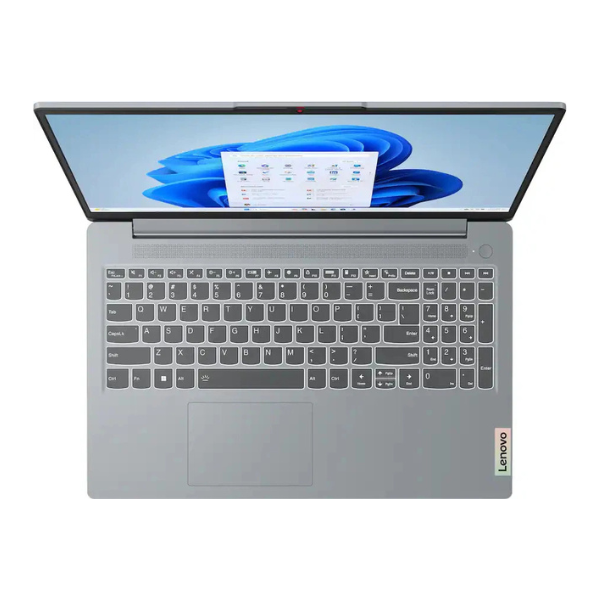
Beyond gaming, the Legion 5 is a versatile beast perfect for content creators, programmers, and students. Its powerful components can handle heavy tasks like video editing, 3D rendering, and complex coding with ease. With its premium build quality, customizable 4-zone RGB keyboard, and a full suite of connectivity ports, this brand new, sealed laptop is the ultimate tool for anyone who demands performance without compromise.
📖 HOW TO USE
1. Carefully unbox the laptop and all its accessories from the sealed package.
2. Connect the included power adapter to the laptop and plug it into a wall socket to charge fully before first use.
3. Press the power button to turn on the laptop.
4. Follow the on-screen prompts to complete the initial Windows 11 setup.
5. Connect to your Wi-Fi network, install the latest system updates, and download your favorite games and applications.
💡 TIPS & CARE
• For the best gaming experience, use a dedicated gaming mouse and headset.
• Keep your NVIDIA graphics drivers updated through the GeForce Experience app for optimal performance.
• Consider using a laptop cooling pad during long gaming sessions to maintain peak performance.
• Customize the keyboard's RGB lighting using the Lenovo Vantage software to match your style.