Product Description
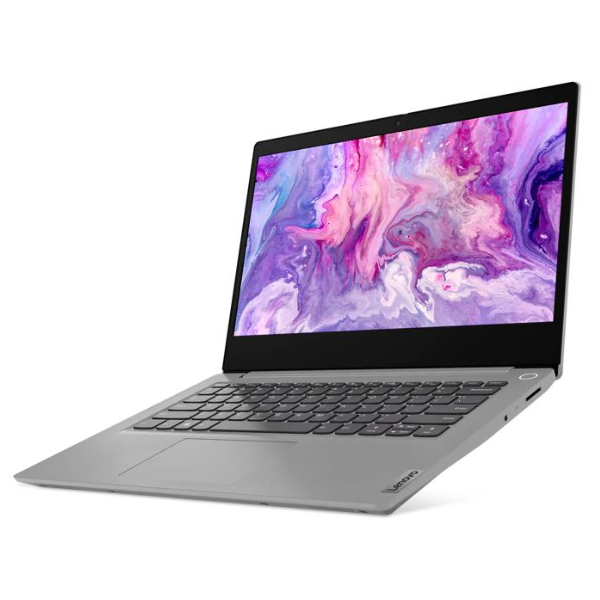
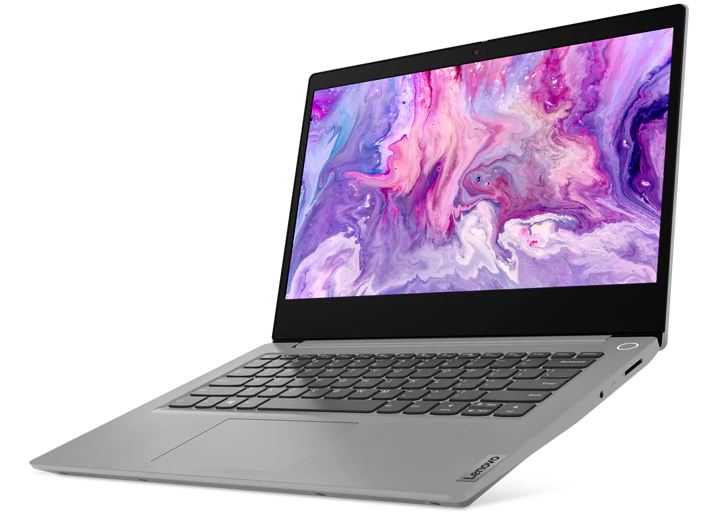
Unlock your potential with the BRAND NEW Lenovo IdeaPad 3 14IIL05, a versatile and powerful laptop designed for productivity, entertainment, and everyday computing. This sleek machine comes equipped with an efficient Intel Core i5 10th Generation processor, ensuring smooth multitasking and responsive performance whether you're working on documents, browsing the web, or streaming your favorite content. With a generous 16GB of high-speed DDR4 RAM, you can effortlessly switch between applications and handle demanding tasks without a hitch.
Storage will never be an issue thanks to the lightning-fast 512GB NVMe SSD. Enjoy rapid boot times, quick application launches, and ample space for all your important files, photos, and videos. The vibrant 14-inch Full HD display delivers crisp visuals and immersive viewing, perfect for both work and play. Designed with portability in mind, this IdeaPad 3 is lightweight and slim, making it an ideal companion for students, professionals, or anyone on the go in Uganda. Its durable build quality ensures reliability, and the long-lasting battery keeps you powered throughout your day.
Connect with ease using its comprehensive ports, including USB and HDMI, allowing you to link up with peripherals and external displays. The integrated HD webcam with a privacy shutter ensures secure and clear video calls, perfect for virtual meetings or catching up with family. Get ready to elevate your digital experience with a laptop that combines performance, style, and practicality, all in a BRAND NEW, sealed package ready for you.
📖 HOW TO USE
1. Unpack the laptop and connect the power adapter.
2. Press the power button to turn on the device.
3. Follow the on-screen prompts to complete Windows setup.
4. Connect to your Wi-Fi network and install necessary updates.
5. Customize settings and install your preferred applications.
💡 TIPS & CARE
• For optimal performance, keep your operating system and drivers updated.
• Use a laptop sleeve or bag to protect the device during transport.
• Regularly back up important data to an external drive or cloud storage.
• Clean the screen and keyboard gently with appropriate cleaning solutions.
• Avoid blocking the ventilation ports to prevent overheating.