Product Description
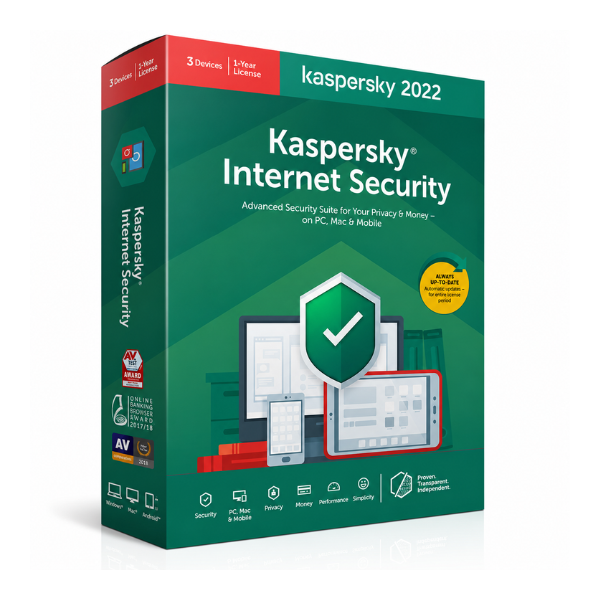
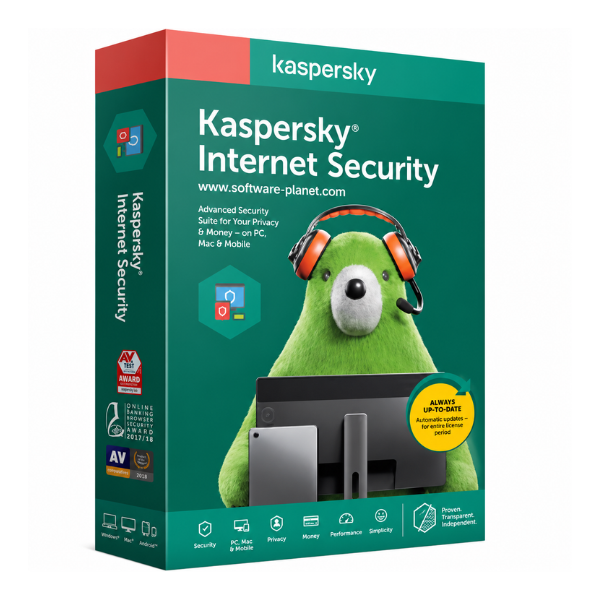
Secure your digital life with the brand new Kaspersky Internet Security Multi-Device license. In today's world, you need more than just a simple antivirus. This is a complete security suite designed to protect you from all kinds of online threats, whether you are using your Windows PC, Mac, or Android smartphone. This 1-year subscription for one user gives you the peace of mind to work, shop, and browse online without fear.
This powerful software provides multi-layered protection. The core is its award-winning real-time antivirus engine that blocks viruses, malware, and ransomware before they can cause harm. It also includes advanced features like a two-way firewall to prevent hackers from accessing your computer, and anti-phishing technology that warns you about fake websites trying to steal your personal information. For anyone in Uganda who does online banking or shopping, the unique 'Safe Money' feature opens a protected browser to keep your financial details completely secure from thieves.
Kaspersky Internet Security goes beyond just fighting viruses. It helps protect your privacy with features like webcam protection to stop unauthorized access and a private browsing mode to prevent websites from tracking your online activities. It's designed to be powerful yet easy to use, running efficiently in the background without slowing down your devices. Get this brand new, sealed license today and enjoy a full year of worry-free internet use.
📖 HOW TO USE
1. After purchase, you will receive your unique digital activation code.
2. Visit the official Kaspersky website to download the latest version of the software.
3. Run the installer on your chosen device (PC, Mac, or mobile).
4. Follow the simple on-screen instructions to complete the installation process.
5. When prompted, enter the activation code to activate your full 1-year subscription.
💡 TIPS & CARE
• Ensure your software is set to auto-update to receive the latest virus definitions and protection.
• Perform a full system scan immediately after installation and regularly thereafter.
• Use the 'Safe Money' feature for all online transactions to protect your financial data.
• Avoid downloading software or clicking links from untrusted sources, even with protection enabled.