Product Description
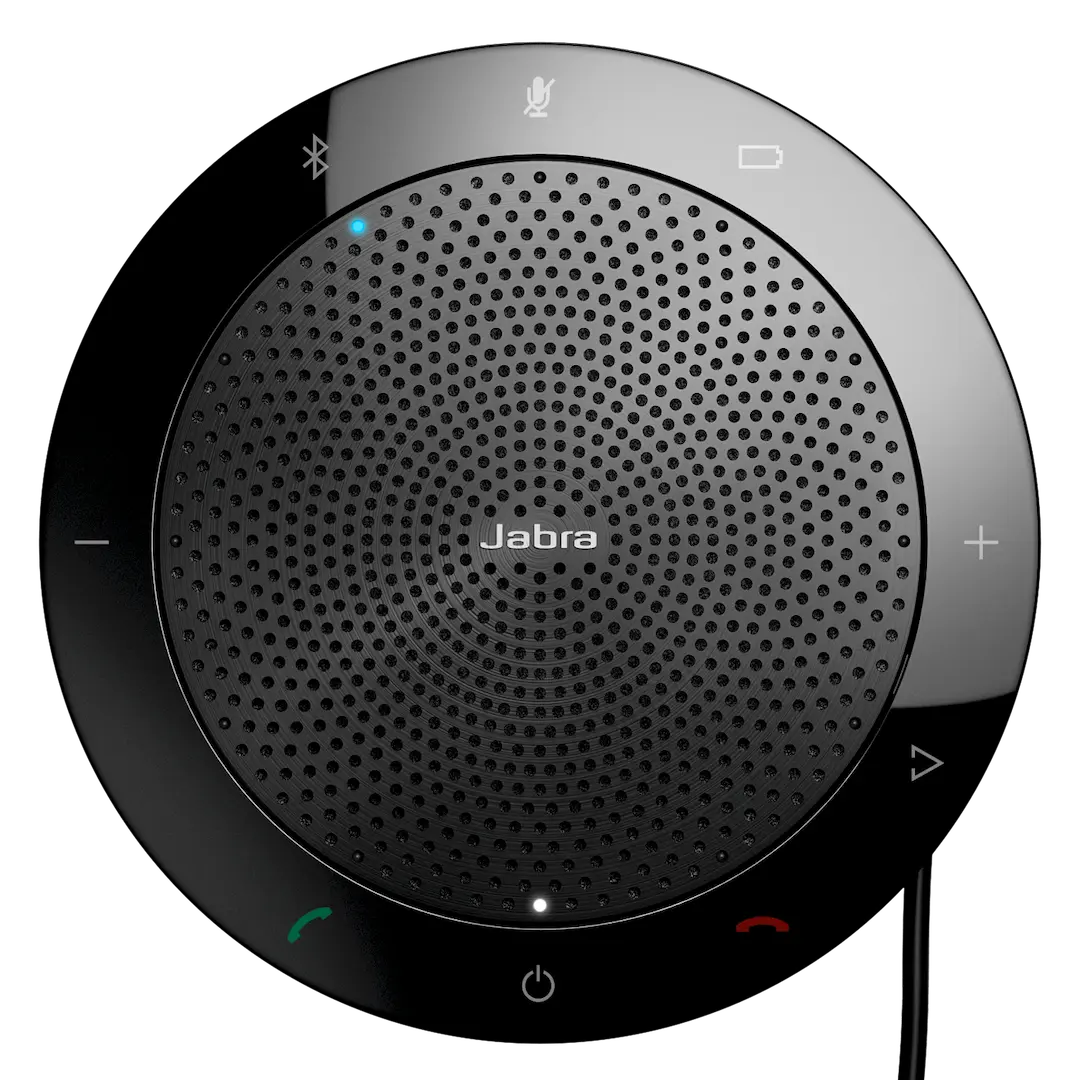
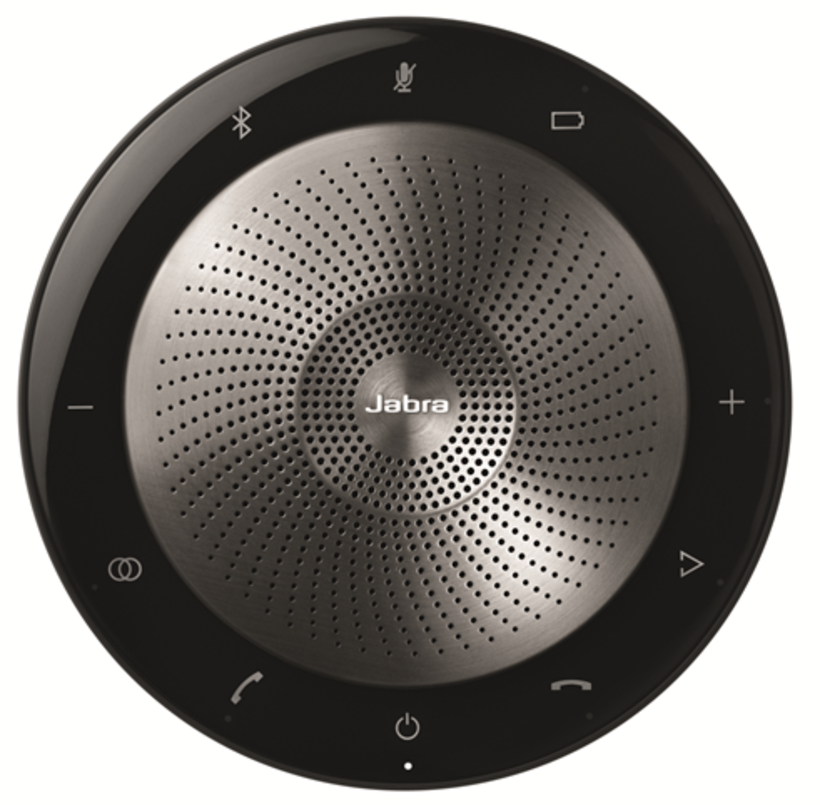
Upgrade your meeting experience with the BRAND NEW Jabra Speak2 75, the ultimate portable speakerphone for professionals in Uganda. Whether you're working from home, in a small office, or on the move, this device ensures every voice is heard with outstanding clarity, making your virtual meetings feel as natural as face-to-face conversations.
Engineered for excellence, the Speak2 75 features four state-of-the-art beamforming microphones that intelligently focus on the speaker's voice while cancelling out distracting background noise. Paired with a powerful 65mm full-range speaker and advanced full duplex audio, it delivers rich, immersive, and super-wideband sound. This means no more asking people to repeat themselves – just smooth, productive collaboration. It even includes a unique Microphone Quality Indicator, so you always know you're coming through loud and clear.
This speakerphone is built for modern work. It's fully certified for Microsoft Teams, providing a seamless plug-and-play experience with dedicated controls. Connect instantly via the integrated USB-C/A cable or wirelessly with Bluetooth 5.2. Its durable, premium fabric finish and portable design make it the perfect companion for any workspace. Get this brand new device and transform your professional communication today.
📖 HOW TO USE
1. Unbox your brand new Jabra Speak2 75.
2. For a wired connection, plug the integrated USB-C or USB-A adapter into your computer.
3. For wireless, press the Bluetooth button and pair with your computer or smartphone.
4. Your computer will automatically detect the device. Select 'Jabra Speak2 75' as your audio input/output in your meeting software (like MS Teams).
5. Use the intuitive touch buttons on the device to answer/end calls, adjust volume, and mute the microphone.
💡 TIPS & CARE
• Place the speakerphone in the center of the table for optimal 360-degree microphone coverage.
• For the best audio quality, ensure the device firmware is kept up-to-date using the Jabra Direct software.
• Charge the device fully before first wireless use to maximize battery life.
• Use the dedicated Microsoft Teams button for one-touch access to join meetings and check notifications.