Product Description
Unlock your full potential with the brand new, sealed HP ProBook 450 G10, a laptop engineered for the demands of modern business in Uganda. This machine is not just a tool; it's a partner in your success, combining robust performance with the reliability HP is known for. Whether you're an entrepreneur, a student, or a corporate professional, the ProBook 450 G10 is designed to keep you productive and ahead of the curve.
At its heart is a powerful 13th Generation Intel® Core™ i7 processor, which, combined with a massive 16GB of DDR4 RAM, handles demanding applications and multitasking without breaking a sweat. Switch between spreadsheets, video calls, and presentations with seamless speed. The super-fast 512GB NVMe™ SSD dramatically reduces loading times for your operating system and applications, getting you to work in seconds. The vibrant 15.6-inch Full HD display provides crisp, clear visuals, making it perfect for detailed work and after-hours entertainment.
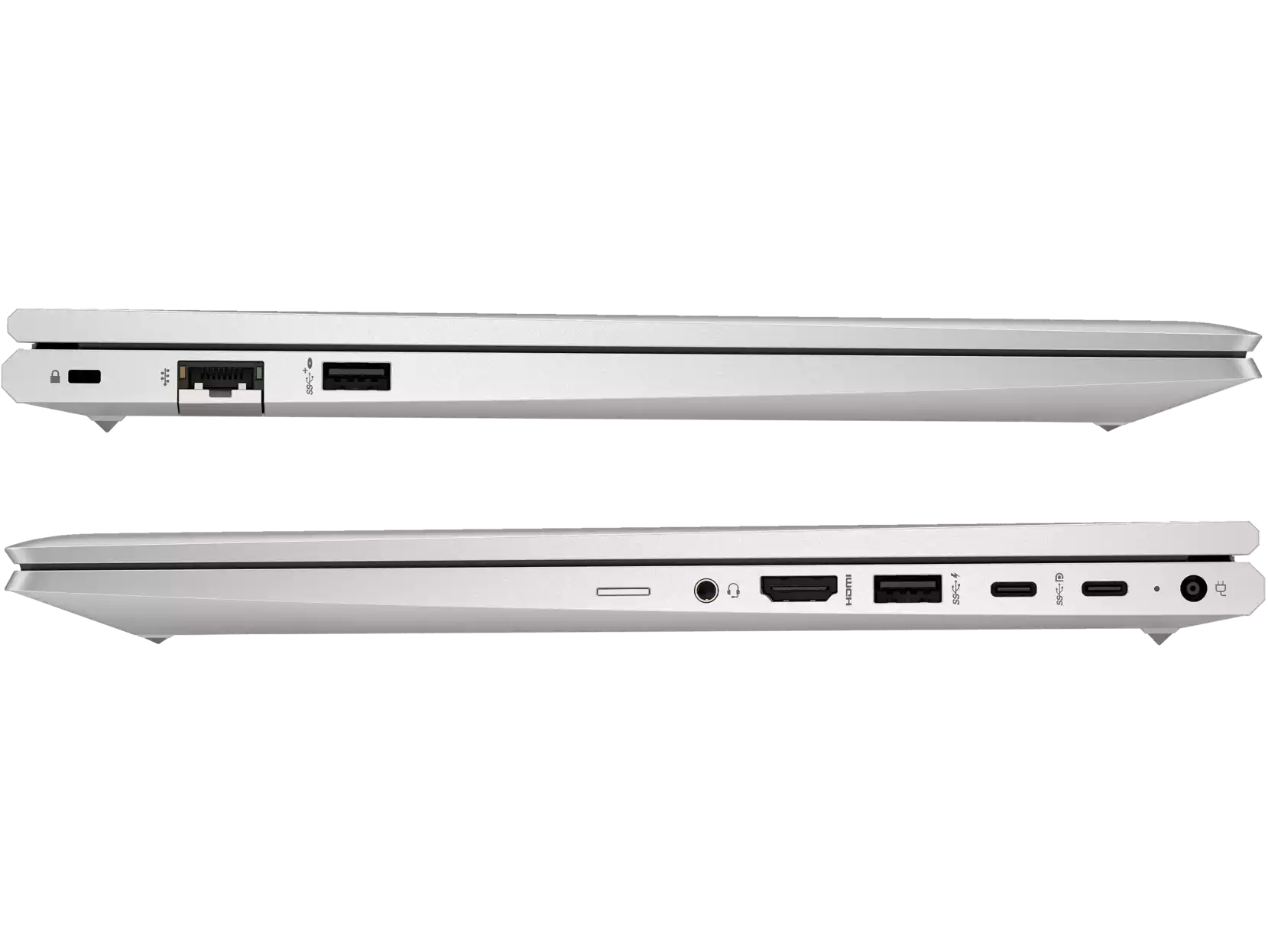
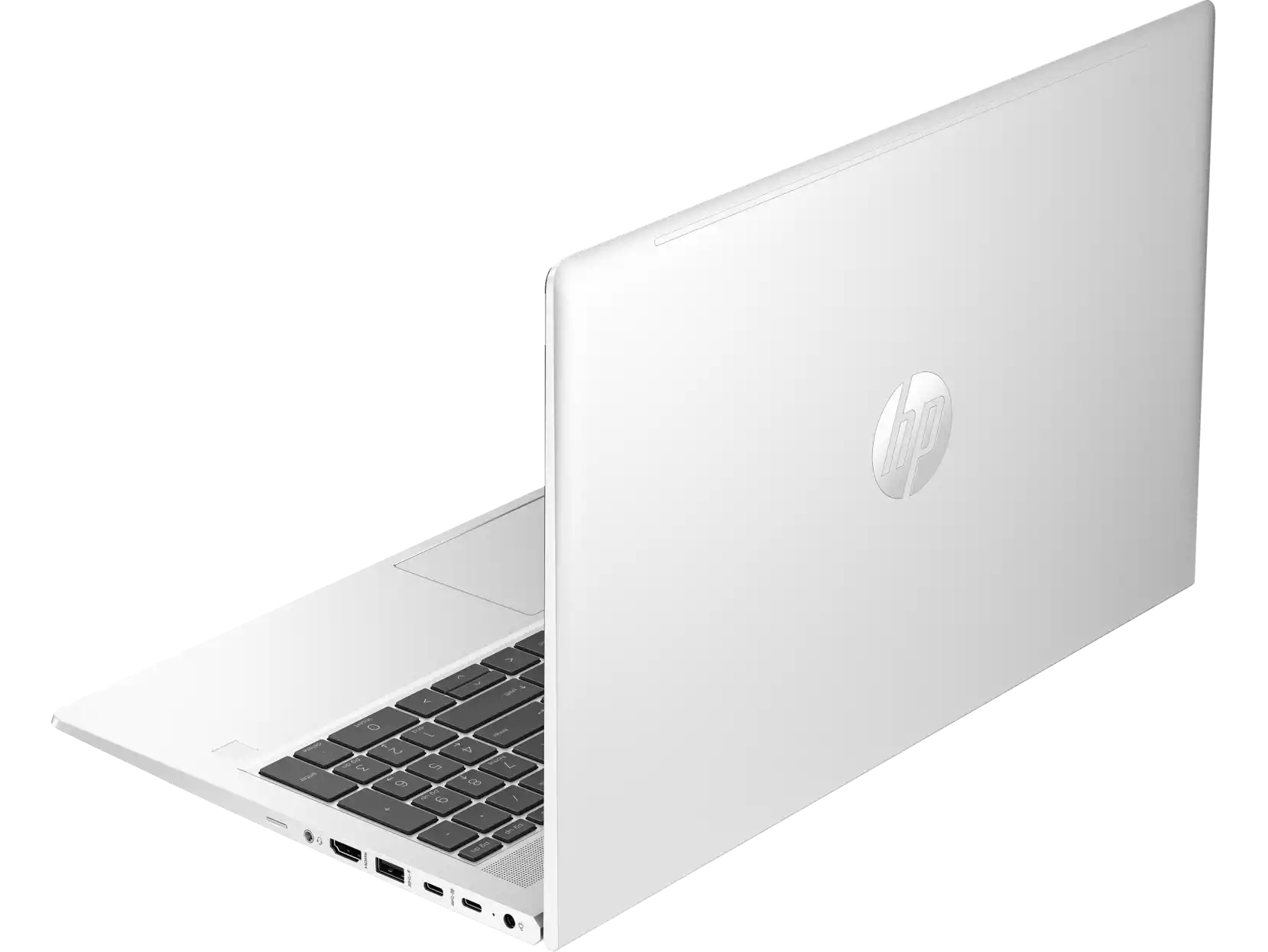
Built for the hustle and bustle of daily life, the HP ProBook 450 G10 features a durable chassis with a sleek Pike Silver finish that looks professional in any setting. It comes pre-installed with Windows 11 Pro, offering enhanced security and management features essential for any business. With a full range of ports, including USB-C, HDMI, and RJ-45, connecting to your peripherals and office network is simple and straightforward. Invest in a brand new laptop that works as hard as you do.
📖 HOW TO USE
1. Unbox your brand new HP ProBook from its factory-sealed packaging.
2. Connect the included power adapter and charge the laptop fully before the first use.
3. Press the power button to start the device.
4. Follow the on-screen Windows 11 Pro setup guide to personalize your settings and connect to your Wi-Fi network.
5. Install your essential software like Microsoft Office or accounting programs and enjoy peak performance.
💡 TIPS & CARE
• Purchase a durable laptop bag to protect your investment during transit.
• Consider a wireless mouse for improved comfort and productivity.
• Keep Windows 11 Pro and your antivirus software updated to ensure maximum security.
• Use a USB-C hub or docking station to easily connect multiple peripherals at your desk.