Product Description
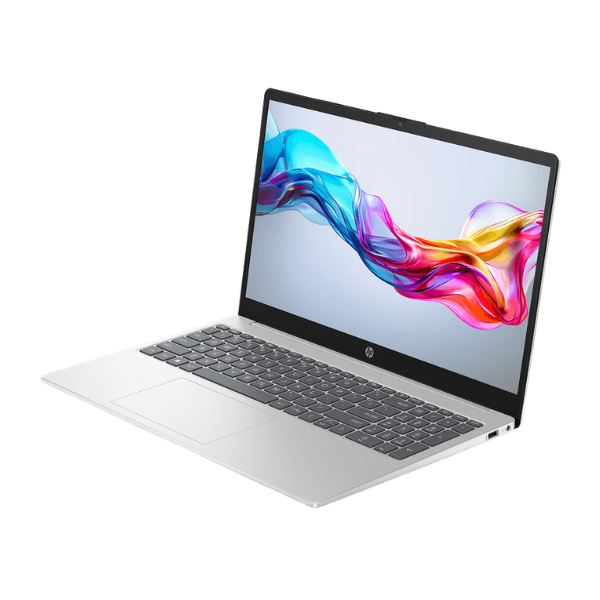
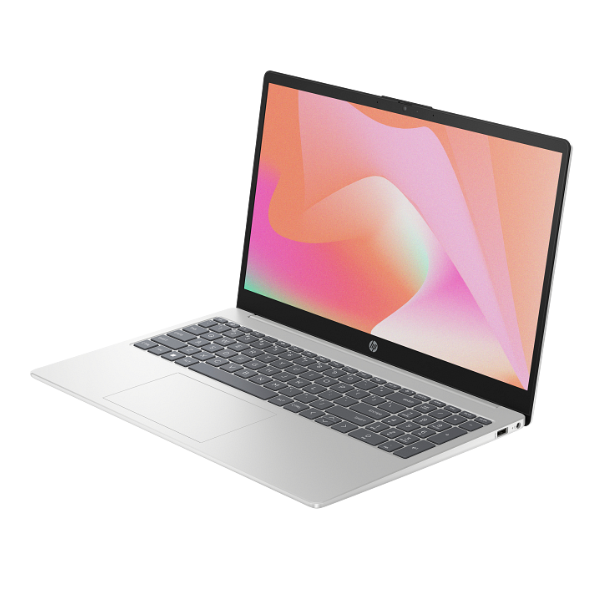
Unleash your productivity with the brand new HP ProBook 440 G8, a business-class laptop designed for the modern professional in Uganda. This machine is built to perform, powered by a high-speed Intel Core i7 processor and a massive 16GB of RAM. Whether you're running demanding applications, juggling multiple spreadsheets, or video conferencing, this laptop handles it all with incredible speed and efficiency. The 512GB NVMe SSD ensures that your system boots up in seconds and your files load instantly, saving you valuable time.
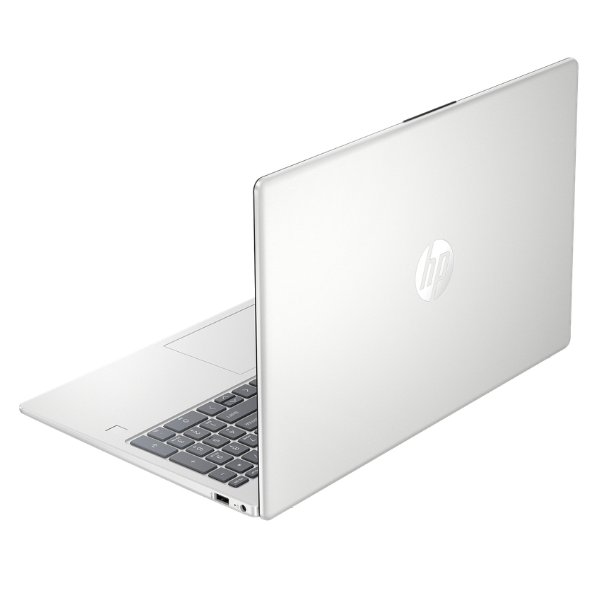
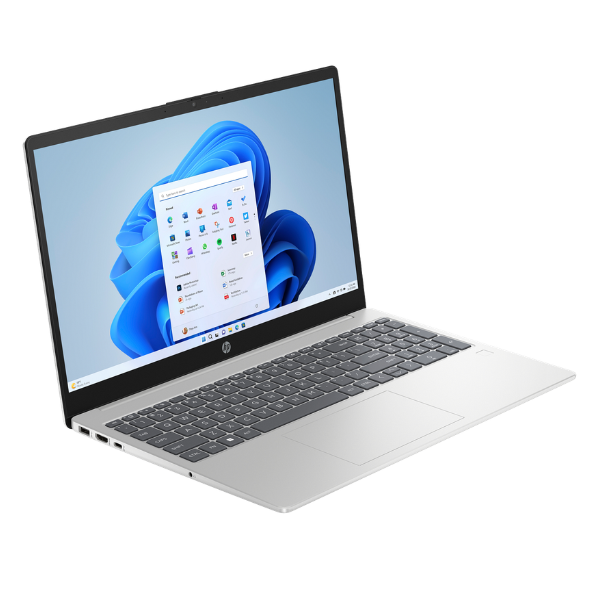
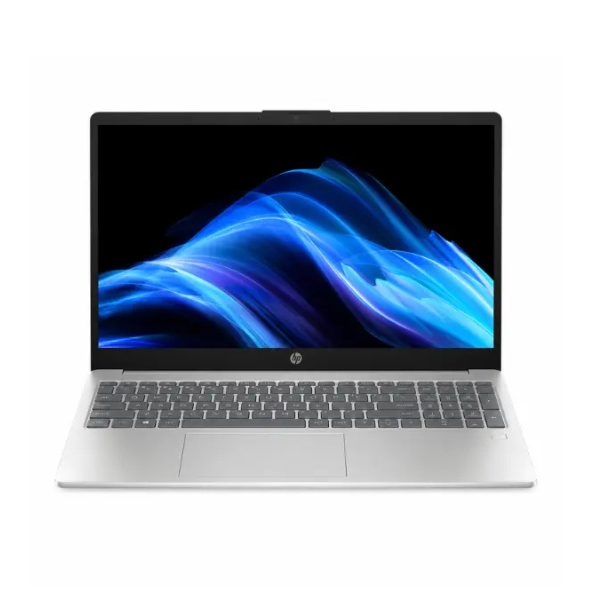
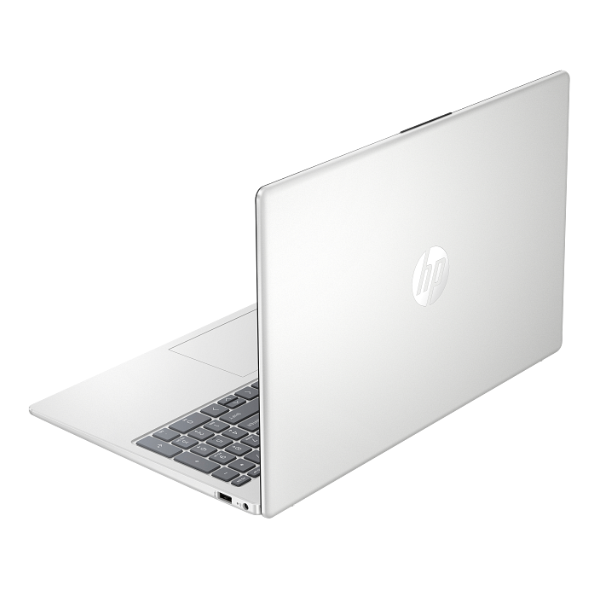
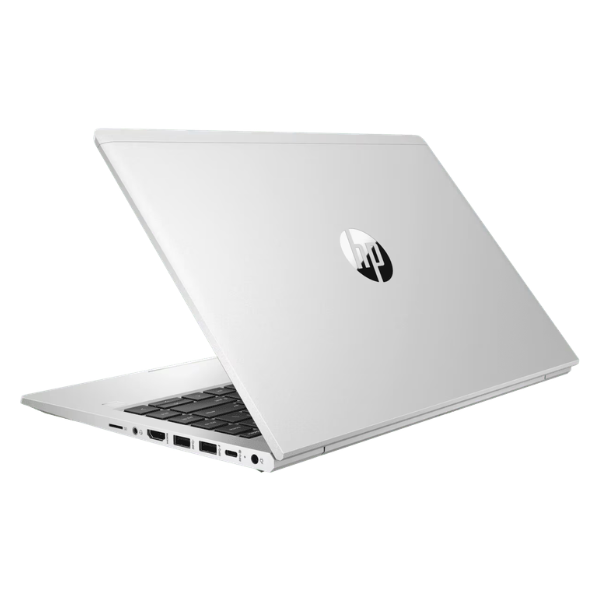
Designed for both durability and style, the ProBook 440 G8 features a sleek, compact, and lightweight aluminum chassis that's easy to carry around Kampala or on your upcountry travels. Its vibrant 14-inch Full HD display offers crisp, clear visuals, making it perfect for detailed work presentations and for relaxing with a movie after hours. The keyboard is comfortable for long typing sessions, and with a full range of ports including USB-C and HDMI, connecting to all your essential peripherals like projectors and external drives is simple and hassle-free.
This laptop is more than just powerful; it's a secure and reliable partner for your work. Packed with essential security features and built to last, the HP ProBook 440 G8 gives you the peace of mind to focus on what matters most—growing your business. It is a brand new, sealed unit, ready to be your dependable workhorse for years to come.
📖 HOW TO USE
1. Carefully unbox the laptop and all included accessories (charger, documentation).
2. Connect the power adapter and fully charge the battery before first use.
3. Press the power button to turn on the laptop.
4. Follow the on-screen prompts to complete the initial Windows setup.
5. Connect to your Wi-Fi network and install any critical updates to ensure optimal performance and security.
💡 TIPS & CARE
• Invest in a quality laptop bag to protect your ProBook from bumps and scratches during transport.
• Install a reputable antivirus software to protect your data from online threats.
• Regularly back up your important files to an external drive or a cloud storage service.
• Use a surge protector to shield your laptop from power fluctuations.