Product Description
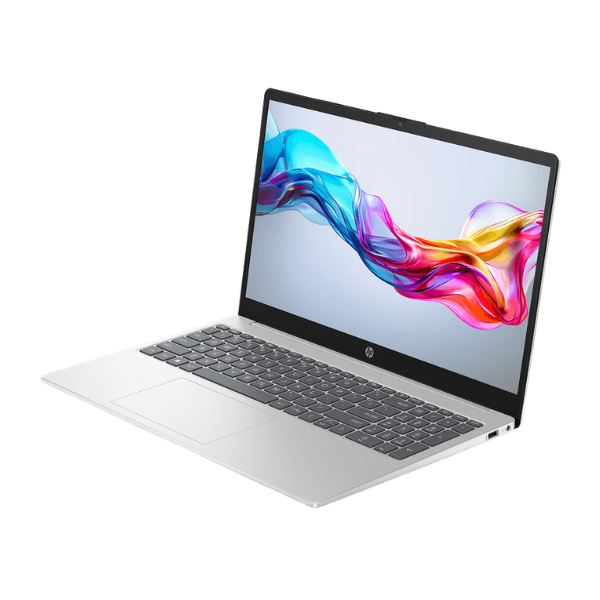
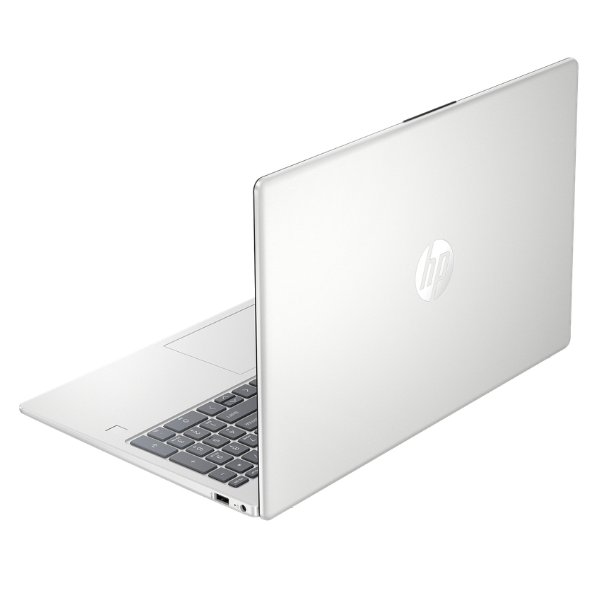
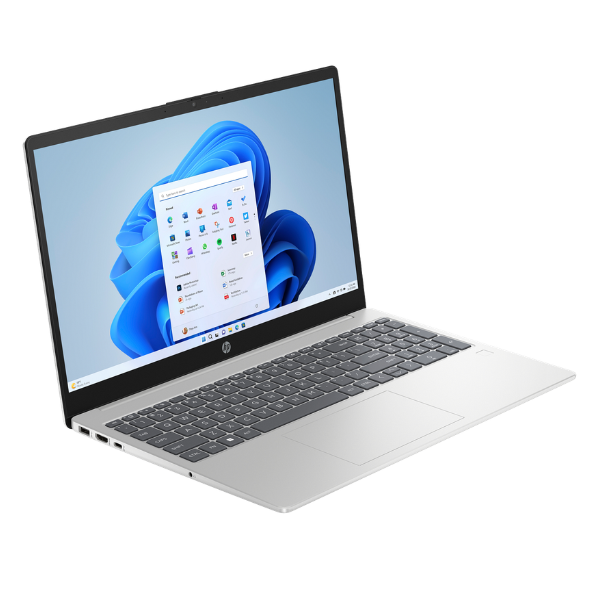
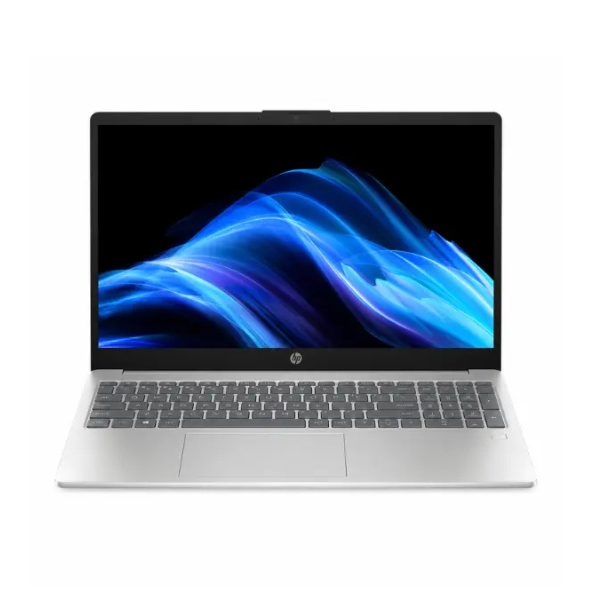
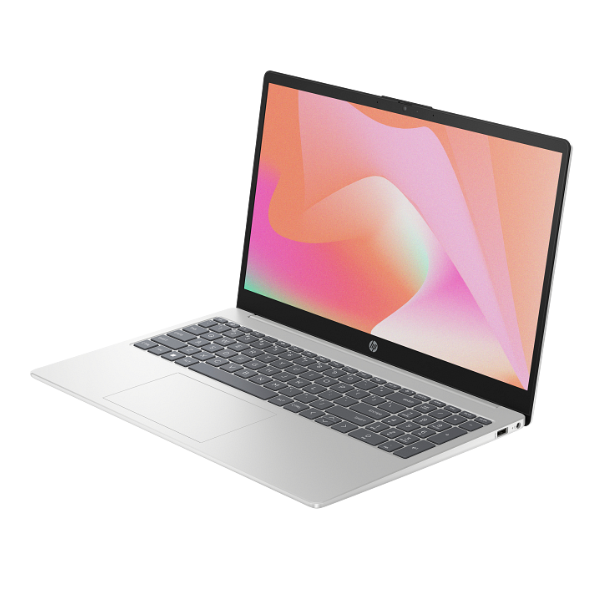
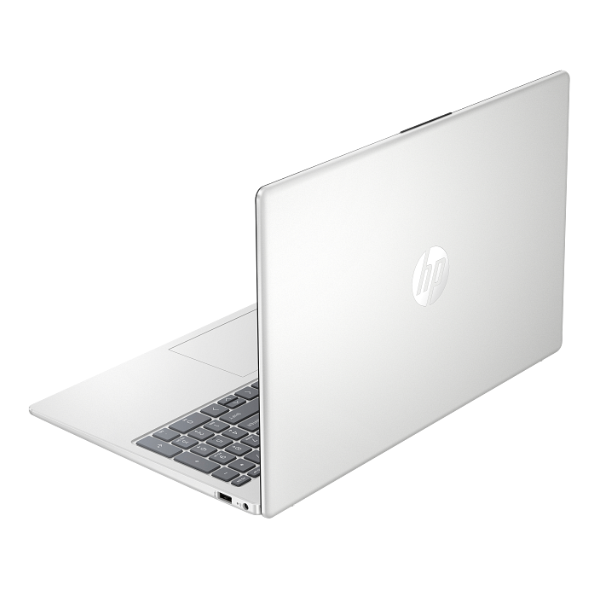
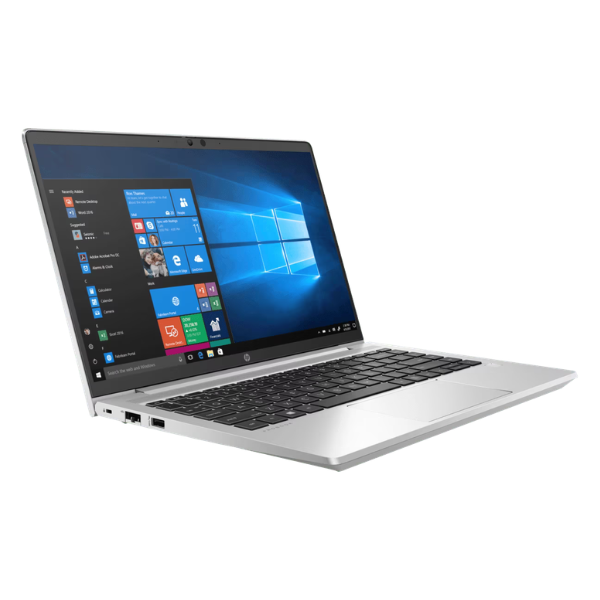
Unlock your productivity with the BRAND NEW HP ProBook 440 G8, a sleek and powerful business laptop designed for the modern professional in Uganda. This machine is engineered for performance, security, and durability, making it the perfect companion for your office, home, or on-the-go work. With its compact and lightweight design, you can easily carry your work with you wherever you go, without sacrificing power.
At its heart is a powerful 11th Generation Intel Core i7 processor, combined with a massive 16GB of DDR4 RAM. This means you can multitask effortlessly, running demanding applications like accounting software, design tools, and multiple browser tabs all at once without any slowdown. The super-fast 1TB NVMe SSD provides near-instant boot times and rapid file access, so you spend less time waiting and more time doing. The vibrant 14-inch Full HD display offers crisp, clear visuals, perfect for presentations, video conferences, and detailed spreadsheets.
Built to last, the ProBook 440 G8 features a durable chassis and has passed rigorous testing to ensure it can handle the bumps and drops of daily use. It comes pre-installed with Windows 11 Pro, offering enhanced security features to protect your valuable data. This brand new, sealed unit is ready to elevate your business and help you achieve your goals with reliable, high-speed performance.
- Blazing-Fast Performance: Intel Core i7 processor and 16GB RAM for smooth multitasking.
- Massive, Quick Storage: 1TB NVMe SSD for instant boot-up and file loading.
- Crisp Visuals: 14-inch Full HD narrow-bezel display for an immersive viewing experience.
- Professional & Durable: Sleek, lightweight design built for mobility and reliability.
- Secure & Ready: Comes with Windows 11 Pro for advanced security and business management tools.
📖 HOW TO USE
1. Carefully unbox the laptop and all included accessories (charger, documentation).
2. Connect the power adapter and plug it into a power source to charge the battery fully before first use.
3. Press the power button to turn on the laptop.
4. Follow the on-screen instructions to complete the initial Windows 11 Pro setup.
5. Connect to your Wi-Fi network and install any necessary software and updates to get started.
💡 TIPS & CARE
• Invest in a quality laptop bag to protect your ProBook during travel.
• Install a reliable antivirus software to protect your data from threats.
• Regularly check for and install Windows and HP software updates for optimal performance and security.
• Avoid eating or drinking near the laptop to prevent accidental spills and damage.