Product Description
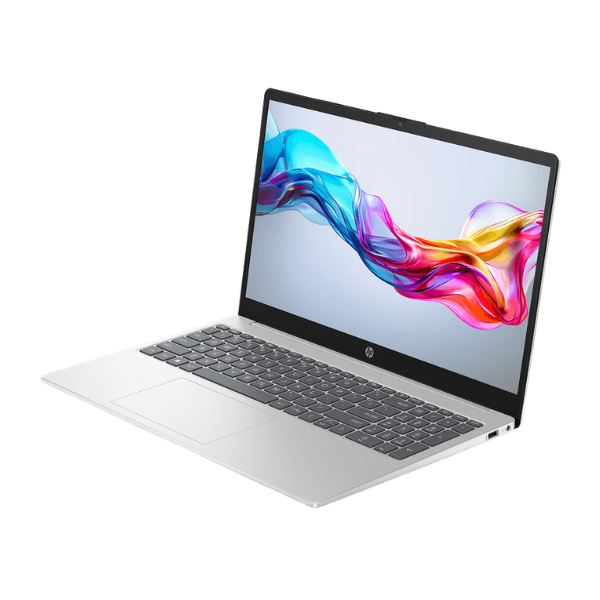
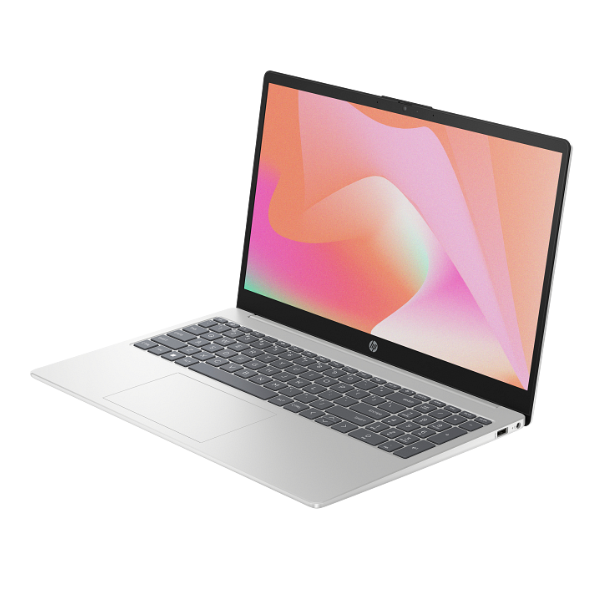
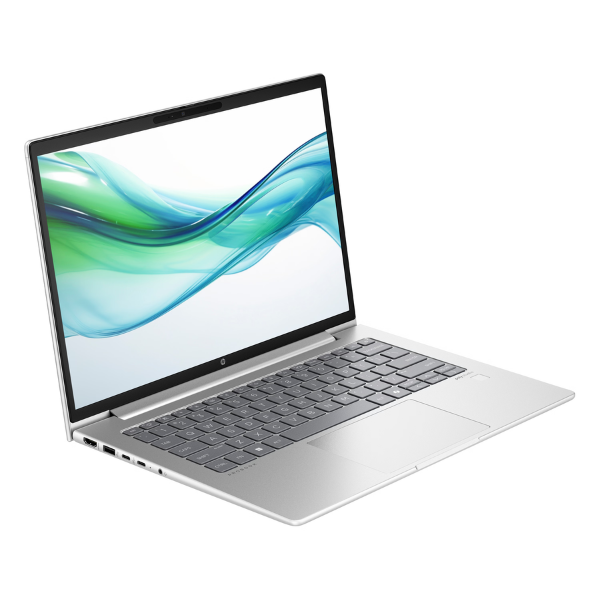
Unlock your full potential with the brand new HP ProBook 440 G11 Laptop, a powerhouse designed for the modern Ugandan professional. This machine is built to handle everything your workday throws at it, from complex spreadsheets and presentations to multitasking across multiple applications. Powered by the latest Intel Core Ultra 7 processor, it delivers exceptional speed and AI-enhanced performance, ensuring your workflow is always smooth and efficient. This is a brand new, factory-sealed device, ready to boost your productivity from the moment you unbox it.
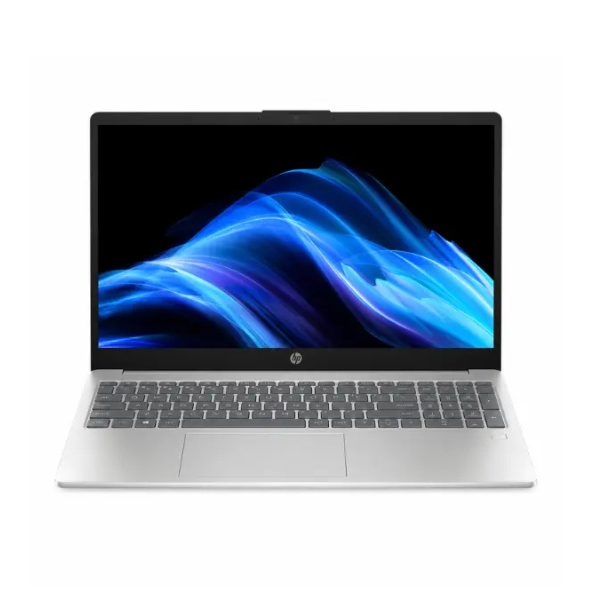
Experience incredible speed with 8GB of DDR5 RAM and a super-fast 512GB NVMe SSD. Your laptop will boot up in seconds, applications will launch instantly, and file transfers will be quicker than ever before. The vibrant 14-inch Full HD display provides sharp, clear visuals, making it perfect for both work and entertainment. Its anti-glare finish means you can work comfortably even in bright environments, whether you're in an office in Kampala or working remotely.
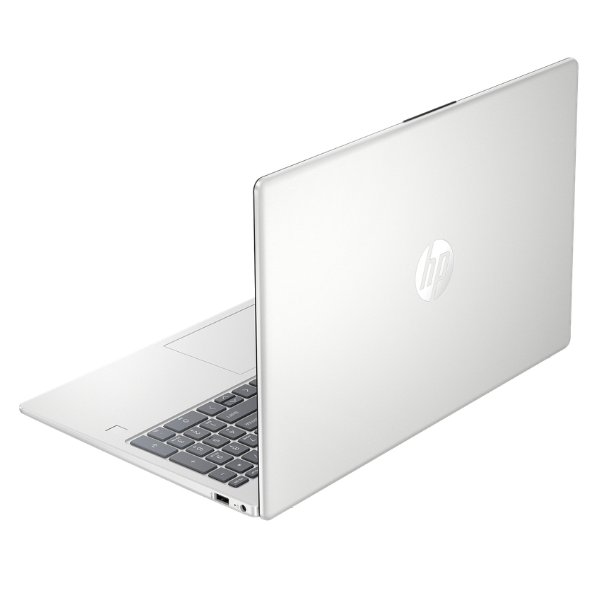
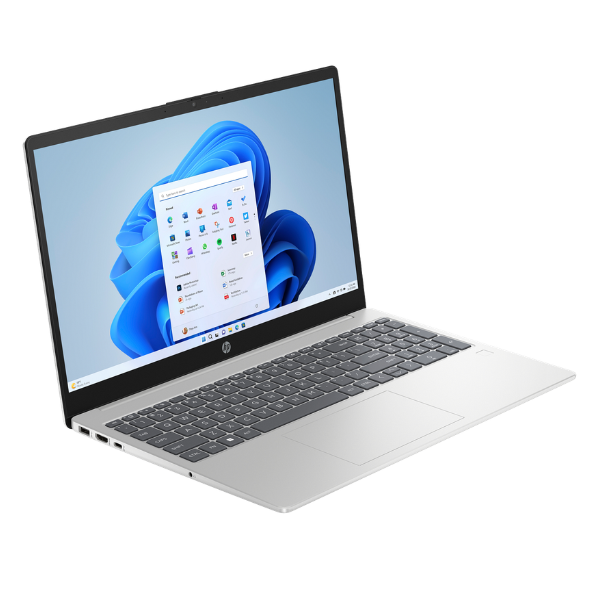
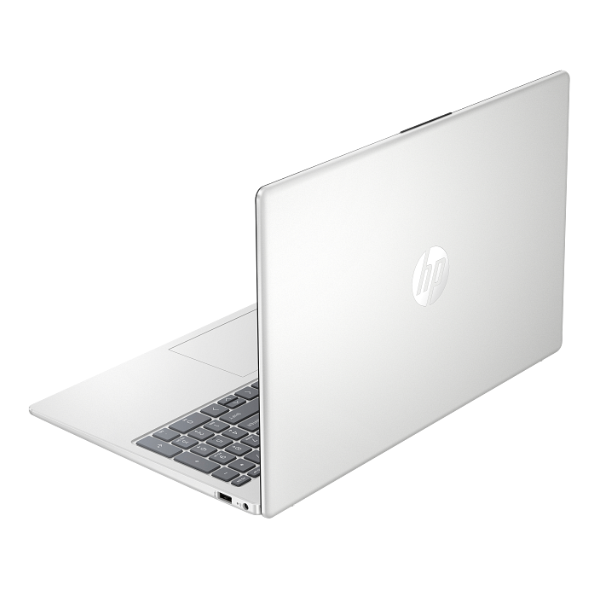
The HP ProBook 440 G11 is not just powerful, it's also built to last. It features a durable, sleek chassis in Pike Silver that is both stylish and portable, making it easy to carry between meetings. With a full range of connectivity options including USB-C, HDMI, and Wi-Fi 6E, you can connect to all your essential peripherals and networks with ease. Invest in a reliable, high-performance tool that will serve your business needs for years to come.
📖 HOW TO USE
1. Carefully unbox the laptop and all included accessories.
2. Connect the power adapter to the laptop and plug it into a power outlet to charge fully before first use.
3. Press the power button to turn on the laptop.
4. Follow the on-screen instructions to complete the initial Windows 11 Pro setup.
5. Connect to your Wi-Fi network and install your essential software and applications.
💡 TIPS & CARE
• Invest in a quality laptop bag to protect your ProBook during travel.
• Use an external mouse and keyboard for a more comfortable desktop experience at your office.
• Keep the Windows operating system and HP support software updated for the best performance and security.
• Regularly back up your important files to an external drive or a cloud service.