Product Description
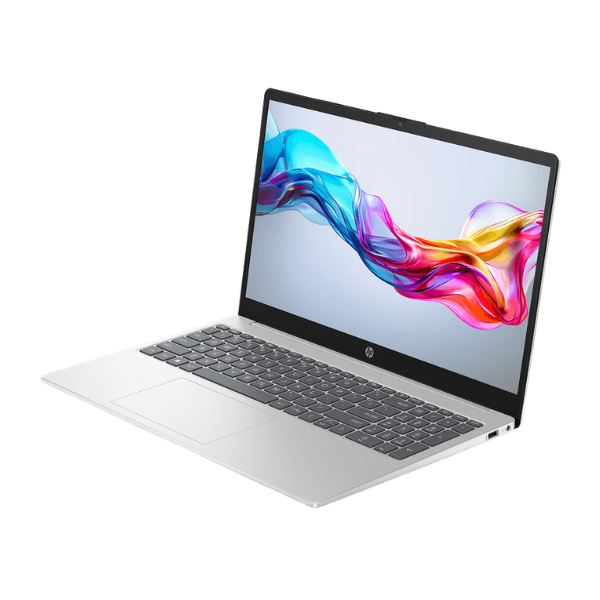
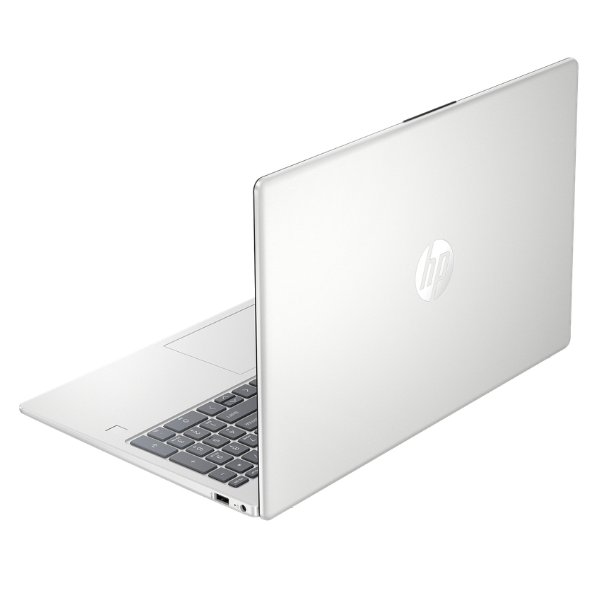
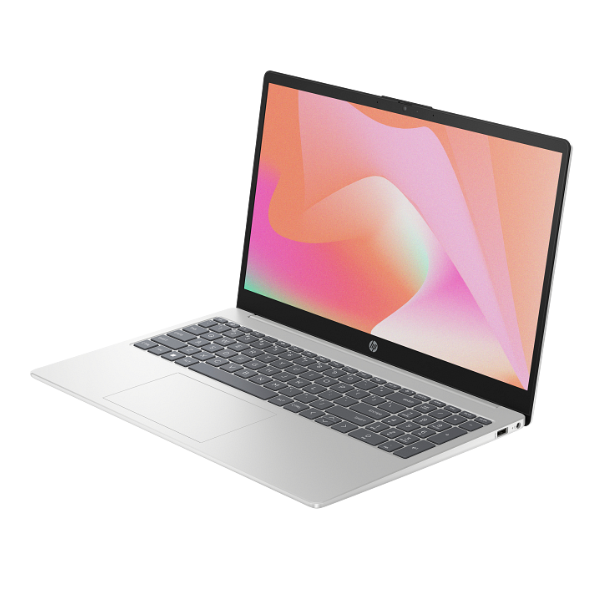
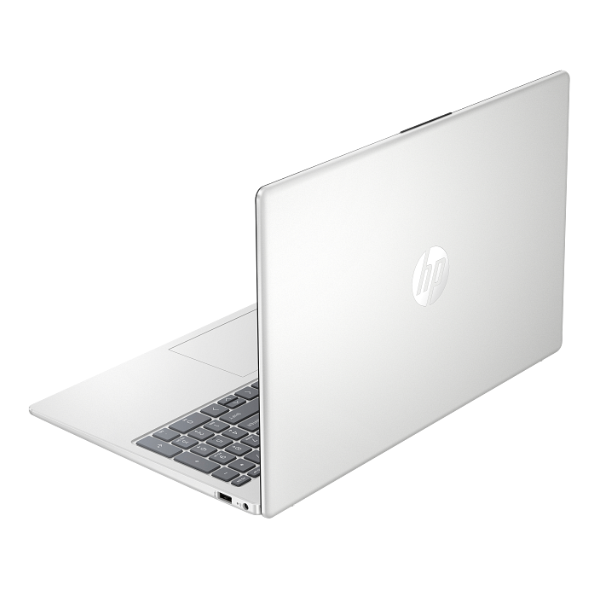
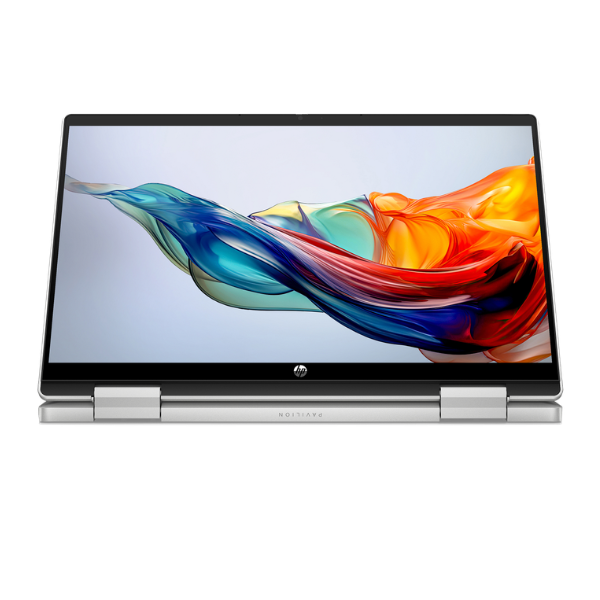
Discover the perfect balance of power and portability with the brand new HP Pavilion x360 14-ek1039nia 2-in-1 Laptop. This device isn't just a laptop; it's your versatile partner designed to adapt to your lifestyle. With its 360-degree hinge, you can effortlessly switch from typing reports in laptop mode to watching movies in tent mode, or sketching ideas in tablet mode. It's the ultimate tool for dynamic professionals and students across Uganda.
Under the hood, this machine is built to perform. It's powered by the latest 13th Generation Intel® Core™ i7-1355U processor, which handles demanding applications with ease. Coupled with a massive 16GB of RAM, you can multitask seamlessly—run multiple browser tabs, stream content, and use productivity software all at once without any slowdown. The super-fast 512GB NVMe SSD ensures that the laptop boots up in seconds and your files and applications load in a flash, saving you valuable time.
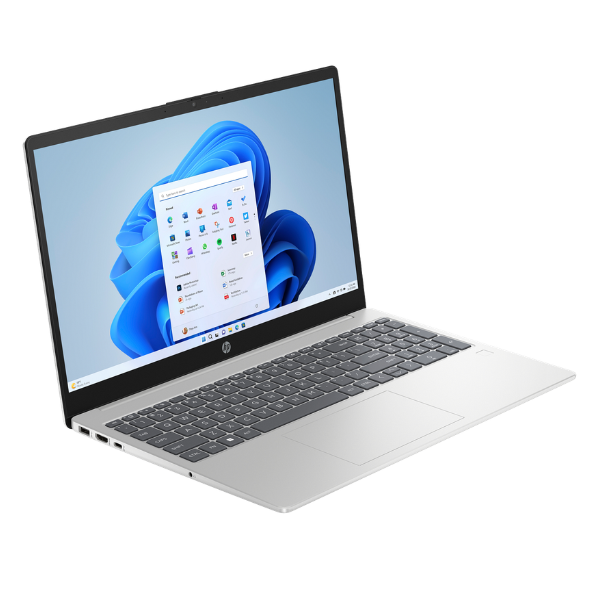
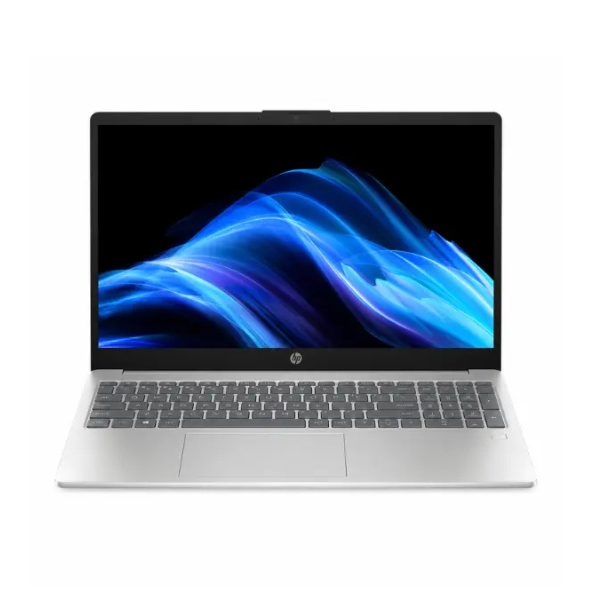
The centerpiece is the stunning 14-inch Full HD IPS touchscreen. With its vibrant colors and wide viewing angles, your content looks amazing whether you're working on a presentation or relaxing with a movie. The micro-edge bezel design maximizes your viewing area, making for a more immersive experience. This brand new, sealed laptop combines high-end performance with a sleek, modern design, making it the ideal choice for anyone needing a reliable and flexible computer for their daily tasks.
📖 HOW TO USE
1. Carefully unbox the laptop and all its accessories from the sealed package.
2. Connect the included AC adapter to the laptop and plug it into a power outlet to charge fully before first use.
3. Press the power button to turn on the device.
4. Follow the on-screen prompts to complete the initial Windows 11 setup.
5. Connect to your local Wi-Fi network and start installing your favorite applications.
💡 TIPS & CARE
• Invest in a protective sleeve or laptop bag to keep it safe during transport.
• Install a reliable antivirus software to protect your data from threats.
• Regularly update Windows and HP support software for the latest features and security patches.
• Explore the different modes (tent, stand, tablet) to find what works best for your various tasks.