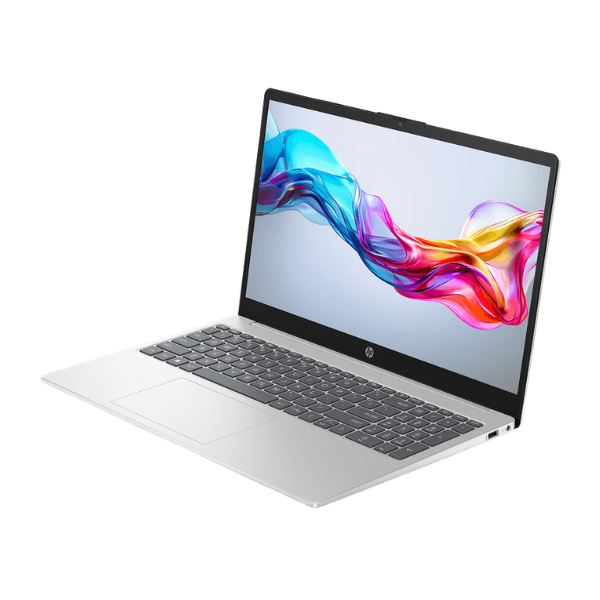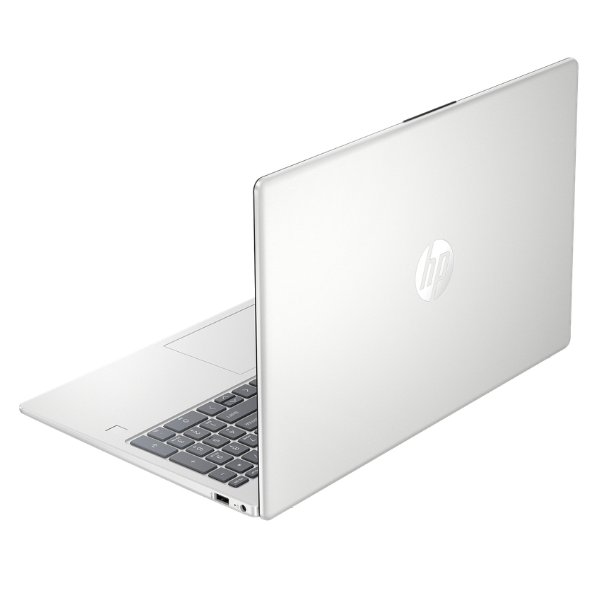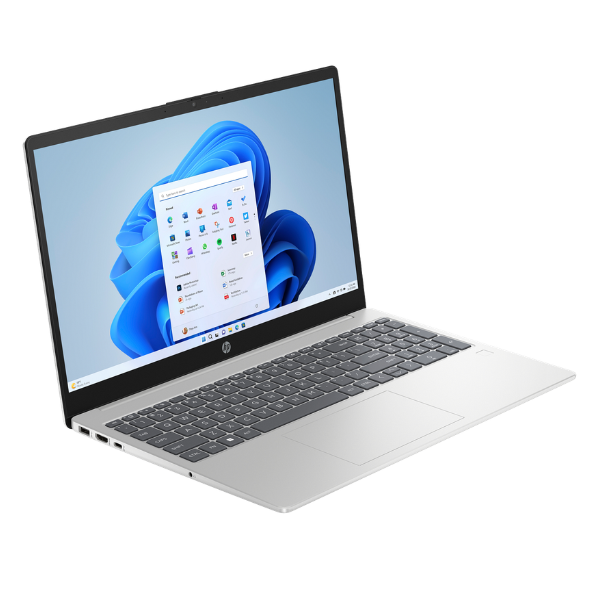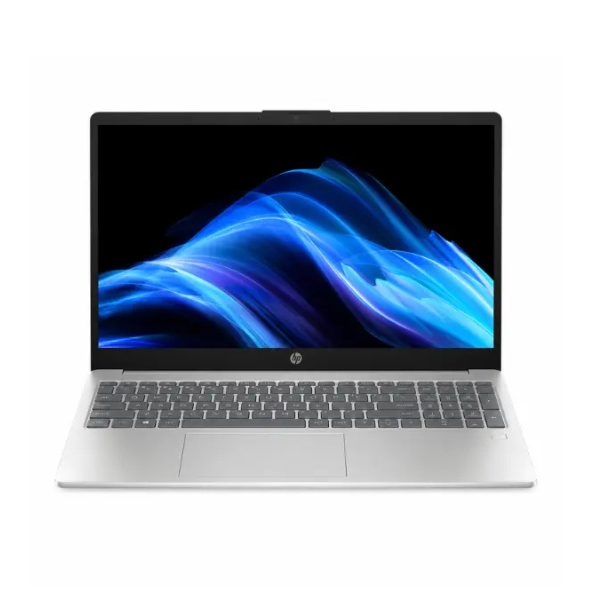
HP Laptops
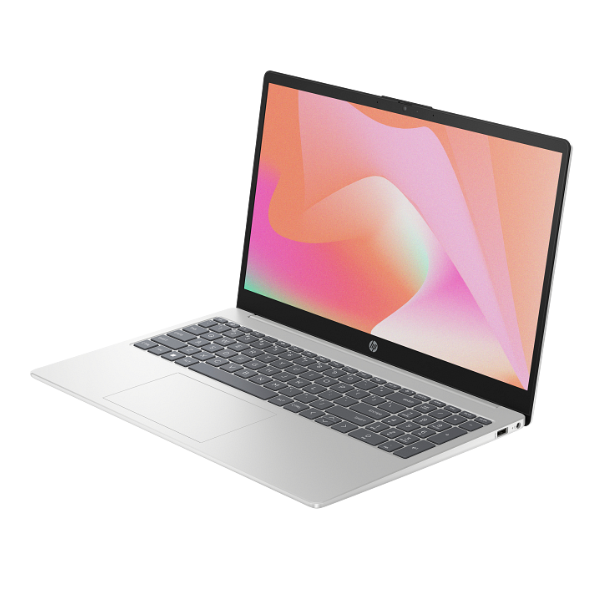
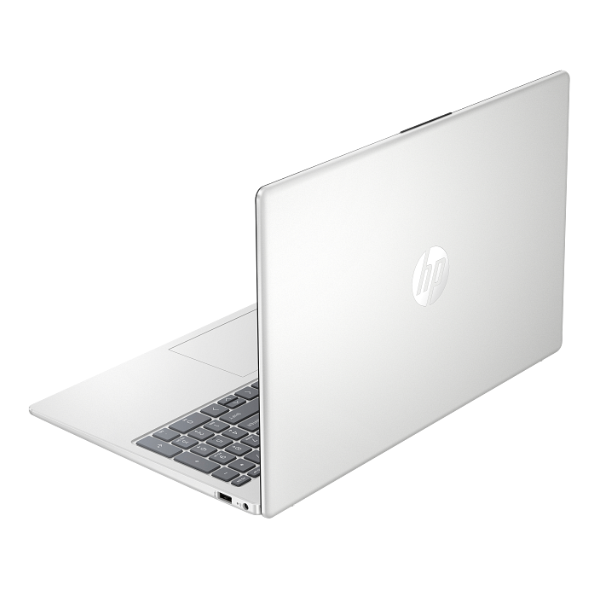
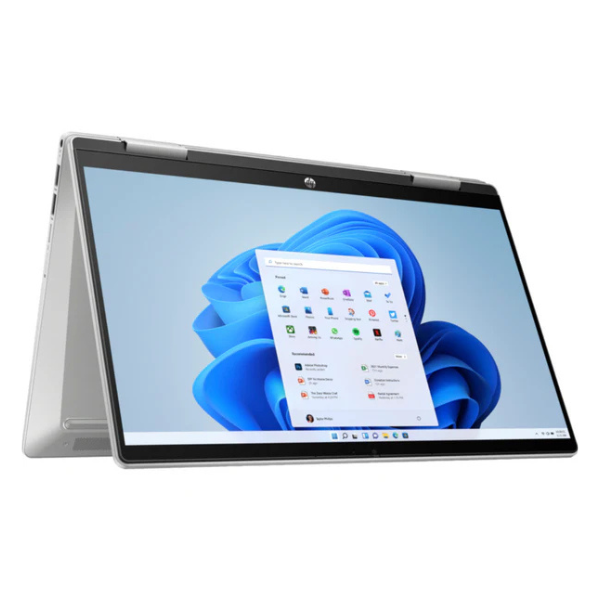
HP Pavilion x360 14-ek1006nia 2-in-1 Laptop 14" Touchscreen Intel Core i5 8GB RAM 512GB SSD
13th Generation Intel Core i5-1335U Processor | 8GB DDR4 RAM for smooth multitasking | 512GB PCIe NVMe M.2 SSD for fast boot-up and file access | 14-inch FHD (1920 x 1080) IPS Touchscreen Display | 360° hinge for laptop, tablet, tent, and stand modes
No reviews yet
Out of Stock
Chat on WhatsApp| Specification | Details | More Info | Remarks |
|---|---|---|---|
| Storage | 512GB PCIe NVMe M.2 SSD | ||
| RAM | 8GB DDR4 | ||
| Webcam | HP True Vision 5MP camera with temporal noise reduction | ||
| Connectivity | Wi-Fi 6 (2x2) and Bluetooth 5.3 | ||
| Graphics | Intel Iris Xe Graphics | ||
| Warranty | 1 Year | ||
| Operating System | Windows 11 Home | ||
| Product Name | HP Pavilion x360 14-ek1006nia 2-in-1 Laptop | ||
| Audio | Audio by B&O with dual speakers | ||
| Ports | 1x USB Type-C, 2x USB Type-A, 1x HDMI 2.1, 1x AC smart pin, 1x headphone/microphone combo | ||
| Display | 14-inch FHD (1920 x 1080), multitouch-enabled, IPS, micro-edge | ||
| Condition | Brand New, Sealed | ||
| Color | Natural Silver | ||
| Processor | Intel Core i5-1335U (13th Generation) |