Product Description
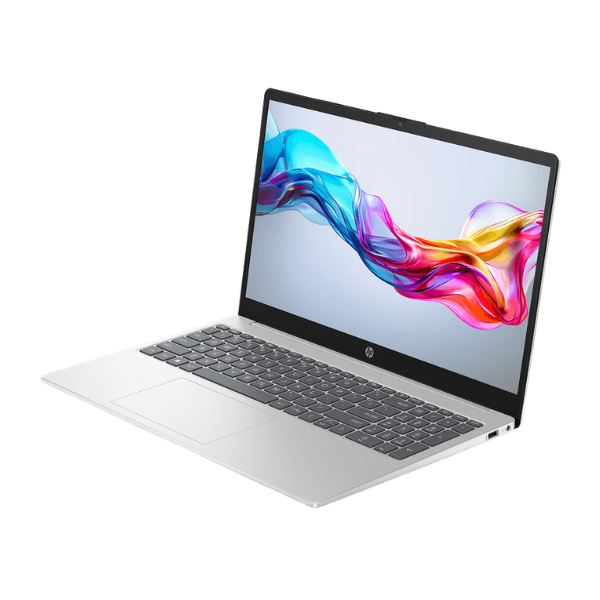
Unleash your creativity and boost your productivity with the brand new HP OmniBook X360. This is not just a laptop; it's a powerhouse designed for the modern professional in Uganda. At its heart is the latest Intel® Core™ Ultra 7 processor, paired with a massive 32GB of RAM. This combination delivers lightning-fast performance, allowing you to run demanding applications like video editing software, complex spreadsheets, and multiple programs at once without any lag. The ultra-fast 1TB NVMe SSD ensures your laptop boots up in seconds and your files load instantly.
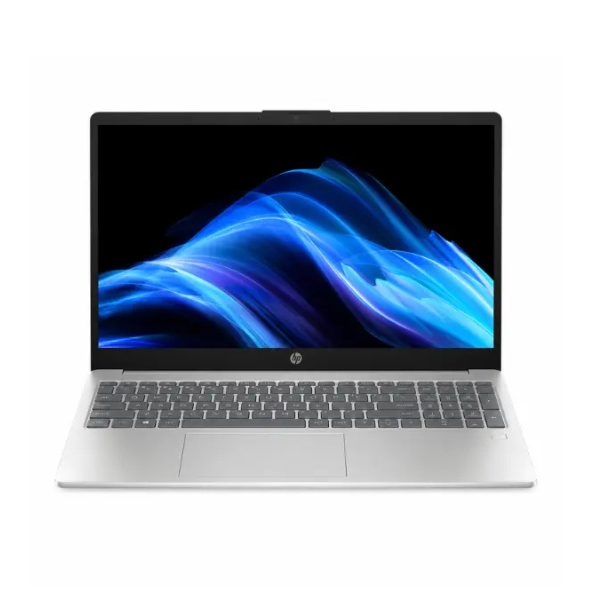
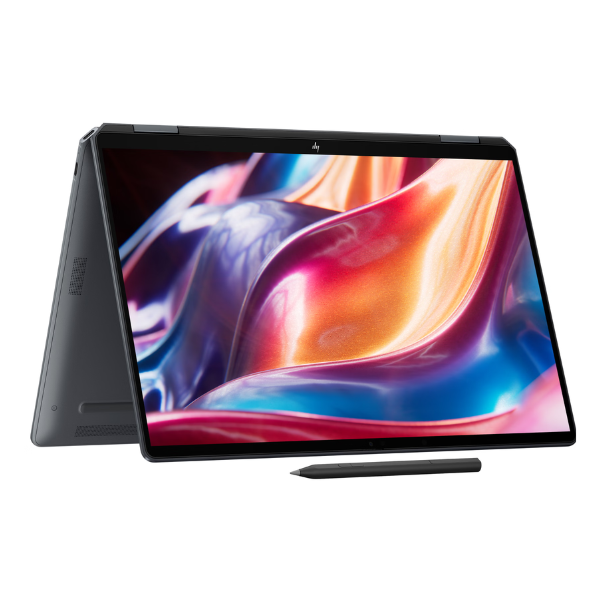
Prepare to be amazed by the breathtaking 14-inch 2.8K OLED touchscreen display. With vibrant colors, deep blacks, and incredible detail, your photos, videos, and designs will come to life like never before. The 360-degree hinge transforms the device to fit your needs – use it as a traditional laptop for typing, flip it into tent mode for presentations, or fold it into a tablet for drawing and note-taking with a compatible stylus. This flexibility makes it the perfect companion for work, entertainment, and everything in between.
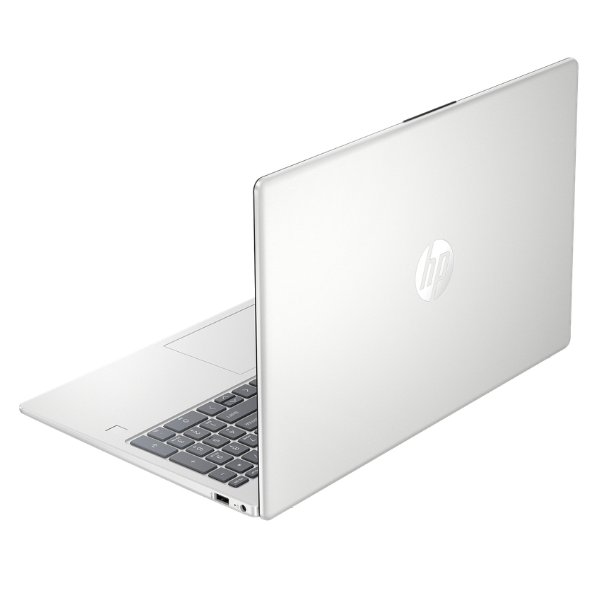
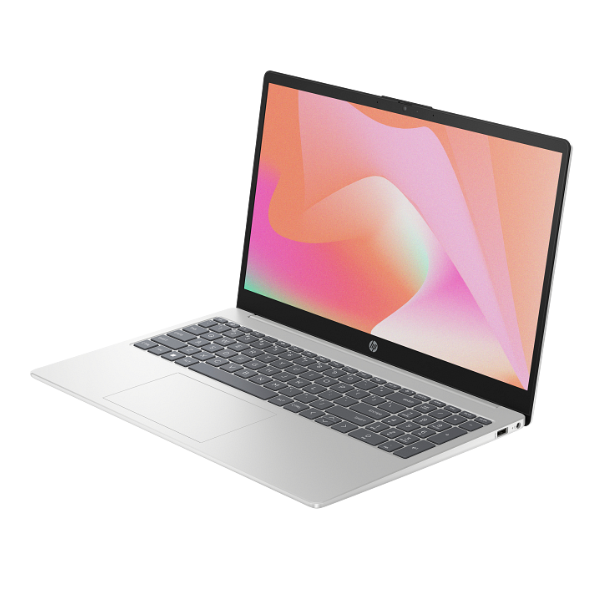
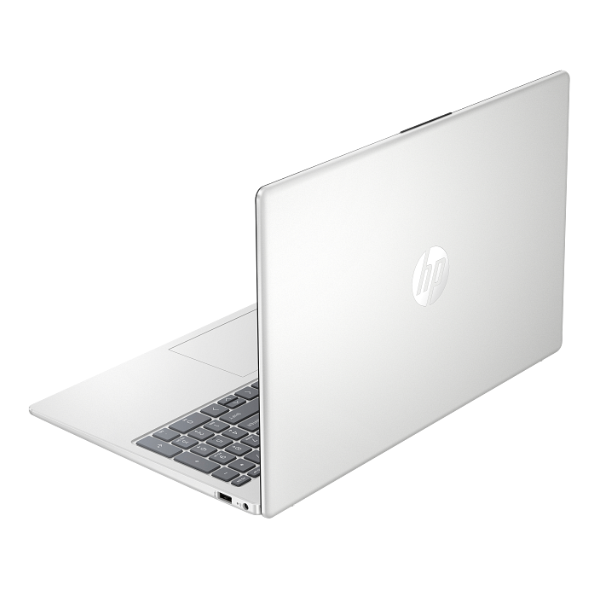
Crafted with a sleek, lightweight aluminum chassis, the HP OmniBook X360 is built for life on the go. Its premium build quality feels solid and durable, while its slim profile makes it easy to carry in your bag. This brand new, sealed device is your ultimate tool for success, offering top-tier performance, a world-class display, and the versatility to adapt to any task, whether you're in the office, at home, or meeting a client in Kampala.
📖 HOW TO USE
1. Carefully unbox the laptop and its accessories.
2. Connect the included power adapter and plug it into a power source to charge the battery.
3. Press the power button to turn on the laptop.
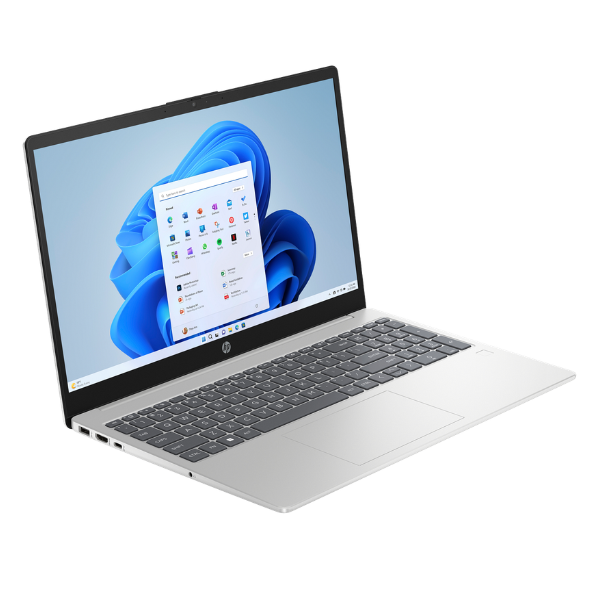
4. Follow the on-screen instructions to complete the initial Windows 11 setup.
5. Connect to your Wi-Fi network to access the internet and download updates.
💡 TIPS & CARE
• Invest in a protective sleeve or laptop bag to keep your device safe during travel.
• Regularly check for and install Windows and HP software updates for the best performance and security.
• Explore the different modes (laptop, tent, stand, tablet) to find the best setup for your tasks.
• Use a compatible stylus (sold separately) to take full advantage of the touchscreen for drawing and note-taking.