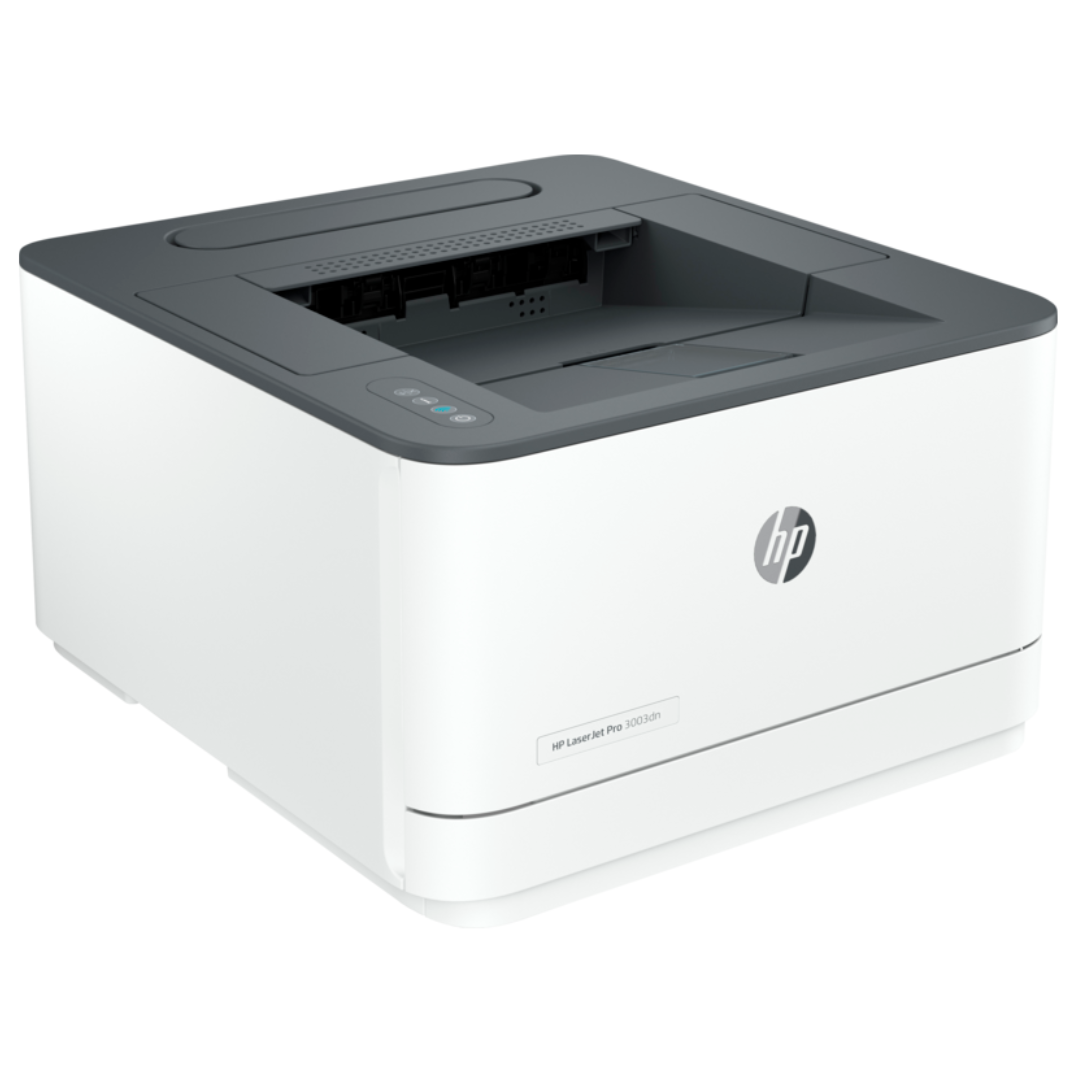
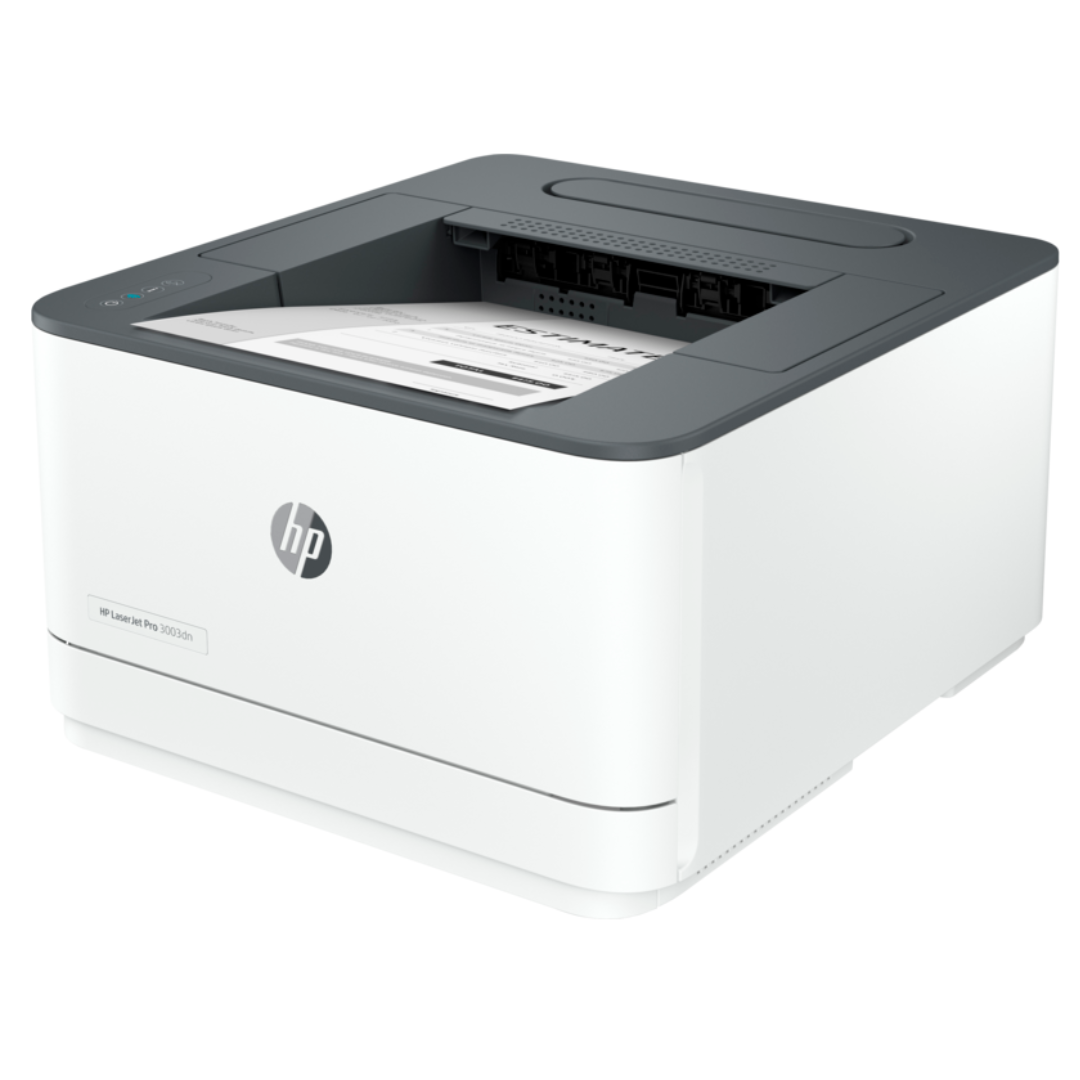
Product Description
Supercharge your small or medium-sized business in Uganda with the brand new HP LaserJet Pro 3003dn printer. This is a workhorse designed for efficiency and reliability, helping you get professional-quality documents printed quickly and affordably. Straight from the box, you'll experience incredible performance that keeps your workflow moving.
Key features include:
- Blazing Fast Speed: Don't wait around for your documents. This printer prints at speeds of up to 33 pages per minute, so your reports, invoices, and letters are ready when you need them.
- Save Paper & Money: The automatic duplex printing feature prints on both sides of the paper without you having to flip it manually. This cuts your paper consumption by up to 50%, saving money and helping the environment.
- Network Ready: Easily connect the printer to your office network using the built-in Ethernet port. This allows everyone in your team to share the printer seamlessly, improving collaboration and resource management.
- Crisp, Professional Quality: HP's laser technology ensures every page has sharp text and clear graphics, giving your business documents a professional look every time.
This BRAND NEW, sealed printer is the perfect investment for any serious business looking to improve its document handling. It is built to handle demanding workloads, making it a reliable partner for your daily operations. Get your office running at peak performance with the HP LaserJet Pro 3003dn.
📖 HOW TO USE
1. Carefully unbox the printer and remove all packaging materials and tapes.
2. Install the included HP Black LaserJet Toner cartridge into the printer.
3. Connect the power cord to the printer and a wall outlet, then turn it on.
4. Connect the printer to your network using an Ethernet cable or directly to a computer with a USB cable (not included).
5. Install the printer drivers on your computer from the HP website to begin printing.
💡 TIPS & CARE
• For the best quality and printer longevity, always use genuine HP toner cartridges.
• Use the automatic duplex feature to save paper on internal documents.
• Place the printer in a well-ventilated, dust-free area for optimal performance.
• Regularly check the paper tray to ensure it is loaded correctly to avoid paper jams.