Product Description
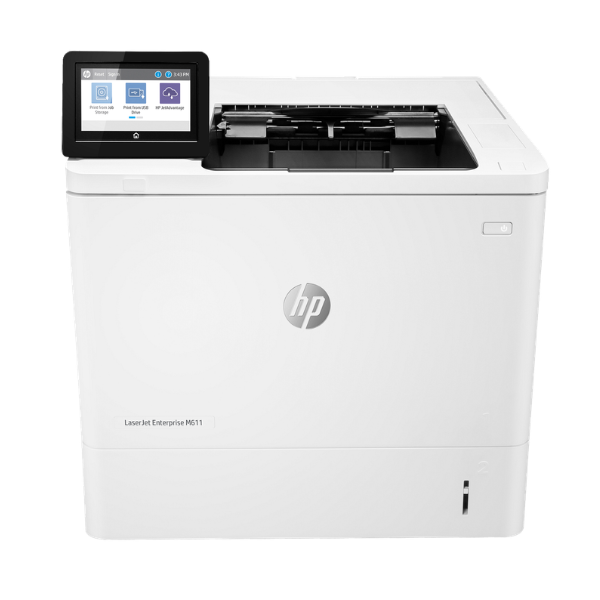
Supercharge your workplace with the BRAND NEW HP LaserJet Enterprise M611dn, a powerhouse printer designed for demanding environments in Uganda. If your business needs speed, reliability, and professional quality, this is the machine for you. It prints an incredible 65 pages per minute, meaning large documents are ready in a flash, keeping your team productive and eliminating long waits at the printer.
This printer is built for efficiency. With automatic duplex (two-sided) printing, you can cut your paper consumption by up to 50%, saving money and helping the environment. The built-in Gigabit Ethernet port allows you to easily connect it to your office network, so everyone in the team can print directly from their computers without hassle. The crisp 1200 x 1200 dpi resolution ensures that every document, from simple text reports to detailed graphics, looks sharp and professional, upholding your company's image.
Engineered for high-volume workloads, the HP LaserJet M611dn is robust and durable, ready to handle the daily printing needs of a busy office. Its user-friendly interface makes it simple to operate, and its advanced security features help protect your sensitive business information. Invest in a BRAND NEW, reliable printing solution that will deliver consistent performance day after day.
📖 HOW TO USE
1. Carefully unbox the printer and remove all protective tapes and packaging materials.
2. Open the front cover and install the included HP toner cartridge.
3. Load A4 paper into the main paper tray, adjusting the guides to fit snugly.
4. Connect the power cord to an outlet and the Ethernet cable to your network router or switch.
5. Power on the printer and follow the on-screen instructions to complete the initial setup and network configuration.
💡 TIPS & CARE
• For best results and printer longevity, use genuine HP toner cartridges.
• Utilize the automatic duplex feature to save on paper costs for internal documents.
• Keep the paper trays stocked to avoid interruptions during large print jobs.
• Install the latest HP drivers on all office computers for full feature access and compatibility.




