Product Description
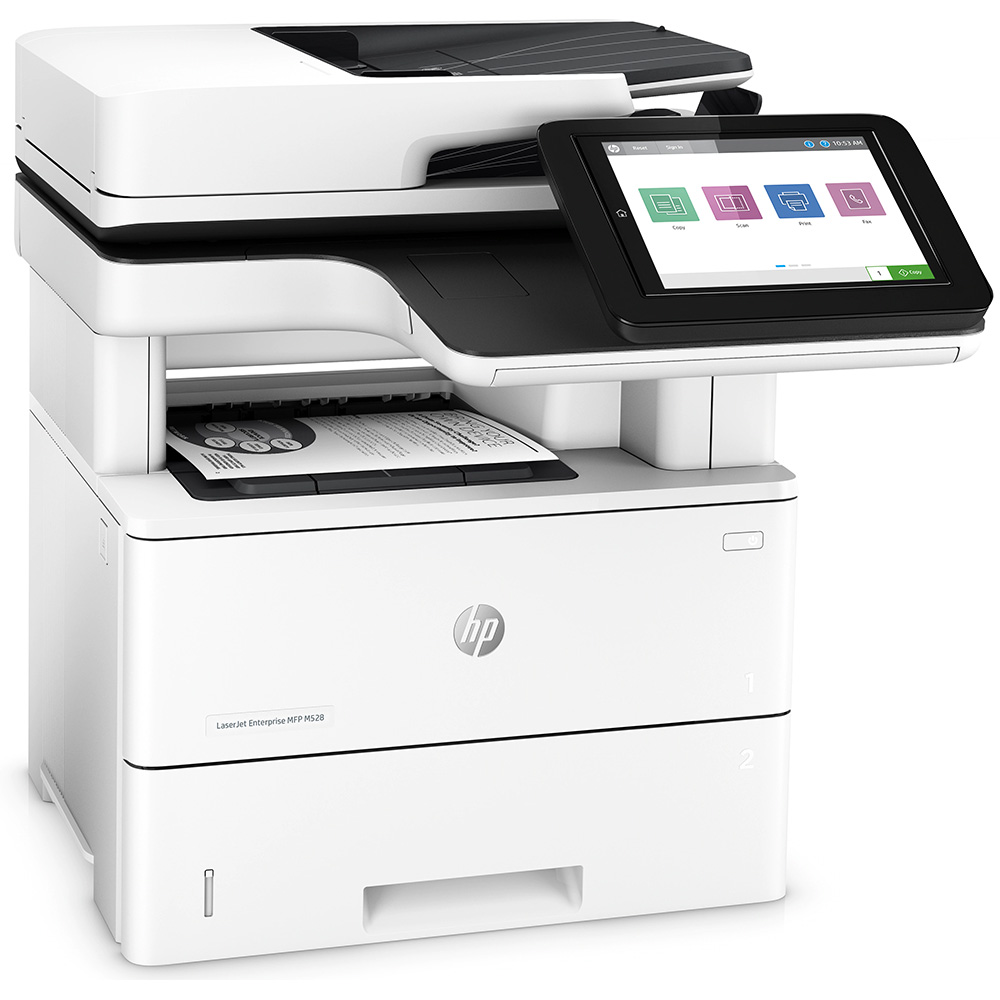
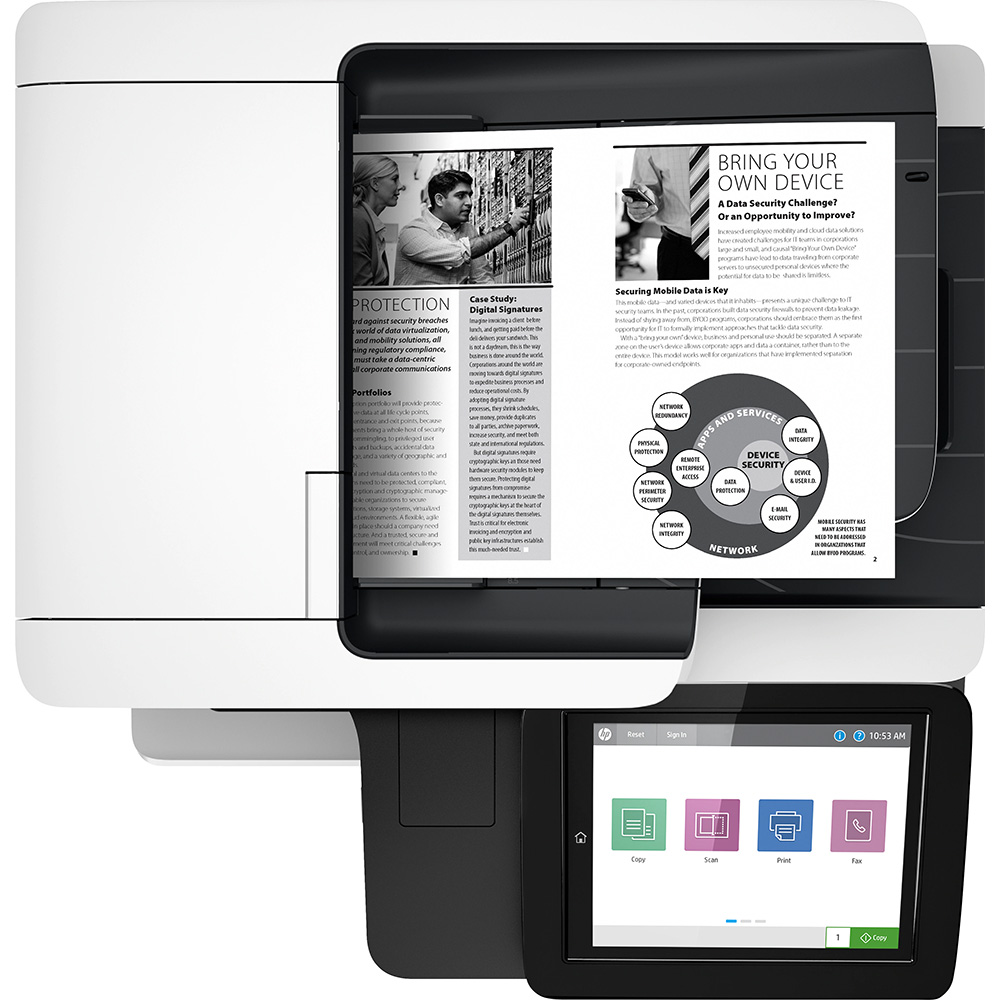
Experience unparalleled efficiency and reliability with the BRAND NEW HP LaserJet Enterprise M528dn Multifunction Laser Printer. Designed for demanding business environments in Uganda, this powerhouse device combines print, copy, scan, and fax functionalities into a single, compact unit. It’s perfect for busy offices that require high-volume output, robust security, and seamless integration into their existing network infrastructure.
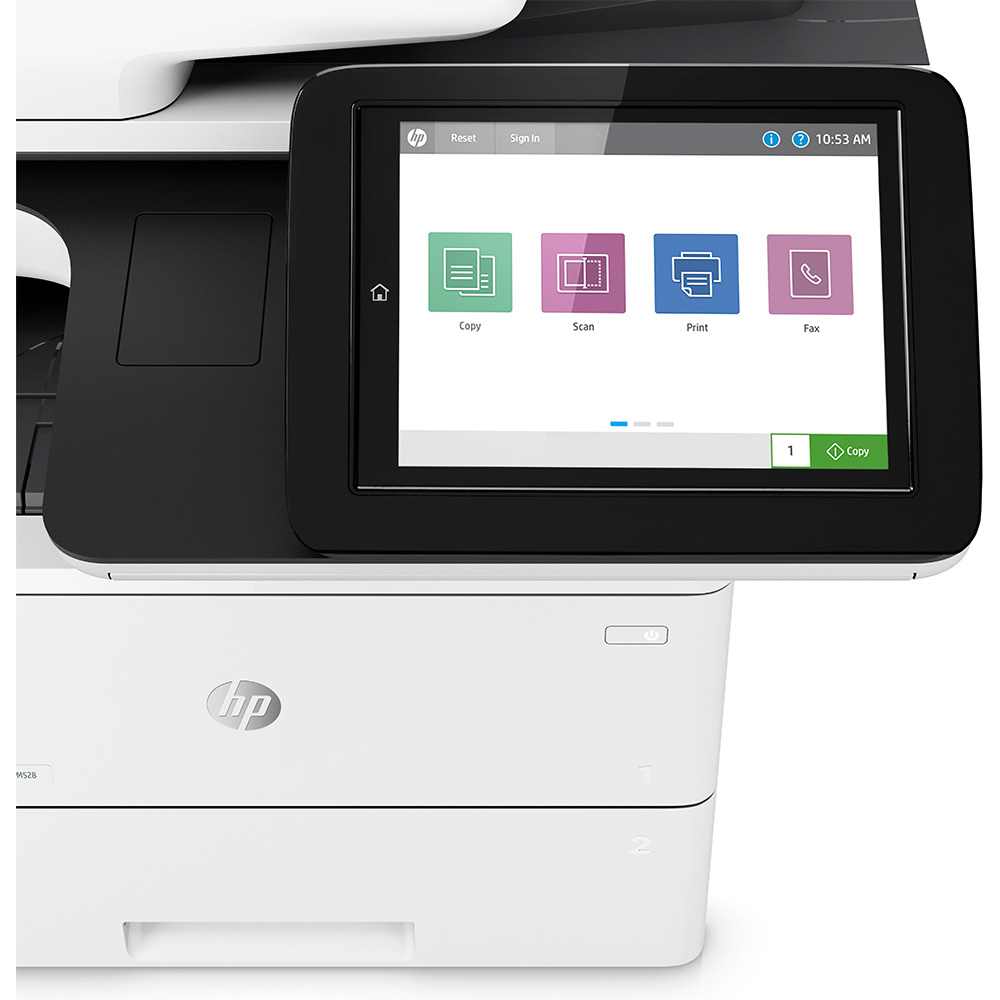
The M528dn delivers exceptional performance with print speeds of up to 43 pages per minute, ensuring your critical documents are ready in no time. Its automatic duplex printing feature saves paper and reduces costs, while the large 8.0-inch color touchscreen makes operation intuitive and straightforward. Built with HP's renowned enterprise-grade security, this printer protects your sensitive data from potential threats, giving you peace of mind. Its durable construction ensures long-lasting performance, making it a smart investment for any growing business.
Equipped with a robust paper handling capacity and versatile media support, the HP LaserJet Enterprise M528dn streamlines your workflow, allowing your team to focus on what matters most. From crisp, professional documents to efficient digital archiving, this multifunction printer is engineered to meet the diverse needs of modern Ugandan businesses, enhancing productivity and delivering consistent, high-quality results every time.
📖 HOW TO USE
1. Unpack the printer and remove all packing materials and protective tapes.
2. Connect the power cable and turn on the printer.
3. Install the original HP toner cartridge into the designated slot.
4. Load paper into the input trays according to the size and type required.
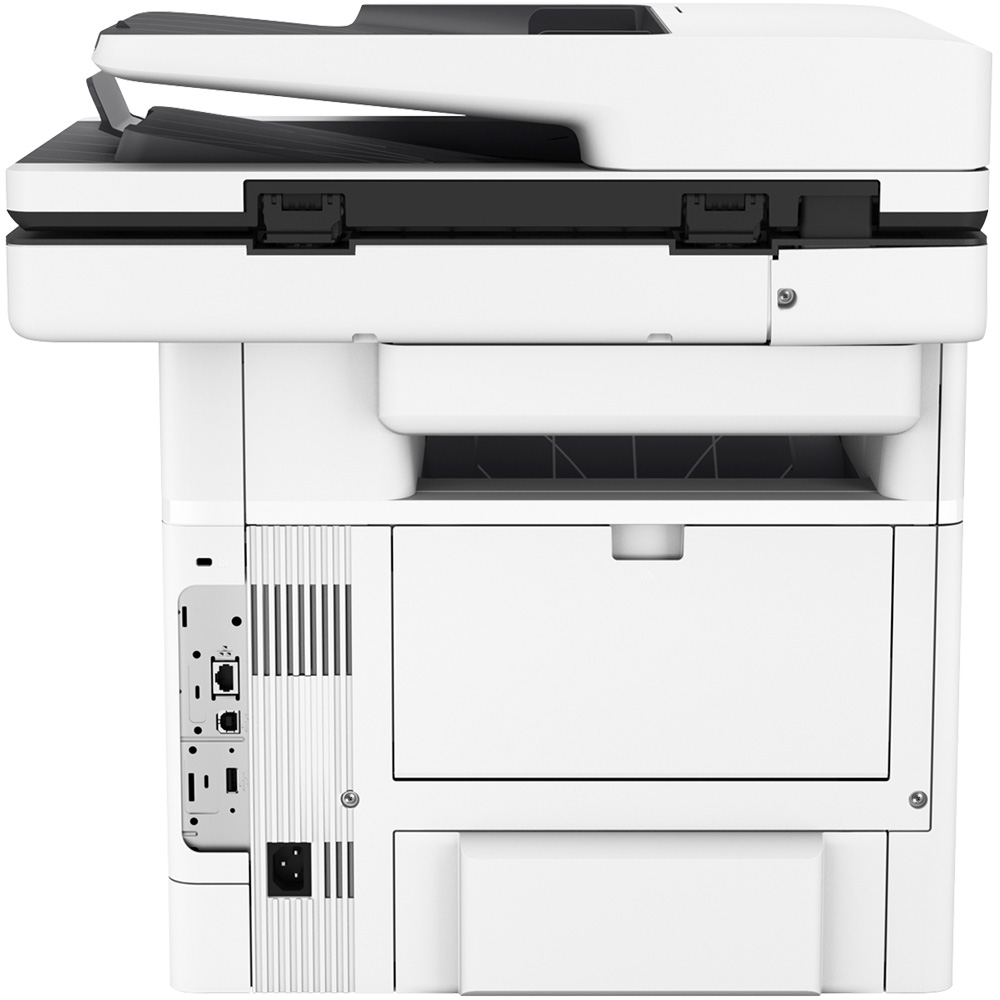
5. Connect the printer to your network via Ethernet cable or directly to a computer via USB, then install the necessary drivers and software from the HP website.
💡 TIPS & CARE
• Always use genuine HP toner cartridges for optimal print quality and printer longevity.
• Perform regular cleaning of the scanner glass and ADF rollers to maintain clear scans.
• Keep the printer's firmware updated to ensure the latest security features and performance enhancements.
• Implement network security best practices to protect the printer and your data from unauthorized access.