HP Laptops
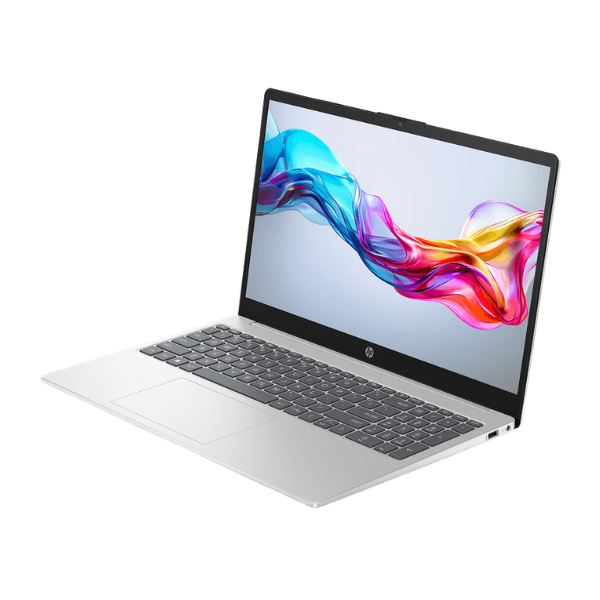
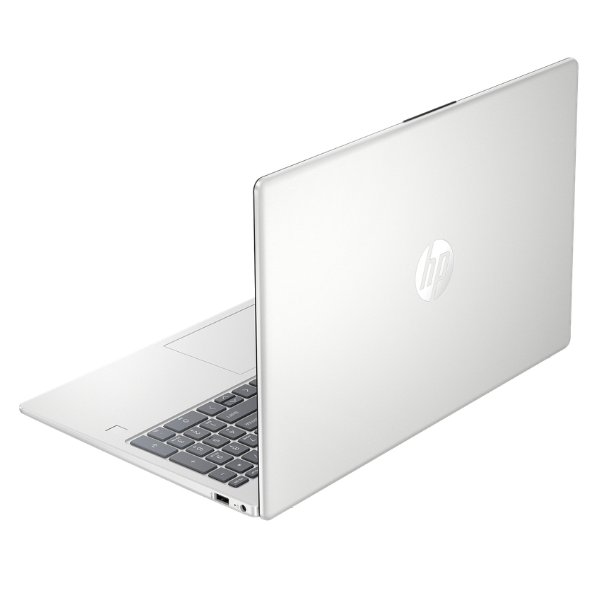
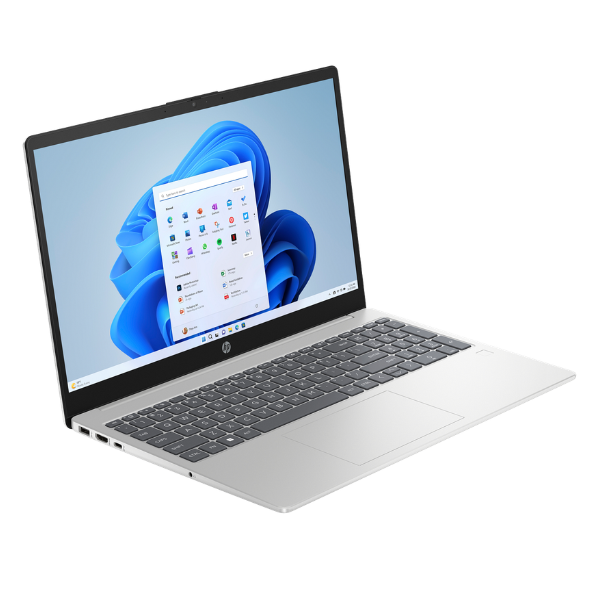
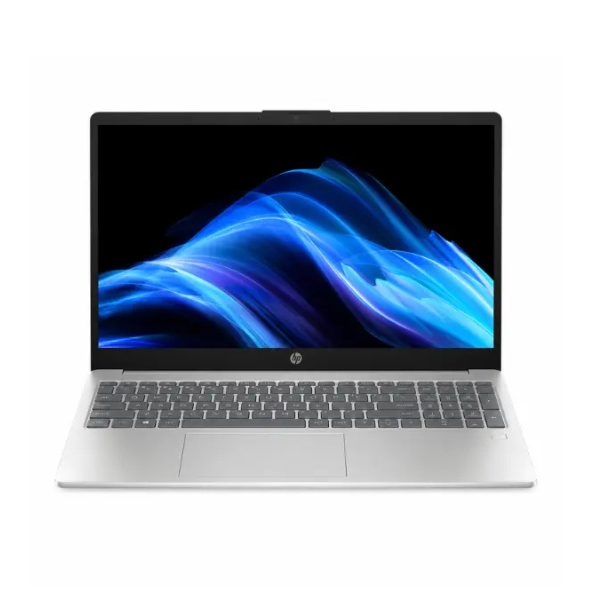
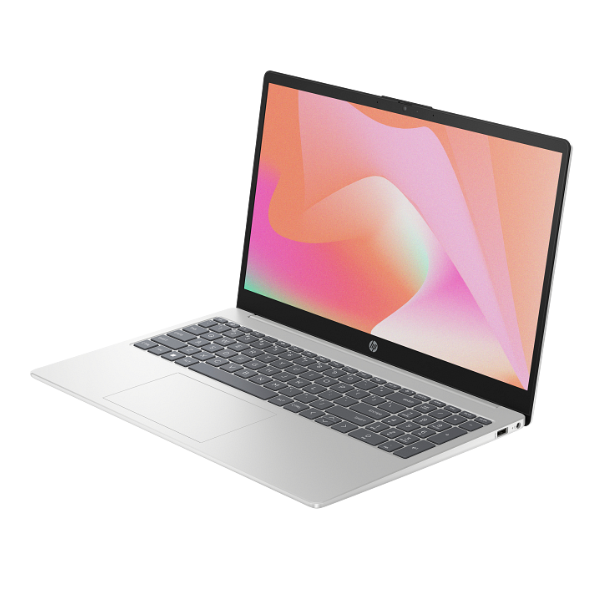
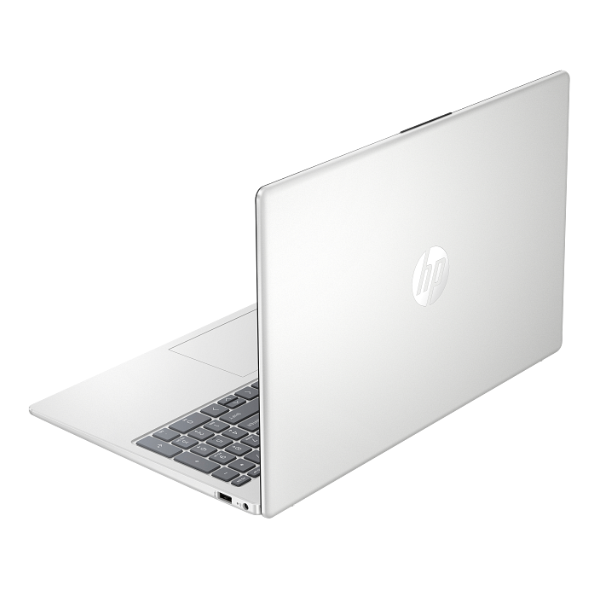
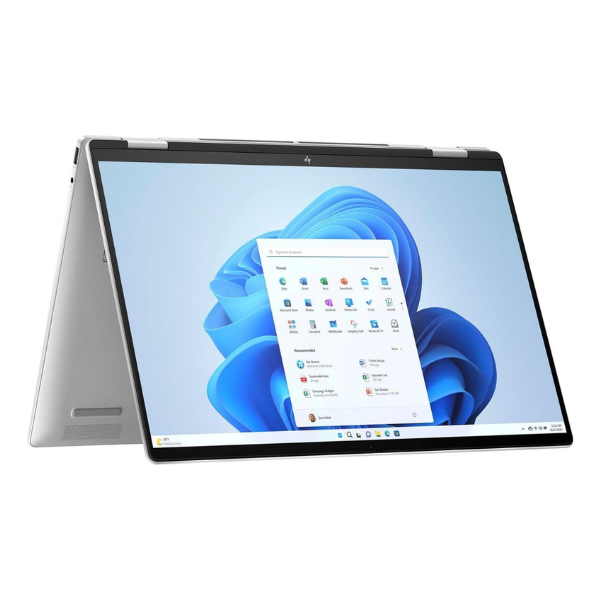
HP Envy x360 16-ac Laptop 16-inch Intel Core Ultra 7 16GB RAM 512GB SSD Touchscreen Natural Silver
Processor: Intel® Core™ Ultra 7 155H | Memory: 16GB LPDDR5 RAM | Storage: 512GB PCIe® NVMe™ M.2 SSD | Display: 16-inch WUXGA (1920 x 1200) multitouch-enabled IPS screen | Feature: 360-degree convertible hinge
No reviews yet
USh 6,693,000
1
Only 10 items left, hurry up!| Specification | Details | More Info | Remarks |
|---|---|---|---|
| Operating System | Windows 11 Home | ||
| Audio | Audio by Poly Studio; DTS:X® Ultra; Dual speakers; HP Audio Boost | ||
| Warranty | 1 Year | ||
| Webcam | 5MP IR camera with temporal noise reduction and integrated dual array digital microphones | ||
| Battery | 4-cell, 68 Wh Li-ion polymer | ||
| Color | Natural Silver | ||
| Storage | 512 GB PCIe® Gen4 NVMe™ M.2 SSD | ||
| Graphics | Integrated Intel® Arc™ Graphics | ||
| Memory | 16 GB LPDDR5-6400 MHz RAM (onboard) | ||
| Condition | Brand New, Sealed | ||
| Connectivity | Intel® Wi-Fi 6E AX211 (2x2) and Bluetooth® 5.3 | ||
| Processor | Intel® Core™ Ultra 7 155H (up to 4.8 GHz with Intel® Turbo Boost Technology, 24 MB L3 cache, 16 cores, 22 threads) | ||
| Ports | 2x Thunderbolt™ 4 with USB Type-C®, 1x USB Type-A 10Gbps (HP Sleep and Charge), 1x USB Type-A 10Gbps, 1x HDMI 2.1, 1x headphone/microphone combo | ||
| Product Name | HP Envy x360 16-ac B67E0EA Laptop | ||
| Display | 16-inch, WUXGA (1920 x 1200), multitouch-enabled, IPS, edge-to-edge glass, micro-edge, 300 nits |