Product Description
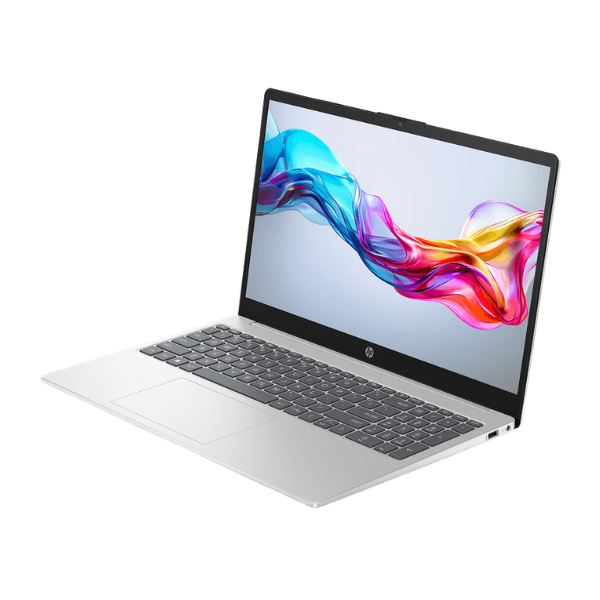
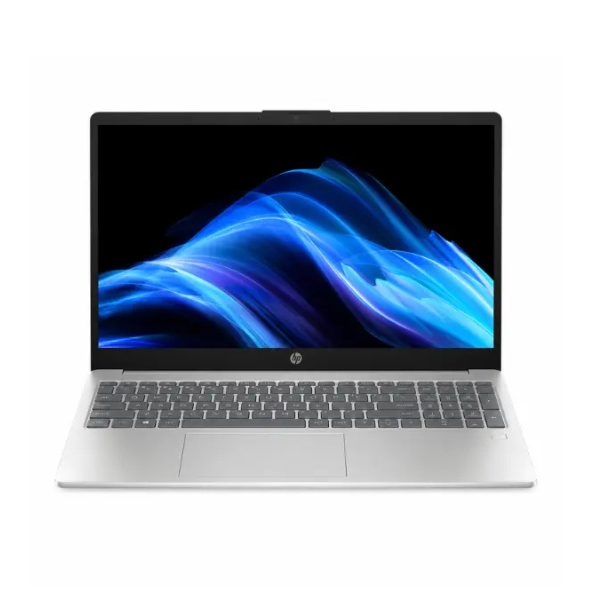
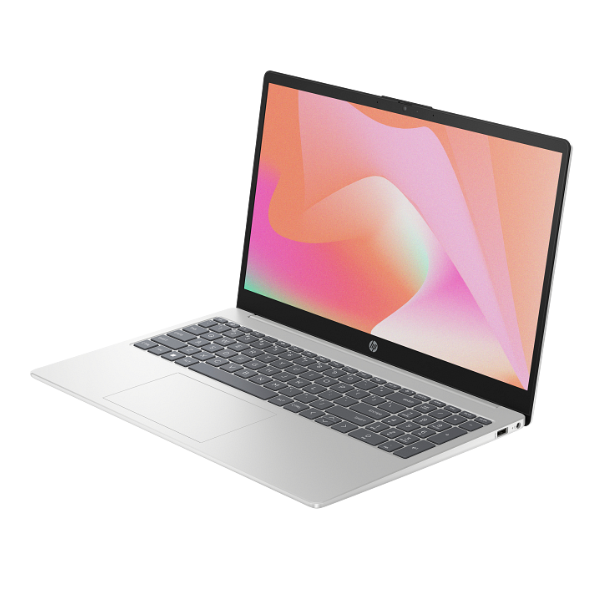
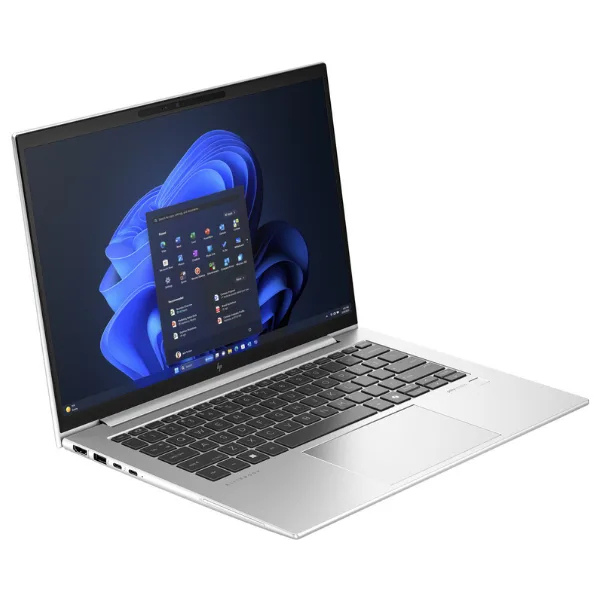
Unlock a new level of productivity with the BRAND NEW HP EliteBook 860 G11, a premium business laptop designed for the modern professional in Uganda. Powered by the latest Intel® Core™ Ultra 7 processor with AI-acceleration, this machine handles demanding applications, complex spreadsheets, and heavy multitasking without breaking a sweat. It's the perfect tool for business owners, executives, and power users who demand performance and reliability.
With a massive 32GB of high-speed DDR5 RAM, you can run all your essential software simultaneously, from accounting packages to design software and multiple browser tabs, with zero lag. The lightning-fast 1TB NVMe SSD ensures that your laptop boots up in seconds, files transfer instantly, and applications load in a flash. The vibrant 16-inch WUXGA display provides ample screen space for your work, with sharp details and rich colors, making it easy on the eyes during long workdays.
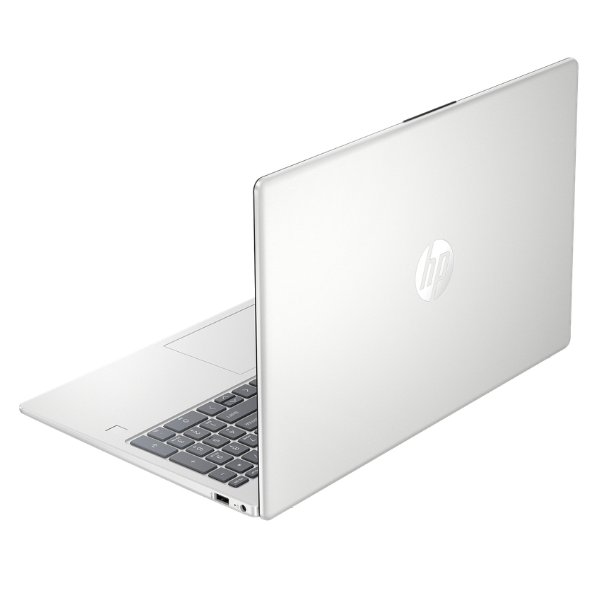
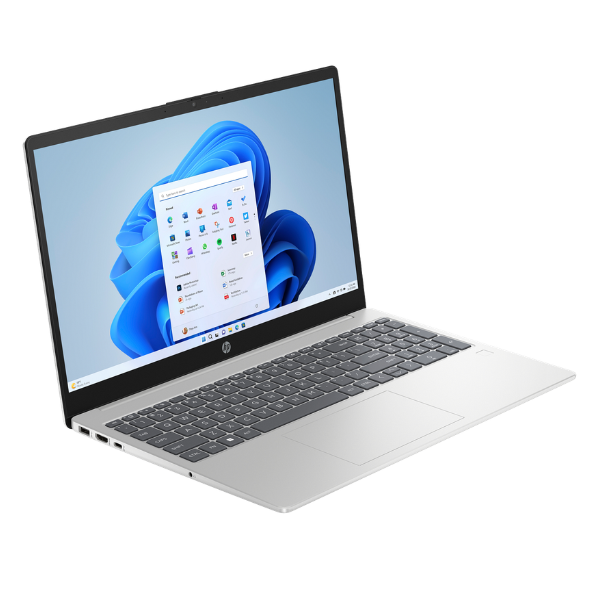
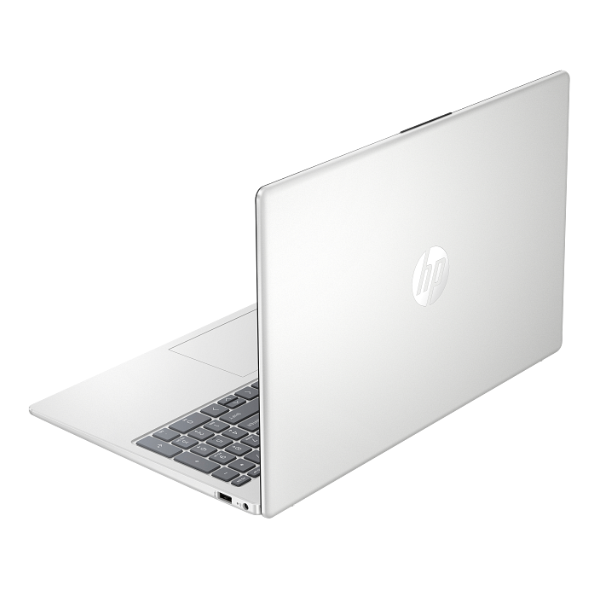
The HP EliteBook series is renowned for its durable and sleek design. This brand new, sealed unit is built to last, with advanced security features like a fingerprint reader and an IR camera for secure logins. Whether you're working from an office in Kampala or traveling across the country, its robust connectivity options, including Wi-Fi 6E and Thunderbolt™ 4 ports, keep you connected and productive. Invest in a machine that works as hard as you do.
📖 HOW TO USE
1. Carefully unbox the laptop and all its accessories from the sealed package.
2. Connect the included power adapter to the laptop and plug it into a power outlet to charge fully.
3. Press the power button to turn on the laptop for the first time.
4. Follow the on-screen prompts to complete the initial Windows 11 Pro setup.
5. Connect to your Wi-Fi network and start installing your essential software and applications.
💡 TIPS & CARE
• Install a reputable antivirus software to protect your data from threats.
• Regularly check for and install Windows updates and HP support assistant updates to keep your system secure and running smoothly.
• For maximum productivity at your desk, consider pairing it with an HP Thunderbolt dock to connect multiple monitors and peripherals with a single cable.
• Use a laptop bag or sleeve to protect your investment from scratches and bumps when traveling.