Product Description
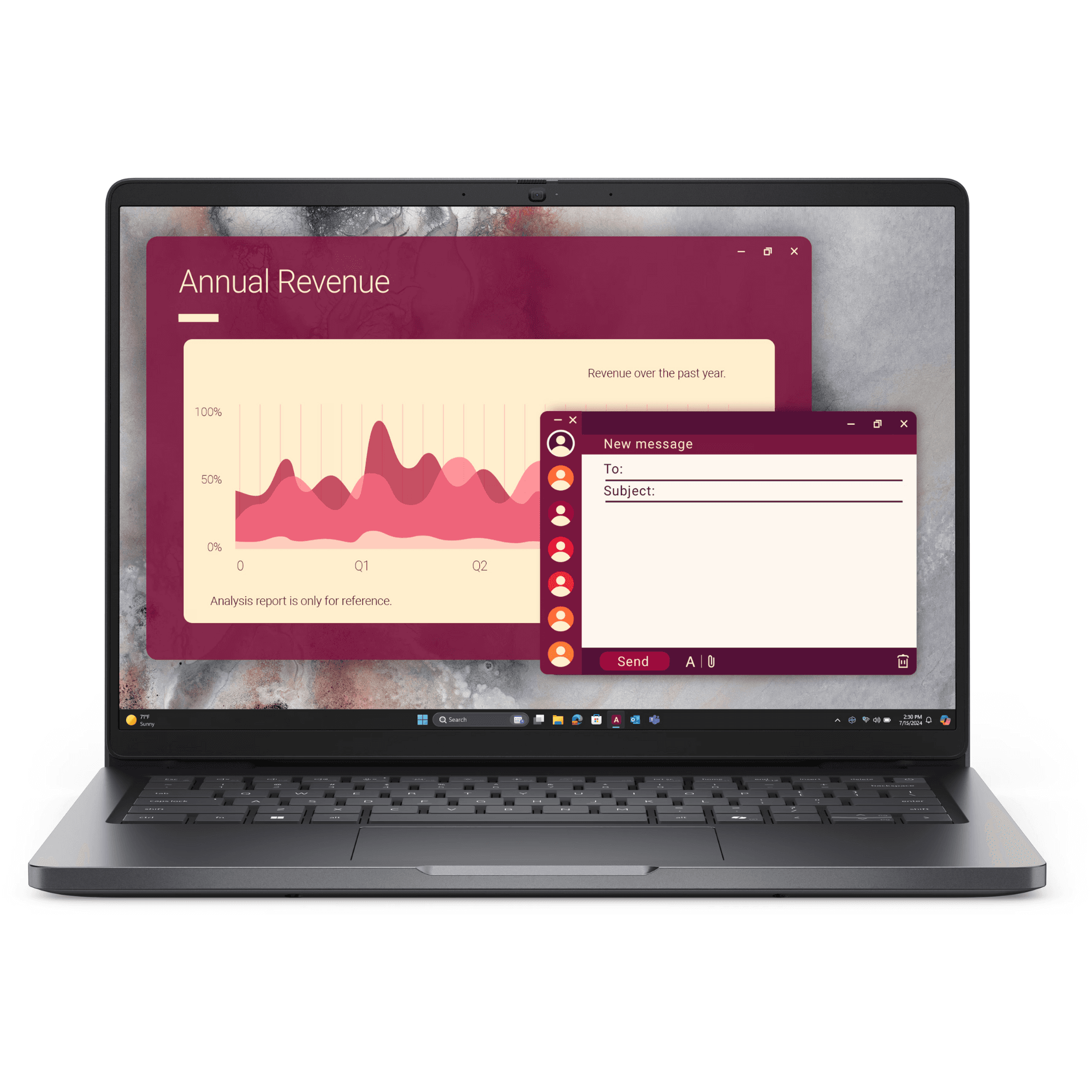
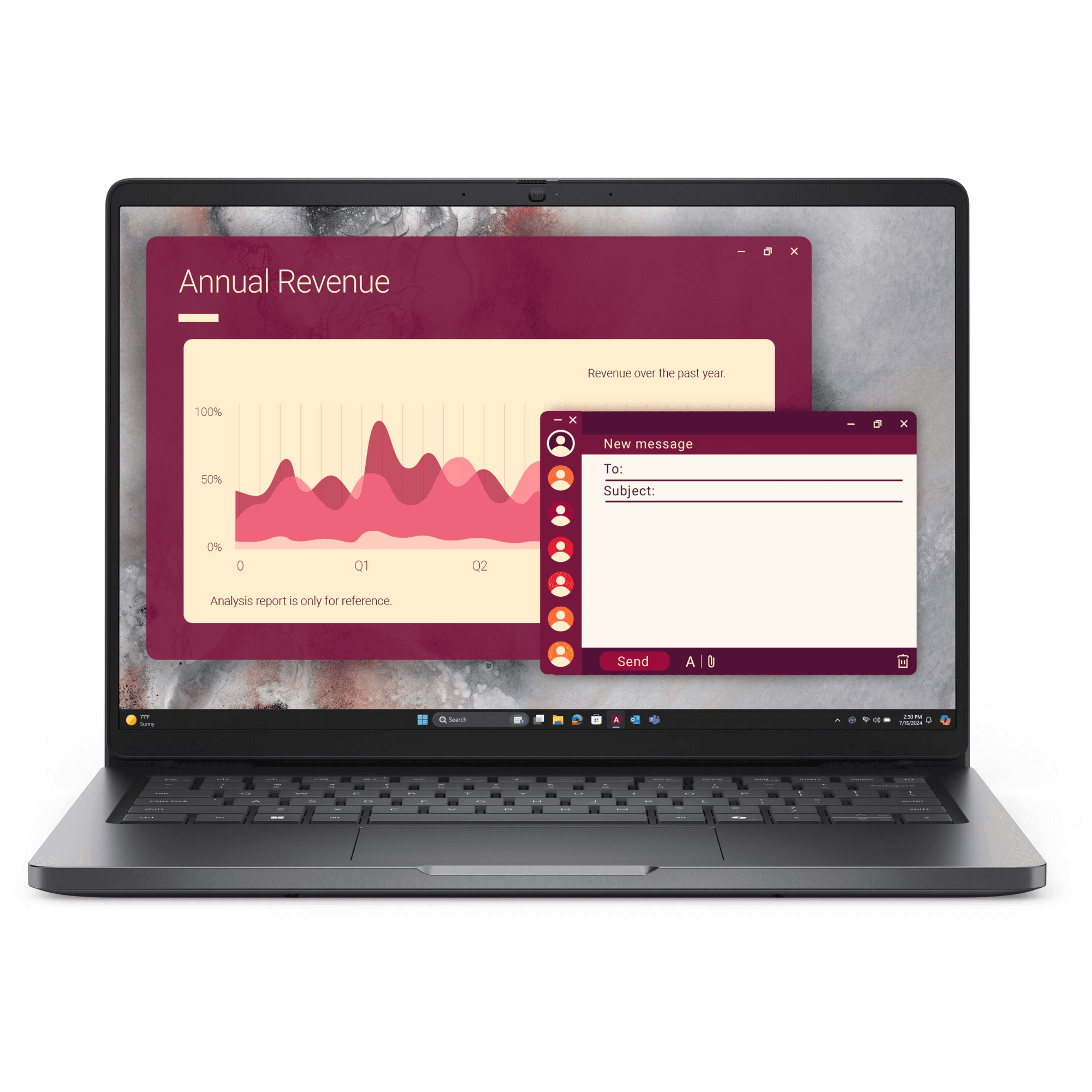
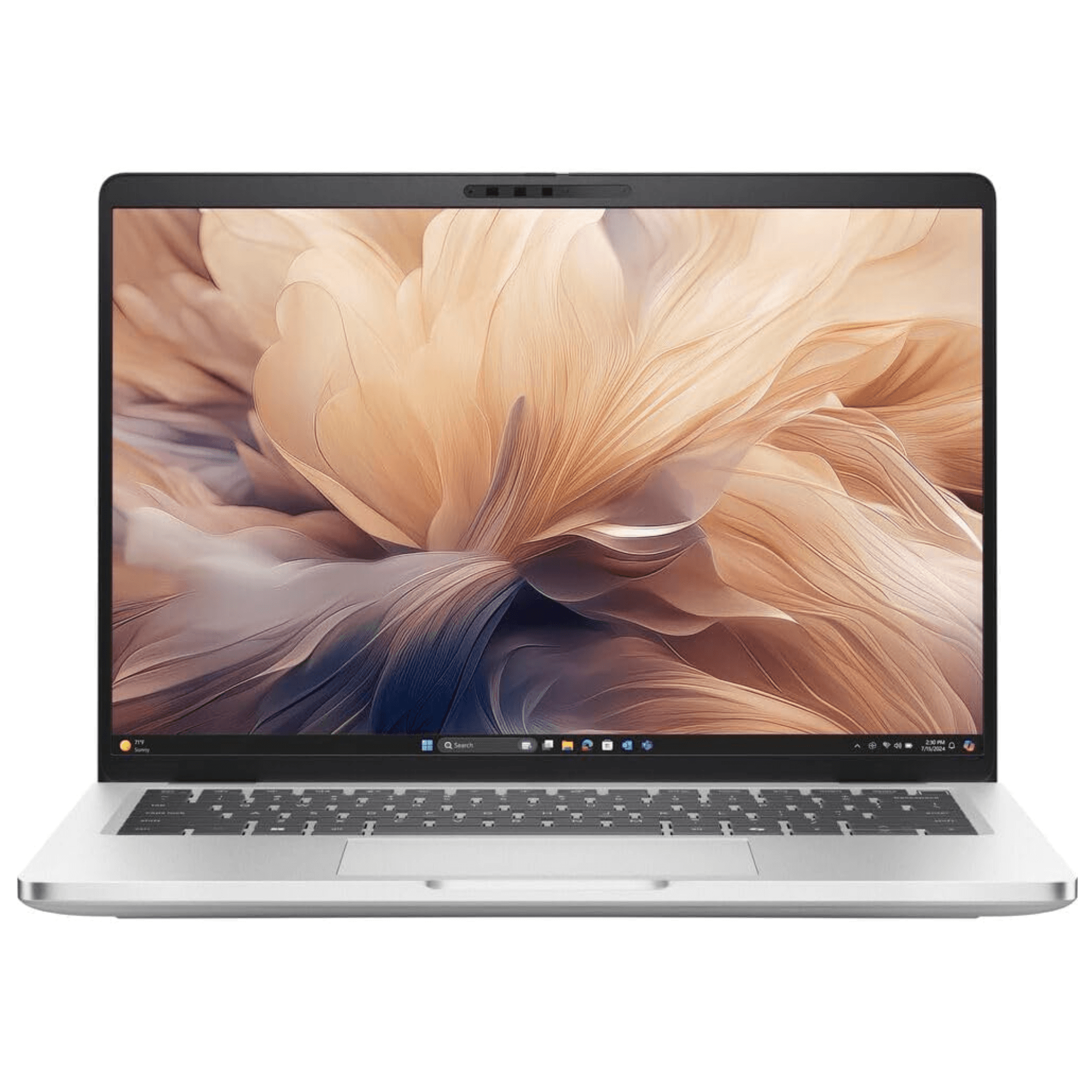
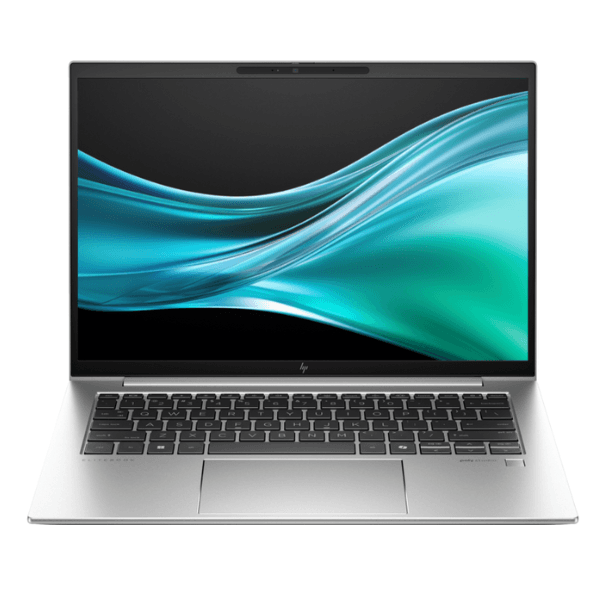
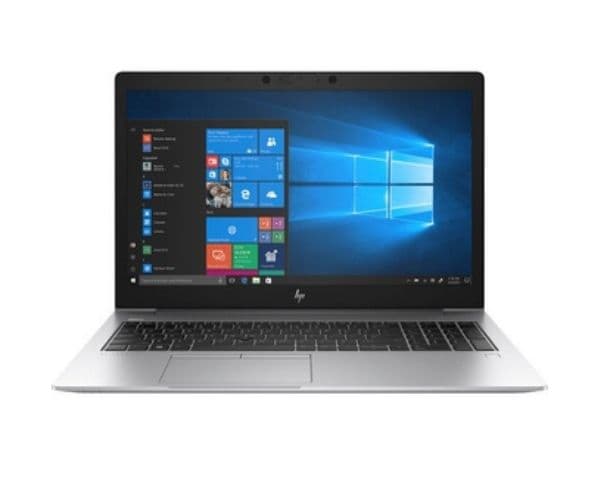
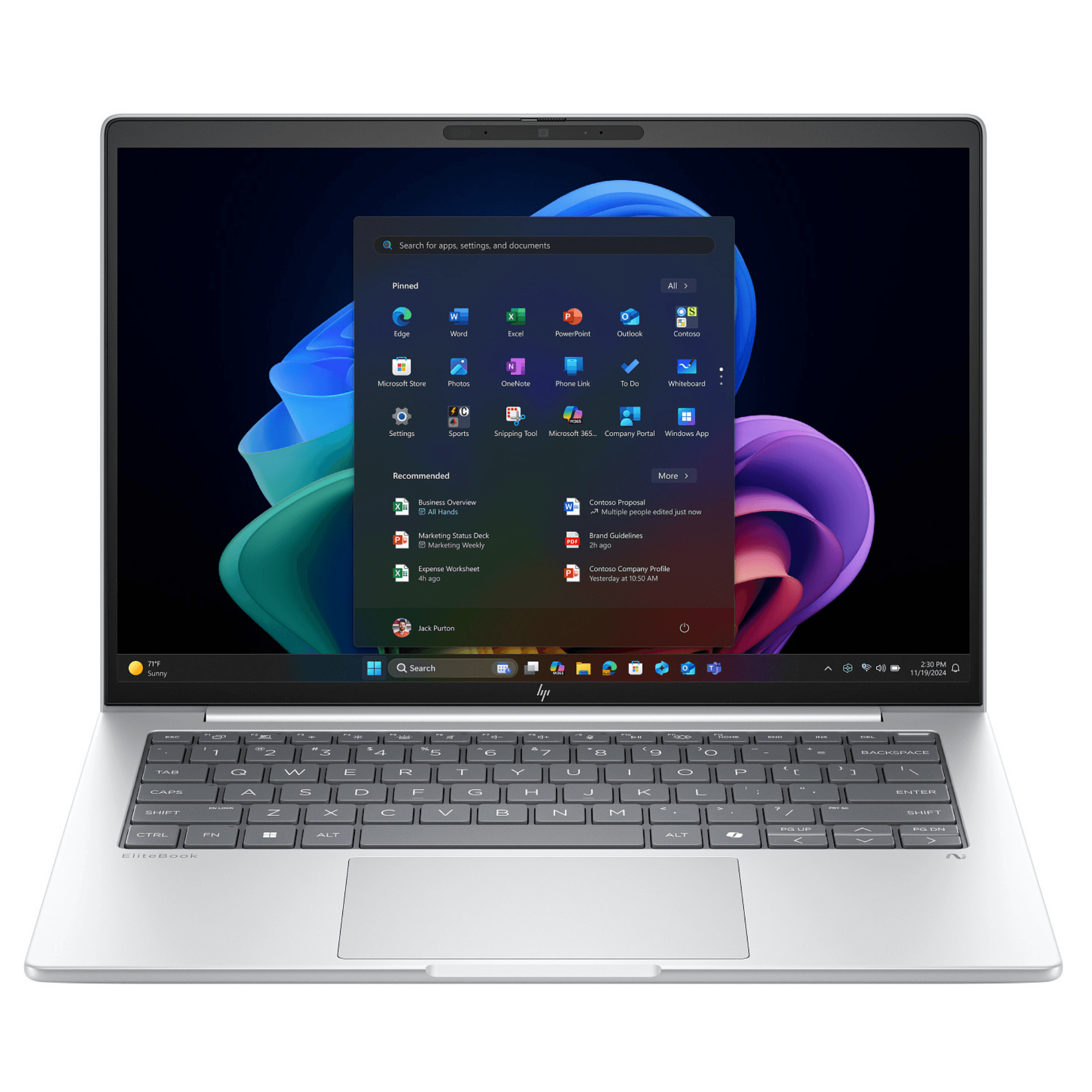
Unleash peak performance and productivity with the brand new, sealed HP EliteBook 840 G11. Designed for the modern professional in Uganda, this laptop is powered by the revolutionary Intel® Core™ Ultra 7 processor, delivering AI-accelerated performance for demanding applications, seamless multitasking, and enhanced power efficiency. Whether you're in the office in Kampala or working remotely, this EliteBook is built to keep you ahead.
This machine is engineered for excellence. With 16GB of high-speed DDR5 RAM, you can run multiple programs simultaneously without any slowdown. The super-fast 512GB NVMe SSD ensures your laptop boots up in seconds and applications load instantly, saving you valuable time. The stunning 14-inch WUXGA display provides crisp, clear visuals with vibrant colors, making it perfect for presentations, spreadsheets, and even relaxing with a movie after a long day's work. Advanced security features, including HP Wolf Security, protect your data from modern threats, giving you peace of mind.
Built with premium materials, the EliteBook 840 G11 is both durable and lightweight, making it easy to carry around. Its long-lasting battery life is a huge advantage, helping you stay productive even during power outages. This brand new laptop is more than just a tool; it's a reliable partner designed to handle the challenges of a dynamic work environment, offering the power, security, and portability you need to succeed.
📖 HOW TO USE
1. Carefully unbox your brand new HP EliteBook from its sealed packaging.
2. Connect the included HP Smart AC adapter and fully charge the battery before the first use.
3. Press the power button located on the top left of the keyboard deck to turn on the laptop.
4. Follow the on-screen Windows 11 Pro setup guide to connect to Wi-Fi and personalize your settings.
5. Once setup is complete, install your essential software and enjoy the premium performance.
💡 TIPS & CARE
• Register your laptop on the HP official website to easily access support and warranty services.
• Invest in a quality laptop bag or sleeve to protect your device from scratches and bumps during transit.
• Consider a USB-C docking station to connect to multiple monitors and accessories with a single cable.
• Regularly update Windows and HP support software to ensure you have the latest features and security patches.