Product Description
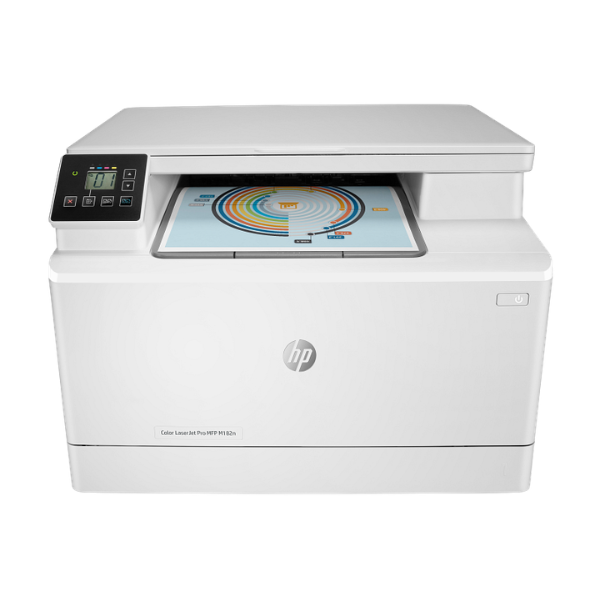
Unlock professional-quality color printing for your small business or home office in Uganda with the brand new HP Color LaserJet Pro MFP M182n. This powerful, compact machine is a smart investment, combining three essential office functions—printing, copying, and scanning—into one efficient device. Save space, reduce energy consumption, and simplify your workflow with this reliable all-in-one solution.
Engineered for performance, the M182n delivers crisp text and vibrant color graphics at speeds of up to 17 pages per minute. The high-quality laser technology ensures every document, from invoices to marketing brochures, looks sharp and professional. With built-in Fast Ethernet connectivity, you can easily share the printer across your office network, allowing your entire team to print and scan seamlessly. The intuitive control panel and flatbed scanner make copying and digitizing documents straightforward and quick.
This is a BRAND NEW, sealed unit, ready to work hard for your business from day one. Whether you're creating client presentations, scanning important records, or making quick copies, the HP M182n is built to handle the demands of a busy work environment. It's the perfect tool to help you produce impressive documents in-house, giving your business a professional edge.
📖 HOW TO USE
1. Unbox the brand new printer and remove all protective tapes and packing materials.
2. Install the pre-installed HP toner cartridges by pulling the orange tabs.
3. Load A4 paper into the 150-sheet input tray and adjust the paper guides.
4. Connect the power cord to a wall outlet and the printer. Connect the Ethernet or USB cable to your network or computer.
5. Power on the printer and follow the on-screen prompts or use the HP Smart app to complete the setup and install drivers.
💡 TIPS & CARE
• For best results and to protect your printer, always use genuine HP 216A toner cartridges.
• Connect the printer to your office network via the Ethernet port to enable printing for multiple users.
• Use the HP Smart app on your computer or phone for easy scanning and to monitor toner levels.
• To save on toner, you can enable 'EconoMode' in the print driver settings for draft documents.




