Product Description
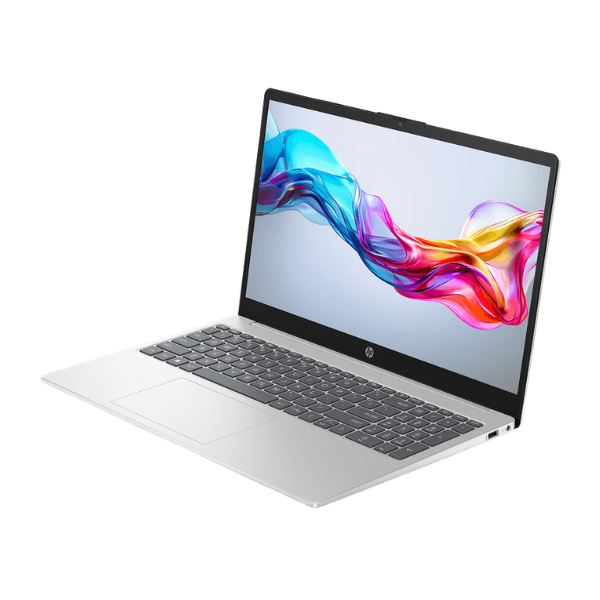
Unlock your productivity potential with the brand new HP 250 G10 Laptop. Designed for the modern professional and ambitious student in Uganda, this machine packs a powerful 13th Generation Intel Core i7 processor into a slim, durable, and portable chassis. Coupled with 8GB of DDR4 RAM and a super-fast 512GB NVMe SSD, you'll experience lightning-fast boot times, quick application launches, and seamless multitasking, whether you're working on spreadsheets, attending online meetings, or streaming content.
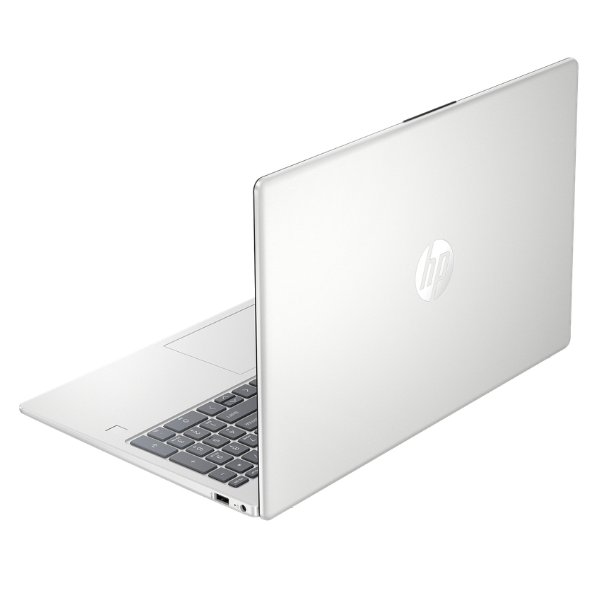
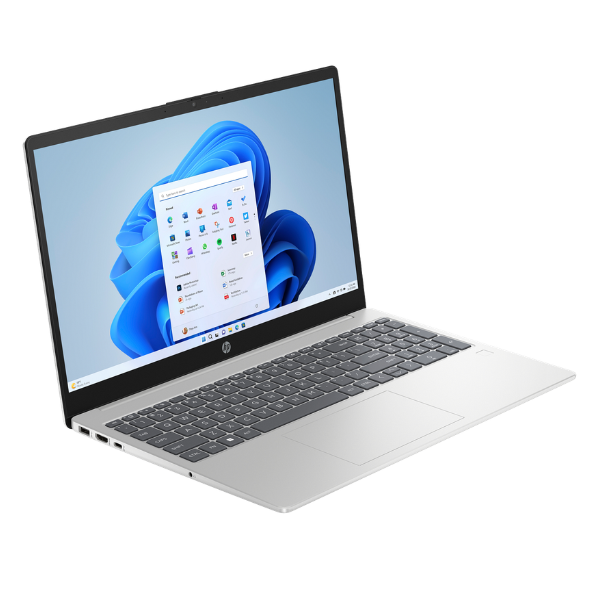
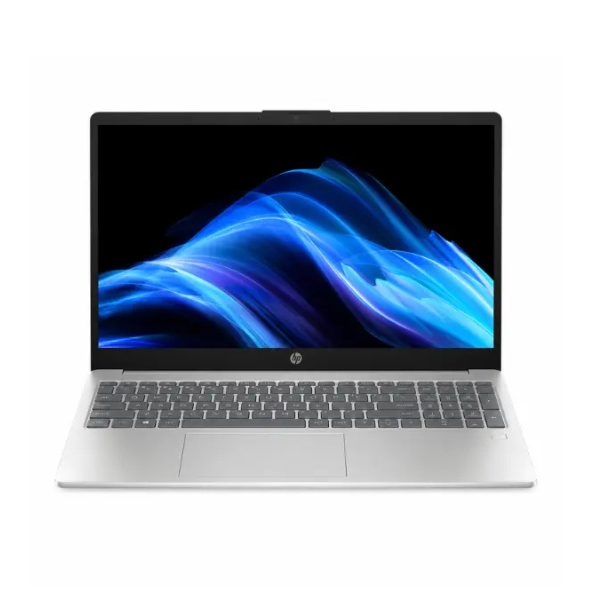
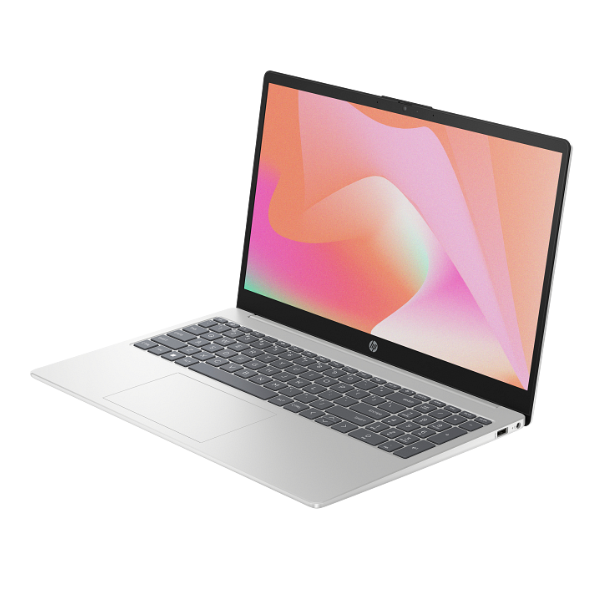
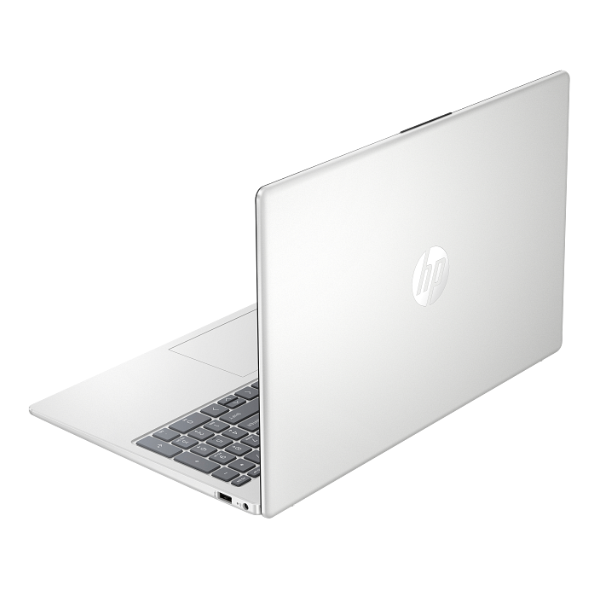
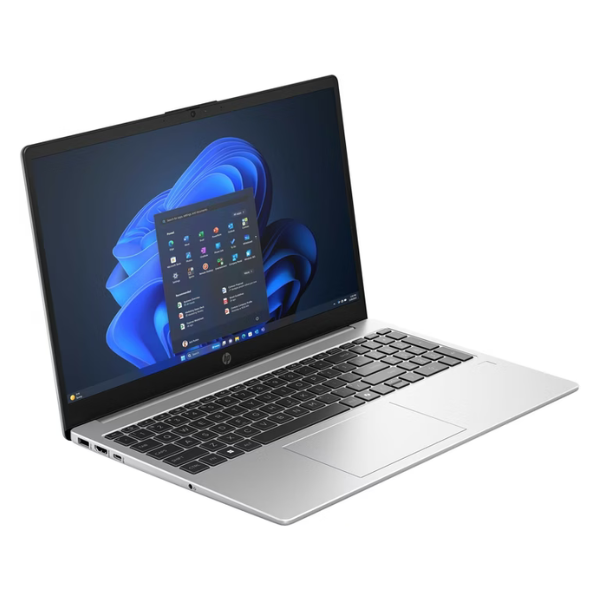
The HP 250 G10 isn't just about performance; it's about the experience. The vibrant 15.6-inch Full HD display offers crisp, clear visuals, making it perfect for both work and entertainment. Its narrow-bezel design provides an immersive viewing area in a compact frame. Built for collaboration, it includes an integrated HD webcam and dual-array microphones, ensuring you look and sound your best during video calls. The durable, silver-colored chassis is both stylish and ready for the demands of daily use, making it a reliable companion for your hustle.
This brand new, sealed laptop comes equipped with all the essential ports you need, including USB-C for fast data transfer, USB-A for your existing peripherals, and an HDMI port for connecting to external displays. It's the perfect blend of power, design, and value, providing a dependable computing solution that helps you get the job done efficiently, whether you're in the office, at home, or on the move. Get ahead with a laptop that's built to perform and designed to last.
📖 HOW TO USE
1. Carefully unbox the laptop and all included accessories.
2. Connect the AC adapter to the laptop and a power outlet, and allow it to charge fully before first use.
3. Press the power button to turn on the laptop.
4. Follow the on-screen prompts to install your preferred operating system (e.g., Windows or Linux).
5. Connect to your Wi-Fi network, install necessary drivers and software, and start working.
💡 TIPS & CARE
• Install a genuine antivirus program to protect your data from malware.
• Purchase a laptop bag or sleeve to protect it from scratches and bumps during travel.
• Consider upgrading the RAM in the future for even more demanding multitasking.
• Regularly back up your important files to an external drive or cloud storage.