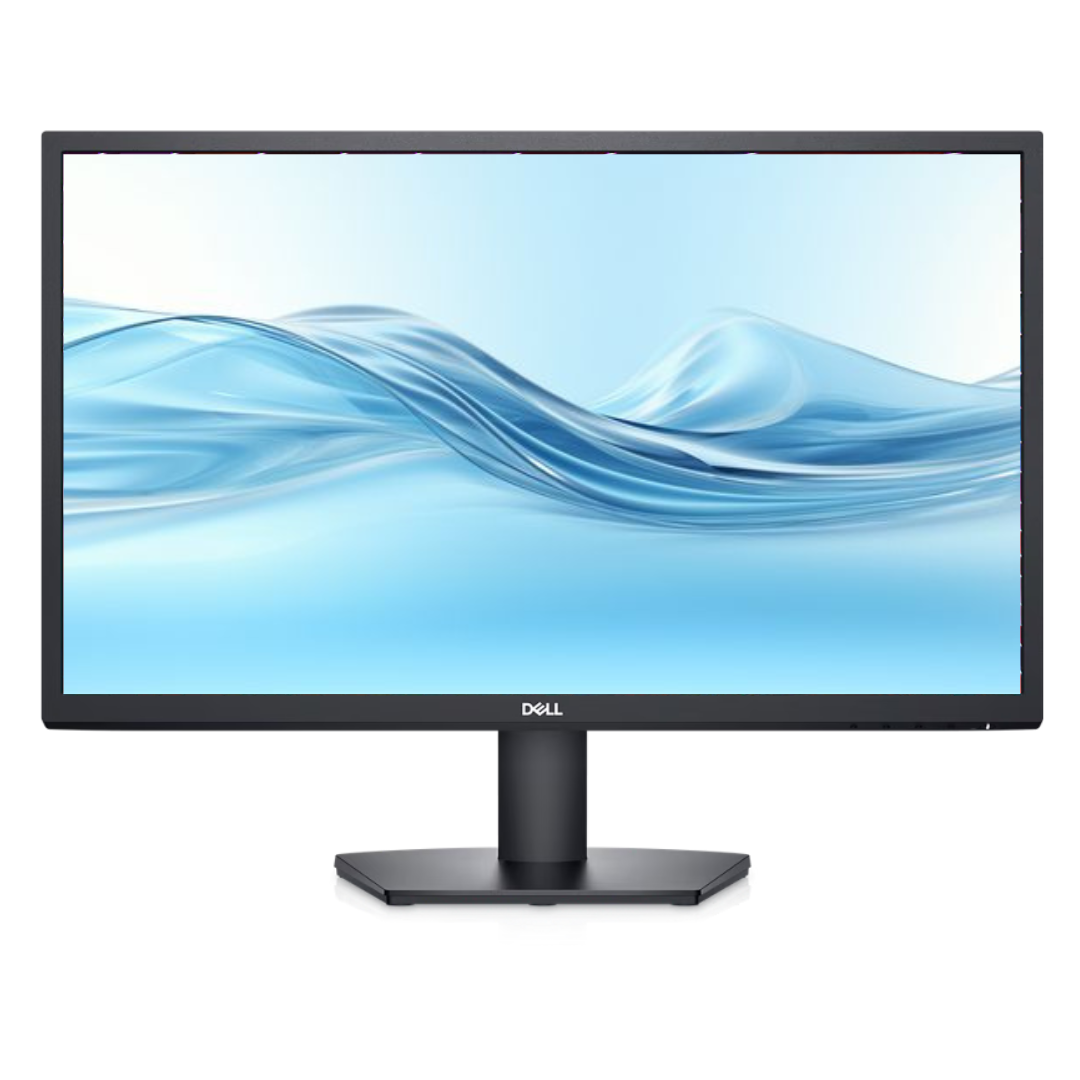
Product Description
Upgrade your workspace or entertainment setup with the BRAND NEW Dell SE2722H 27-inch Monitor. This large, vibrant screen brings your content to life with its Full HD 1920x1080 resolution, delivering crisp details and clear images whether you're working on spreadsheets, editing photos, or watching your favourite movies.
Built with a VA (Vertical Alignment) panel, this monitor offers an impressive 3000:1 contrast ratio, which means you get deeper blacks and brighter whites for a more dynamic viewing experience. Gamers and video enthusiasts will appreciate the AMD FreeSync technology, which syncs the monitor's 75Hz refresh rate with your graphics card to eliminate screen tearing and stuttering for incredibly smooth motion. The slim bezels create a modern look and are perfect for multi-monitor setups, while Dell's ComfortView feature reduces harmful blue light emissions to keep your eyes comfortable during long hours of use.
This monitor is incredibly versatile and practical for any Ugandan home or office. Connect it easily to your laptop or desktop computer using the included HDMI or VGA ports. It's the perfect choice for students who need more screen space for research, professionals working from home, or anyone looking to enjoy a bigger, better screen for entertainment. Get this brand new, sealed monitor today and see the difference it makes!
📖 HOW TO USE
1. Carefully unbox the monitor and all its components from the packaging.
2. Attach the stand base to the stand riser, then securely attach the assembled stand to the back of the monitor panel.
3. Connect the power cord to the monitor and plug it into a wall outlet.
4. Connect the HDMI or VGA cable from your computer's video output to the corresponding port on the monitor.
5. Press the power button on the monitor to turn it on, and then turn on your computer.
💡 TIPS & CARE
• For the best experience, set your computer's display resolution to 1920x1080 at 75Hz.
• If you have an AMD graphics card, enable FreeSync in your graphics driver settings for smoother gaming.
• Use the built-in on-screen display (OSD) menu to adjust brightness, contrast, and color settings to your preference.
• Activate the ComfortView preset for late-night work or reading to reduce eye strain.