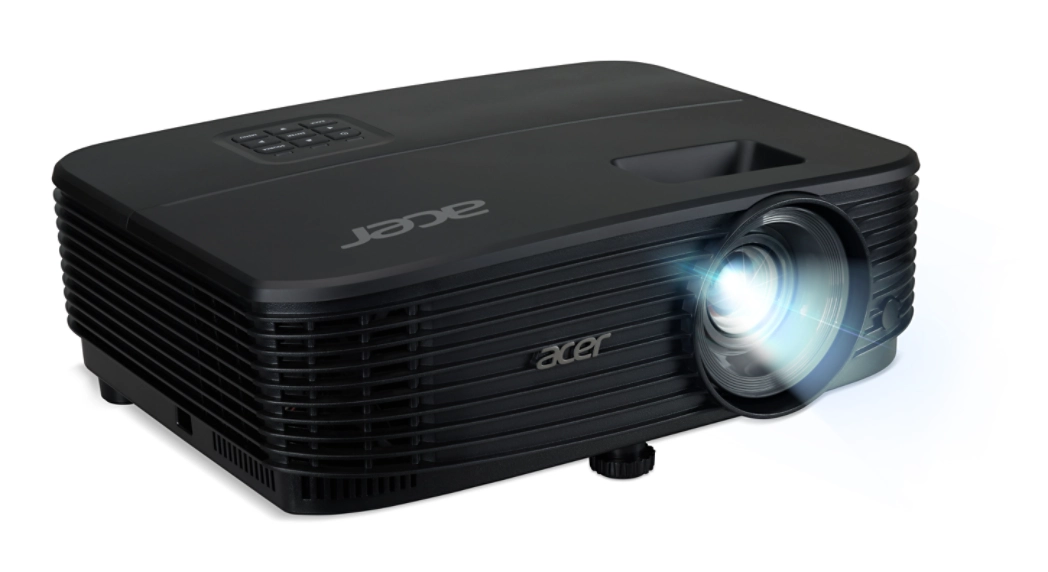
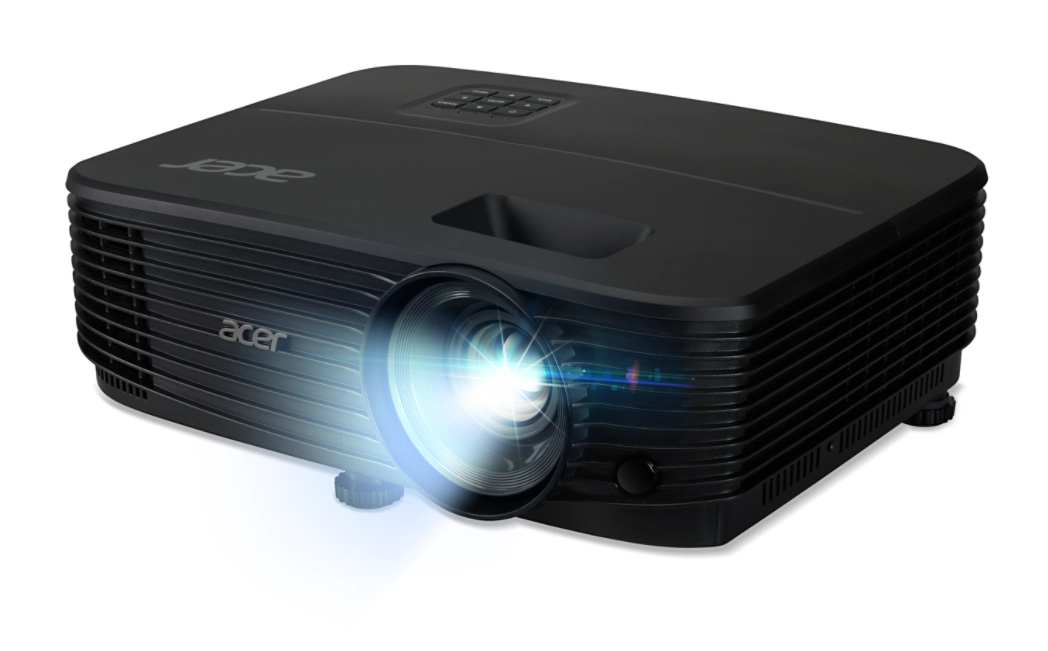
Product Description
Bring your presentations and entertainment to life with the brand new Acer X1126AH SVGA Projector. Designed for clarity and brilliance, this projector boasts an incredible 4000 lumens of brightness, ensuring your images are vibrant and clear, even in rooms with ambient light. Whether you're in a boardroom, a classroom, or your living room in Kampala, your audience will be captivated by the sharp, detailed picture.
This projector is packed with advanced Acer technologies to enhance your viewing experience:
- Acer LumiSense™: Intelligently adjusts image brightness and color saturation based on the content you're viewing.
- Acer ColorBoost3D™: Delivers stunning, natural-looking colors for both 2D and 3D content.
- Acer ColorSafe II: Prevents color decay, ensuring your projector's colors remain true and vibrant for years to come.
Built for convenience and long-term value, the Acer X1126AH is a smart investment. The incredible lamp can last up to 15,000 hours in ExtremeEco mode, which means fewer replacements and lower running costs. With a built-in 3W speaker, you can get audio right out of the box, perfect for impromptu meetings or movie nights. Multiple connectivity options, including HDMI and VGA, allow you to easily connect your laptop, media player, or gaming console. Get this reliable, high-performance projector today and elevate your visual experience.
📖 HOW TO USE
1. Unbox the brand new projector and all included accessories.
2. Place the projector on a flat, stable surface or mount it securely to the ceiling.
3. Connect the power cord to a power outlet and your video source (e.g., laptop) using an HDMI or VGA cable.
4. Remove the lens cap and press the power button on the projector or the remote control.
5. Use the focus ring to get a sharp image and the keystone correction to make the image perfectly rectangular.
💡 TIPS & CARE
• For the best image quality, project onto a white or light-grey screen or wall.
• Use the ExtremeEco mode to significantly extend the lamp's lifespan and save on electricity.
• Regularly clean the lens with a soft, lint-free microfiber cloth to maintain a clear picture.
• For a powerful sound experience in a large room, connect external speakers via the audio-out port.